The Avatar 2.0 feature allows you to upload character images, add voiceovers, and describe the character’s expressions to generate lifelike dynamic avatar videos. The newly upgraded Avatar 2.0 dramatically enhances performance, offering full coverage for 5-minute-long content scenes!
Kling AI Avatar 2.0 Showcase
1. 5-Minute Video Coverage for Long Content Scenes:
Input | Avatar 2.0 | |
prompt:Excited and joyful, the child raises her hands covered in paint, laughing and interacting with the colorful art supplies on the table, camera zooms in. |  |   From Kling AI Elite Creator @Ady Media Design |
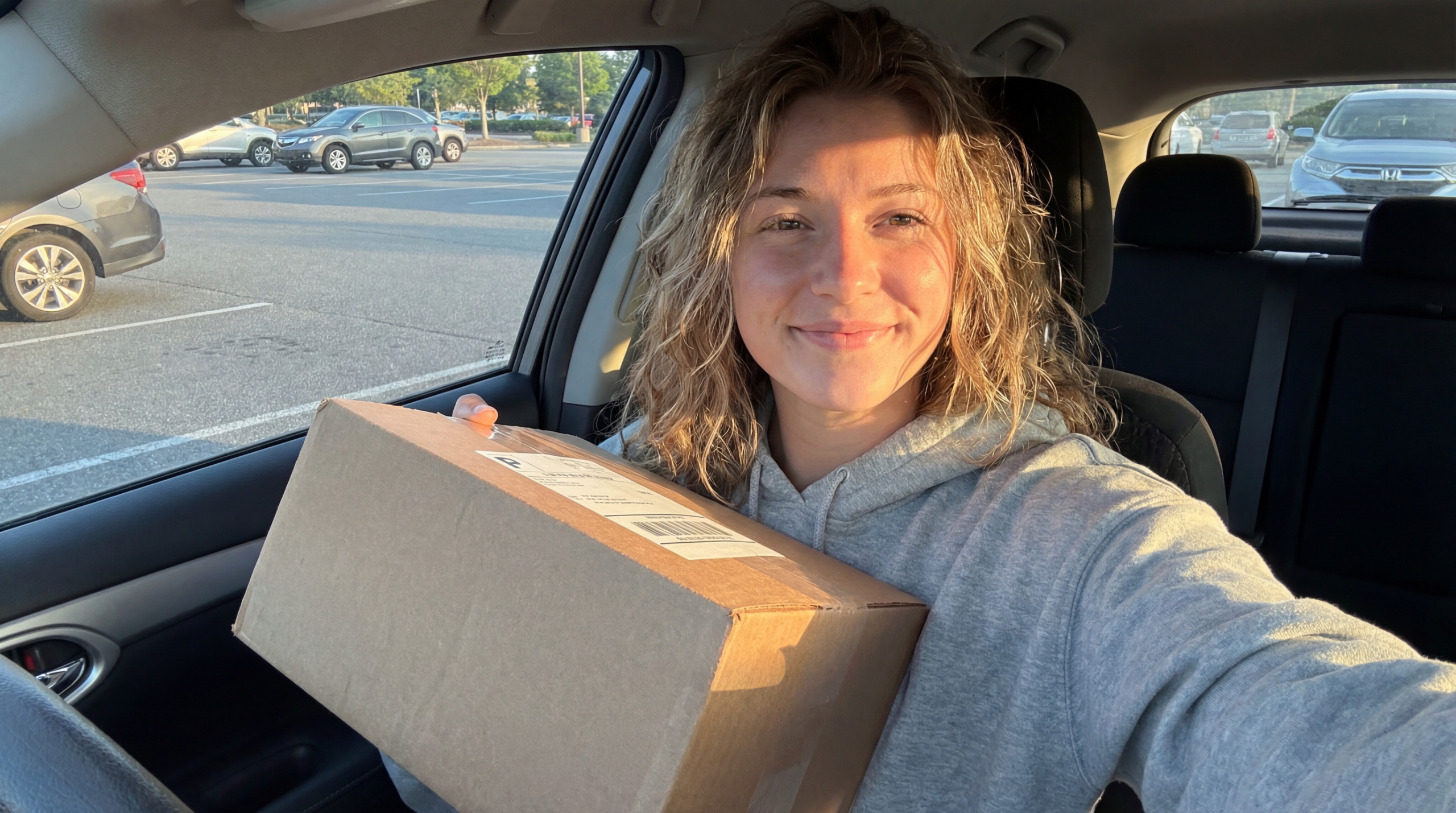
prompt:Selfie of a young lady with a bright smile, her eyes sparkling with excitement as she sits in the driver's seat. Very Subtile handheld camera mouvement. No cars passing by. No distortions. Very natural mouvements | | 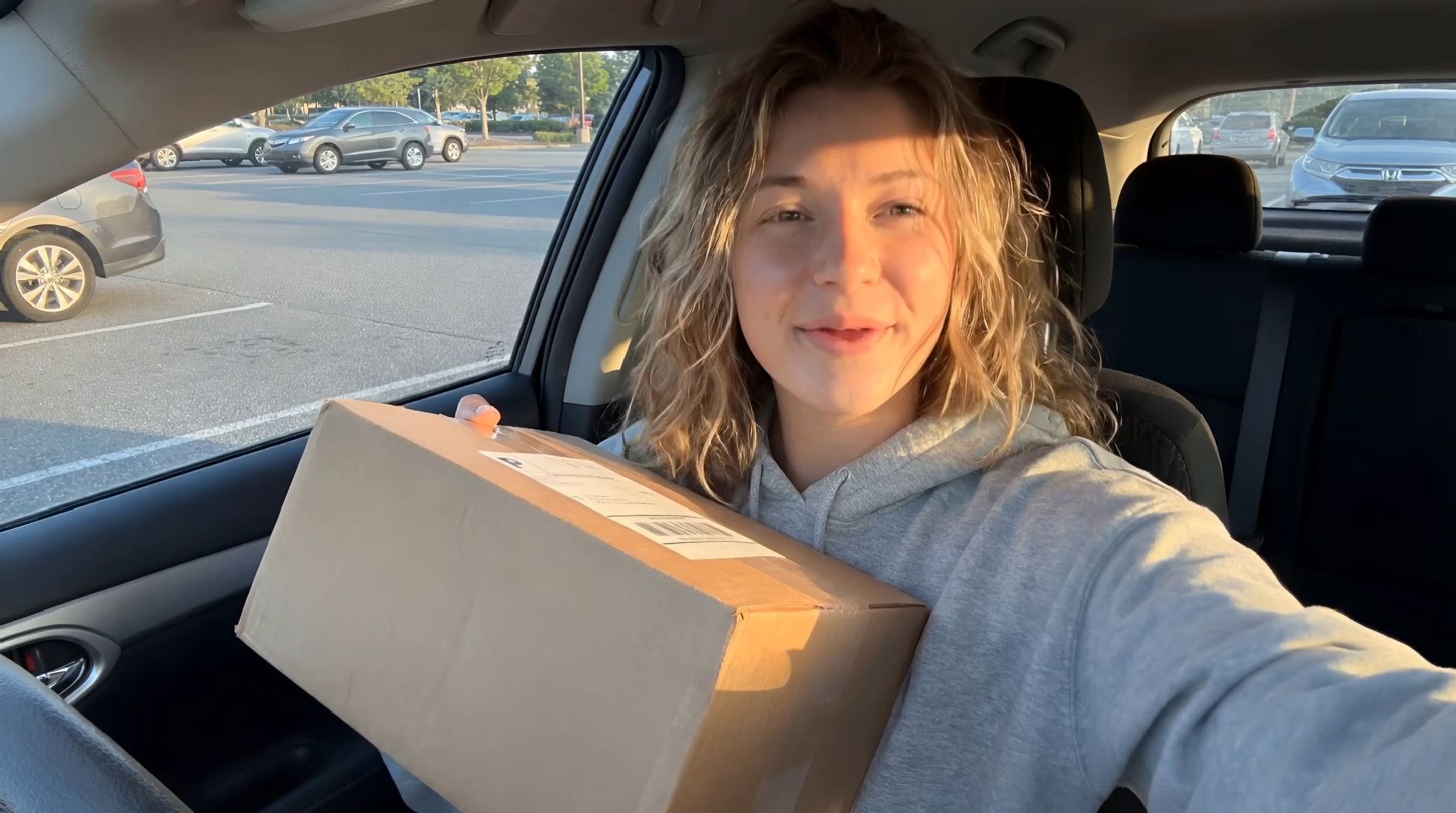 From King AI Creative Partner @ViralAiFun |
prompt:With a joyful expression Santa laughs and interacts with the camera, gesturing with open hands wearing white gloves, exuding holiday cheer and joy, surrounded by festive lights and decorations, creating a powerful performance. | |  From Kling AI Elite Creator @Ady Media Design |
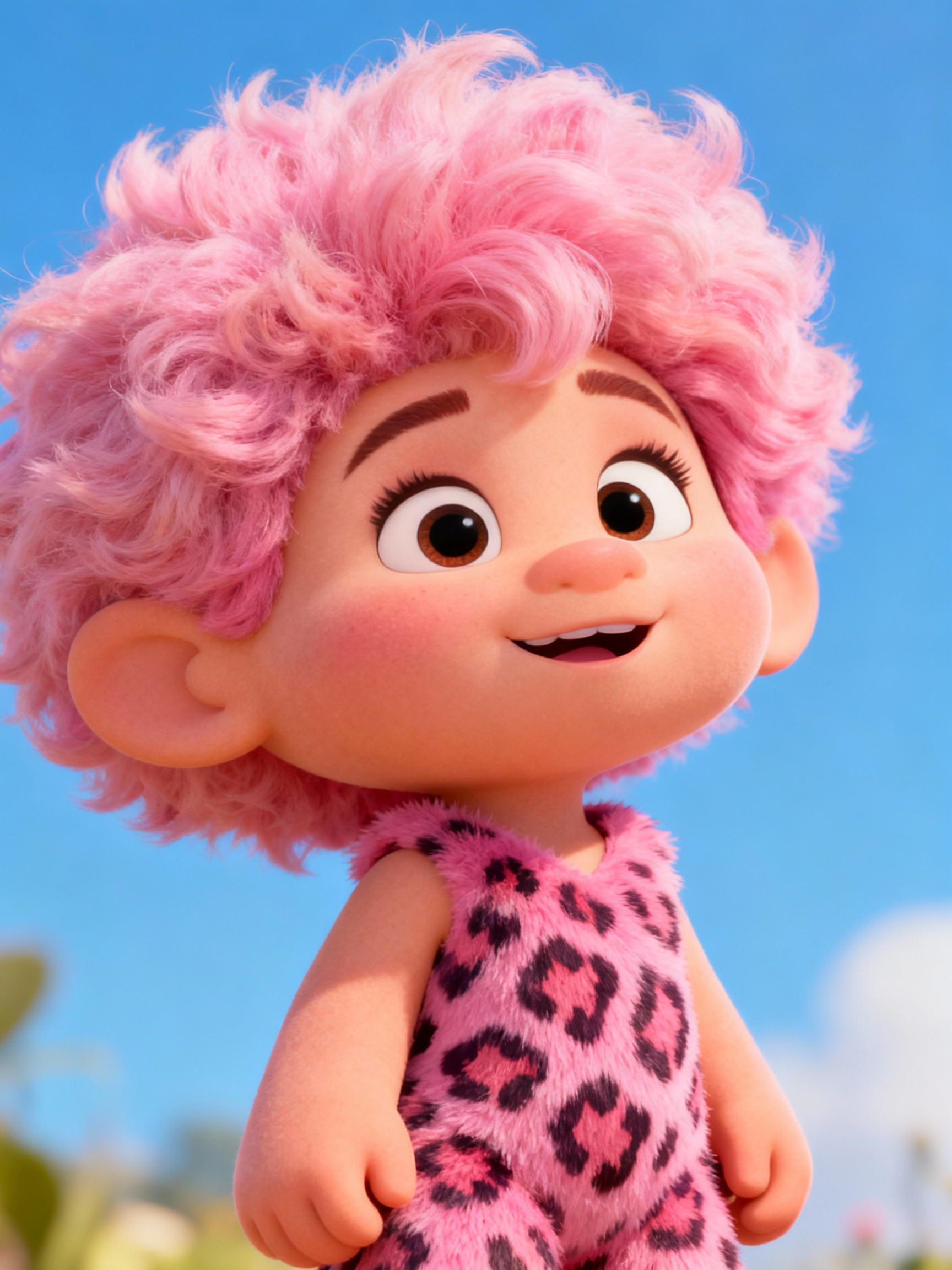
| | 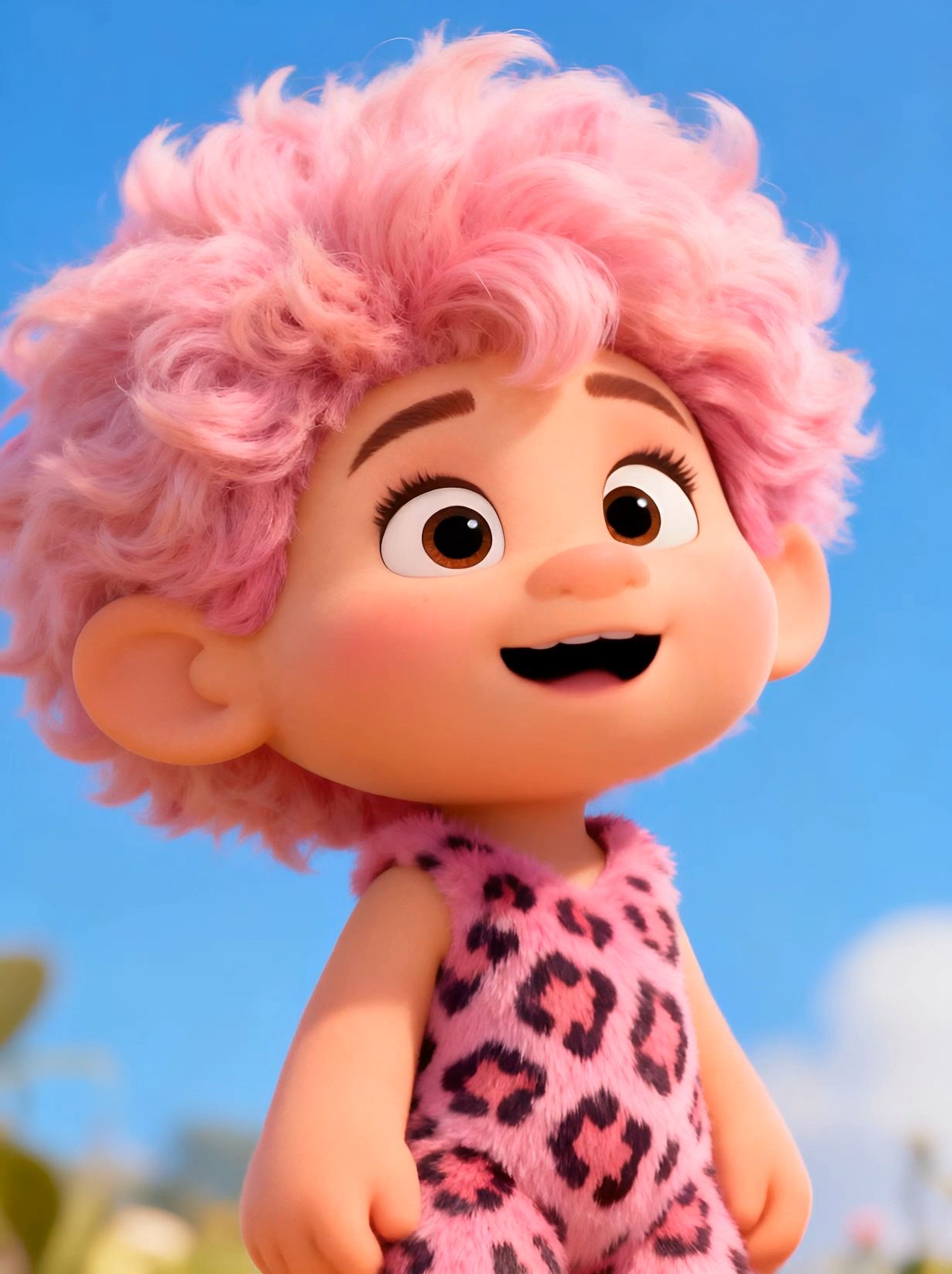 |


2. Stable and Clear Hand Movements:
Input | Avatar 2.0 | |
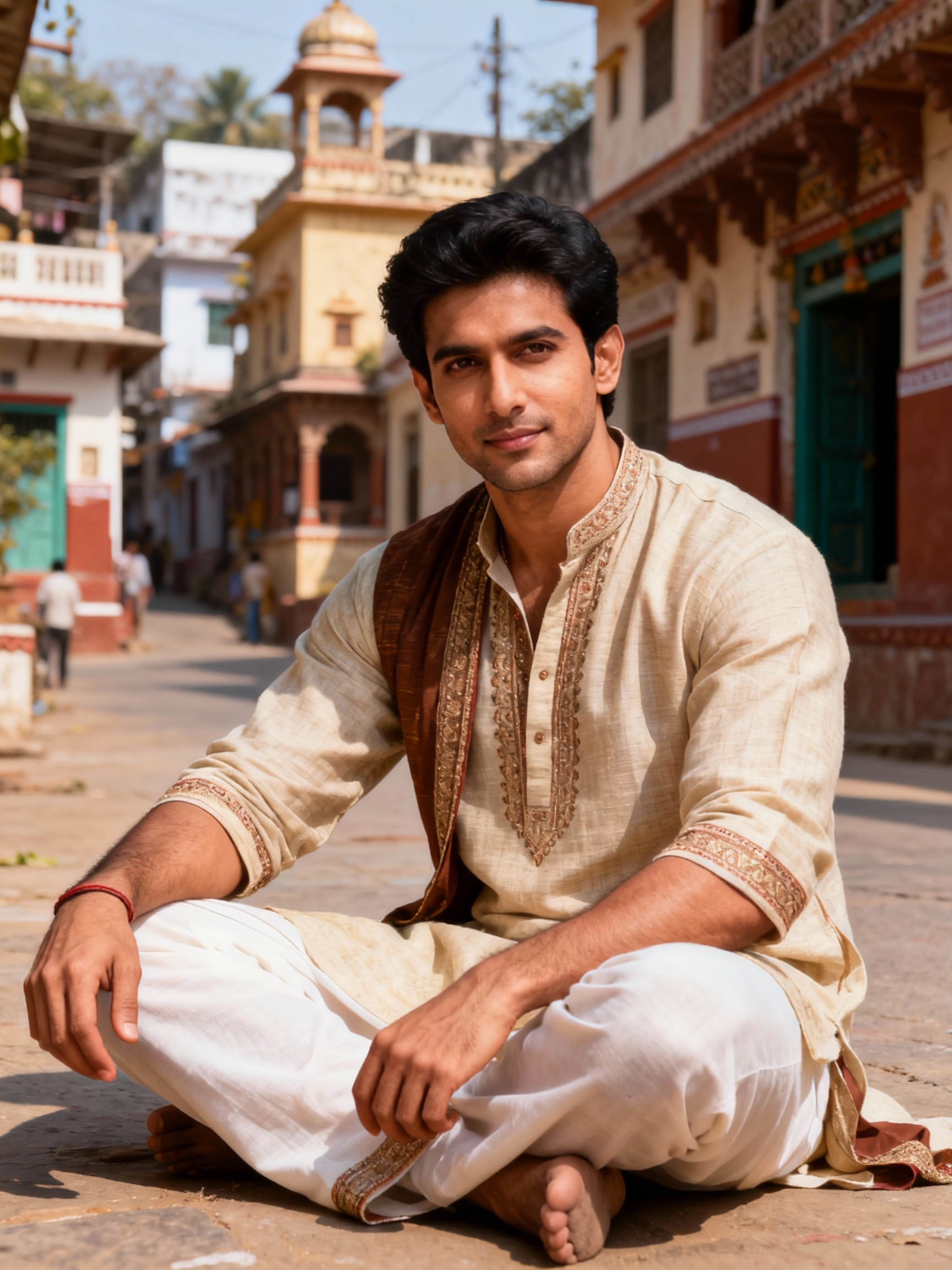
prompt:Put hands together in front of your chest, and finally hold them together and tell a story naturally. | | 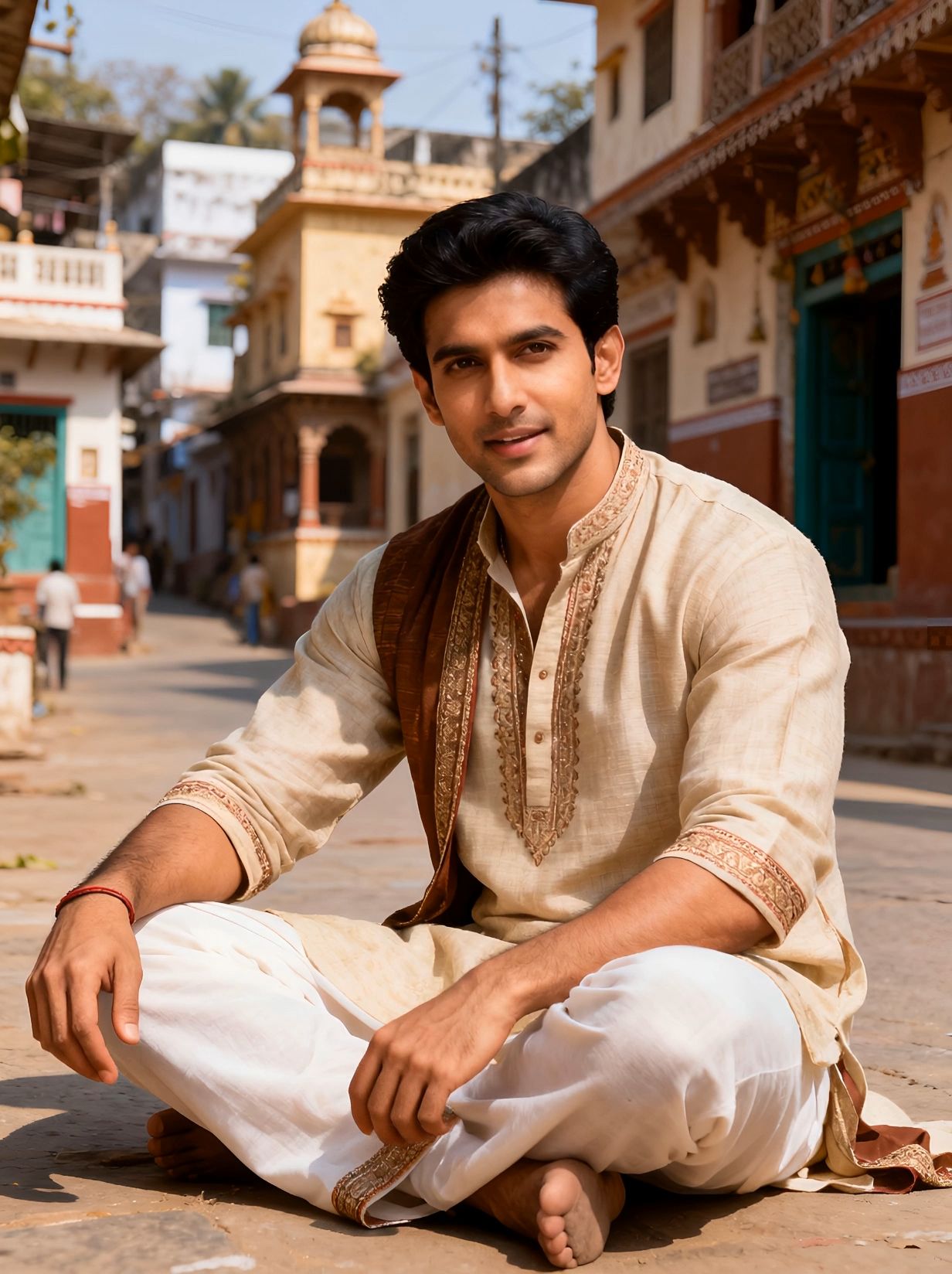 |
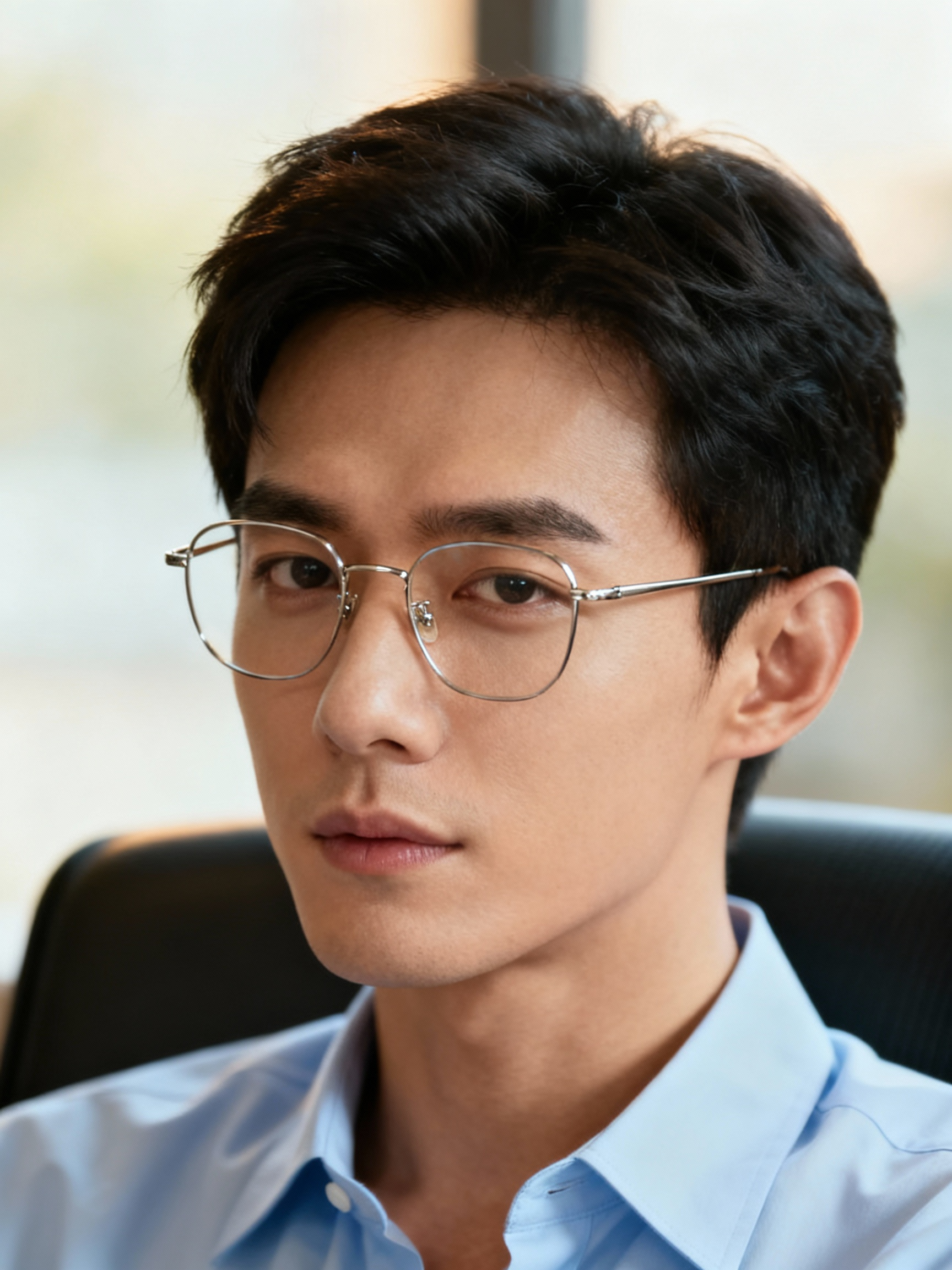
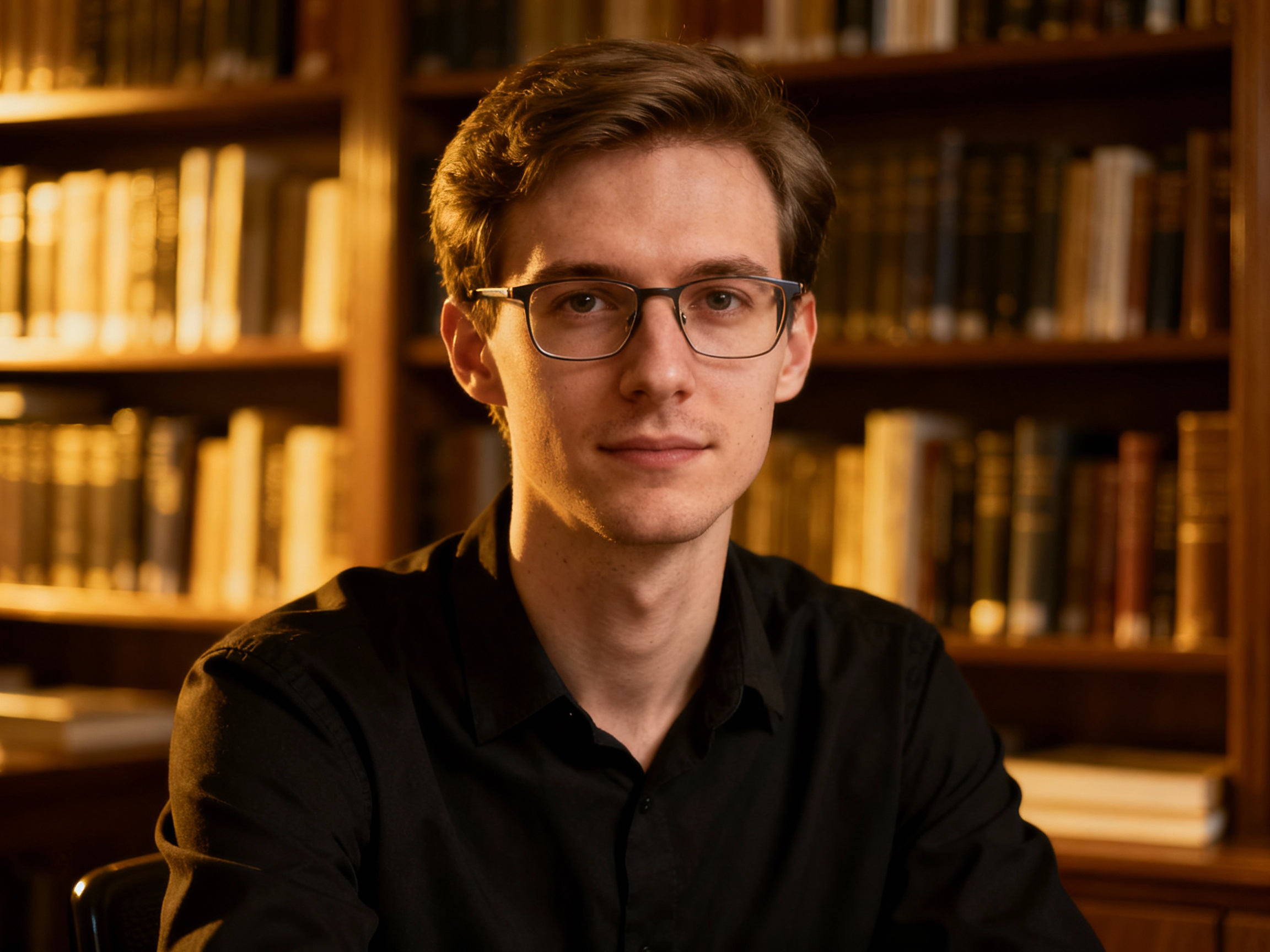
prompt: He raised his hand to touch his glasses and then angrily pointed at the camera with his finger. | | 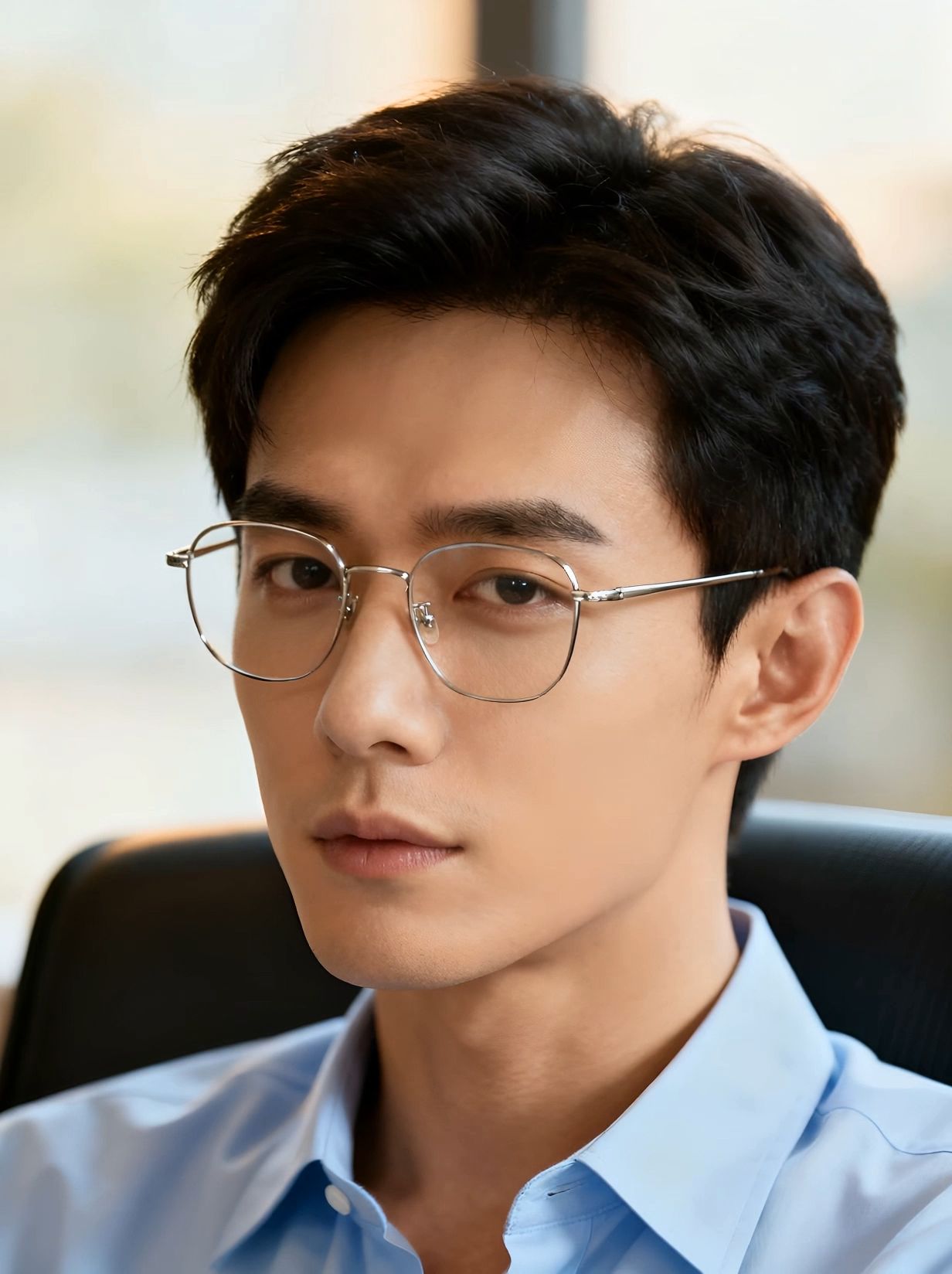 |
3. Improved Performance and Action Quality:
Input | Avatar 2.0 | |
prompt: patient and gentle explanations, occasionally glancing at the item in the hand, maintaining a smile, with natural movement. | | 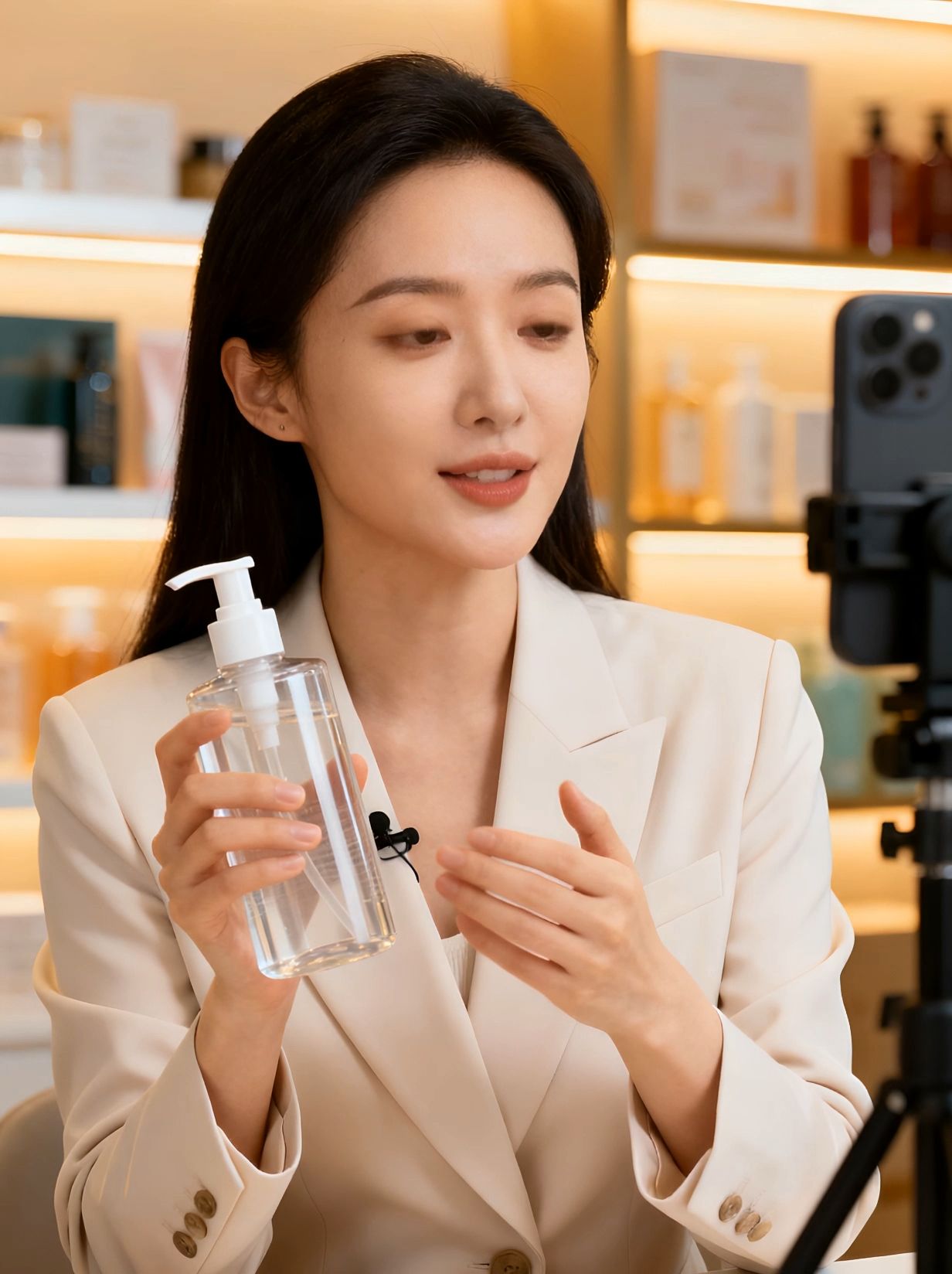 |
prompt: Professional explanations, natural movements, and sometimes use gestures to assist in the explanation. | | 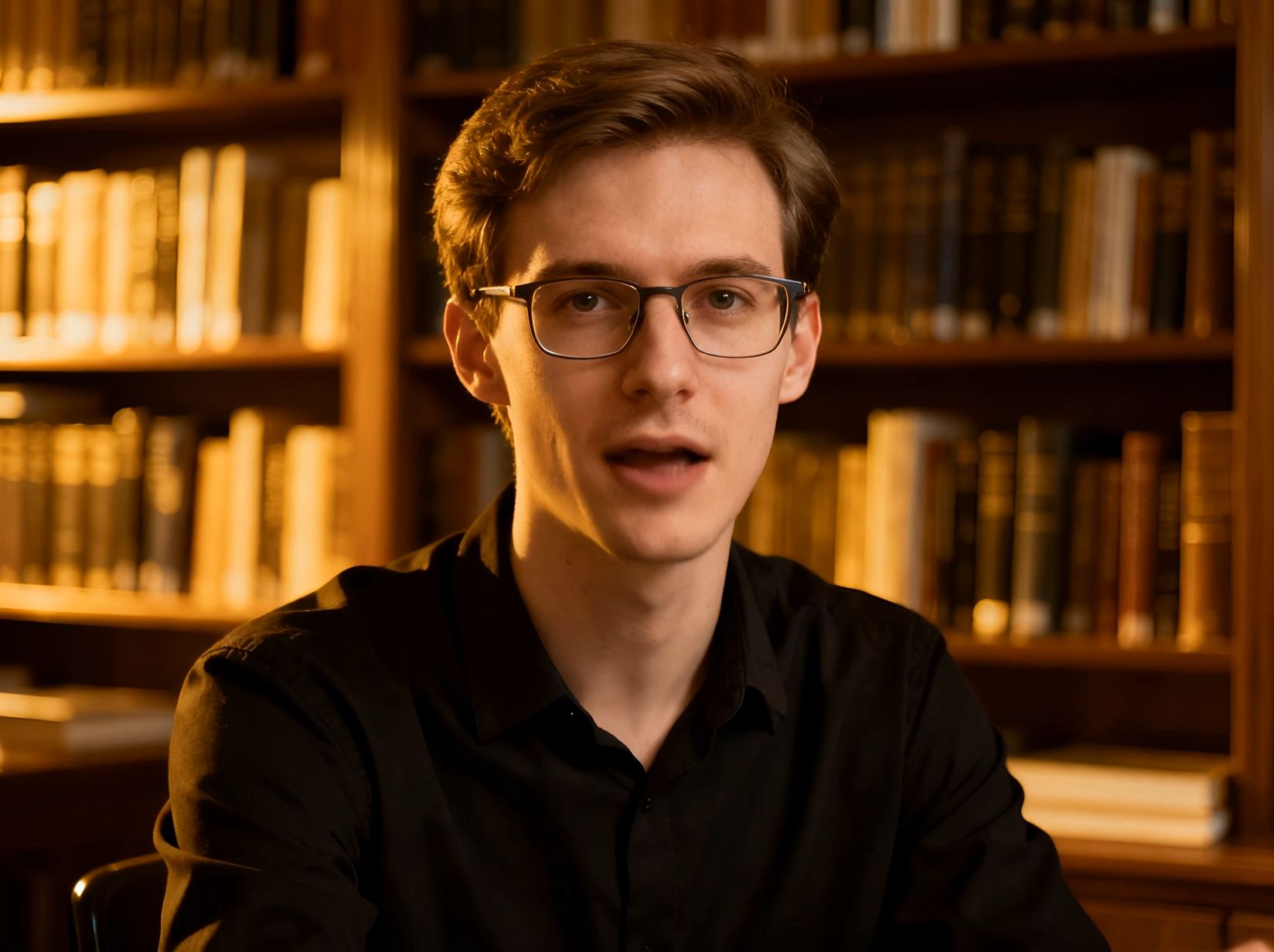 |
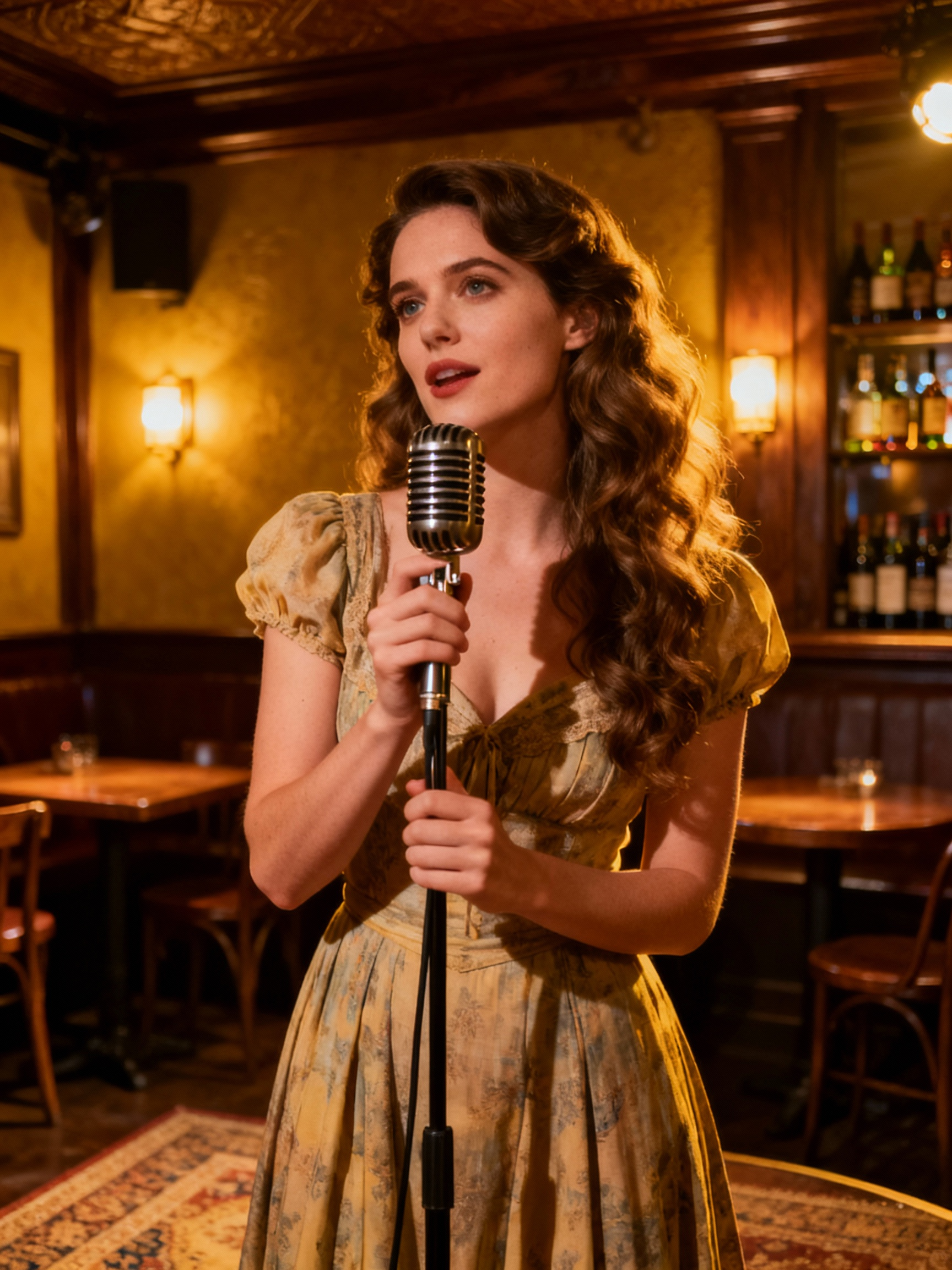
prompt: The singer sings earnestly, enjoying the stage with a smile, and her body movements sway naturally in coordination with the performance. | | 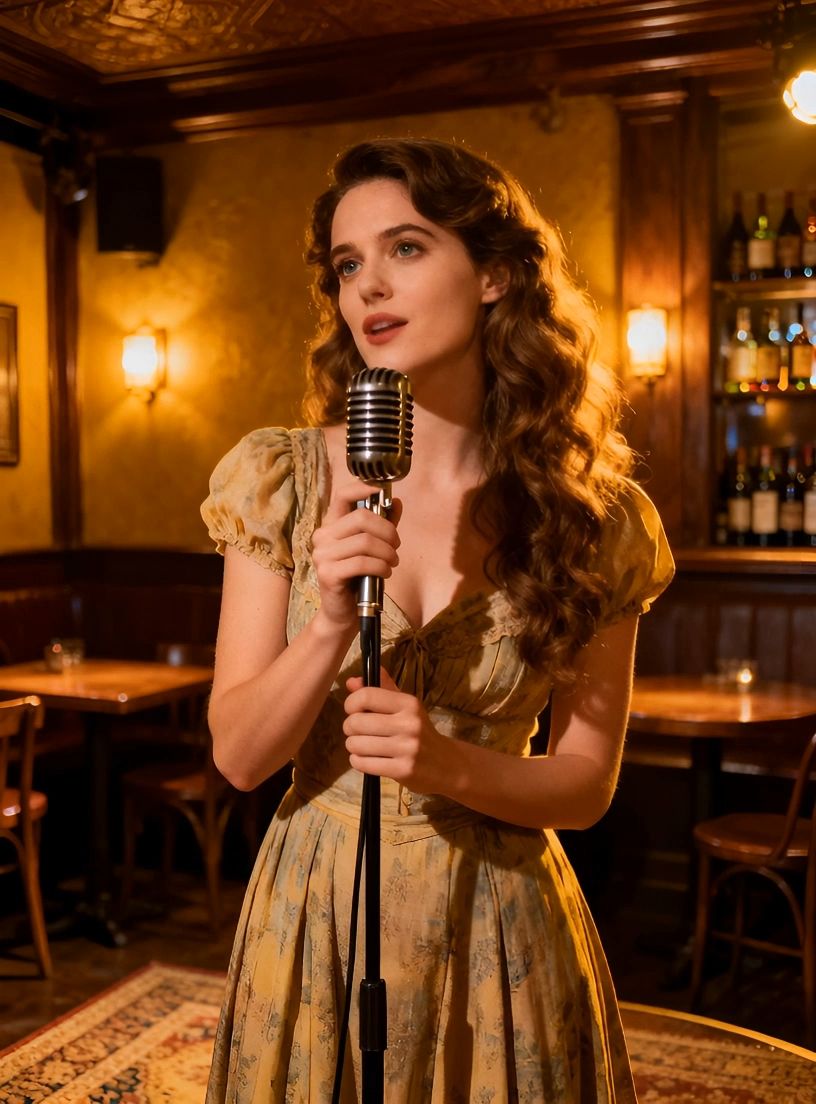 |
4. Excellent Lip Sync:
Input | Avatar | |
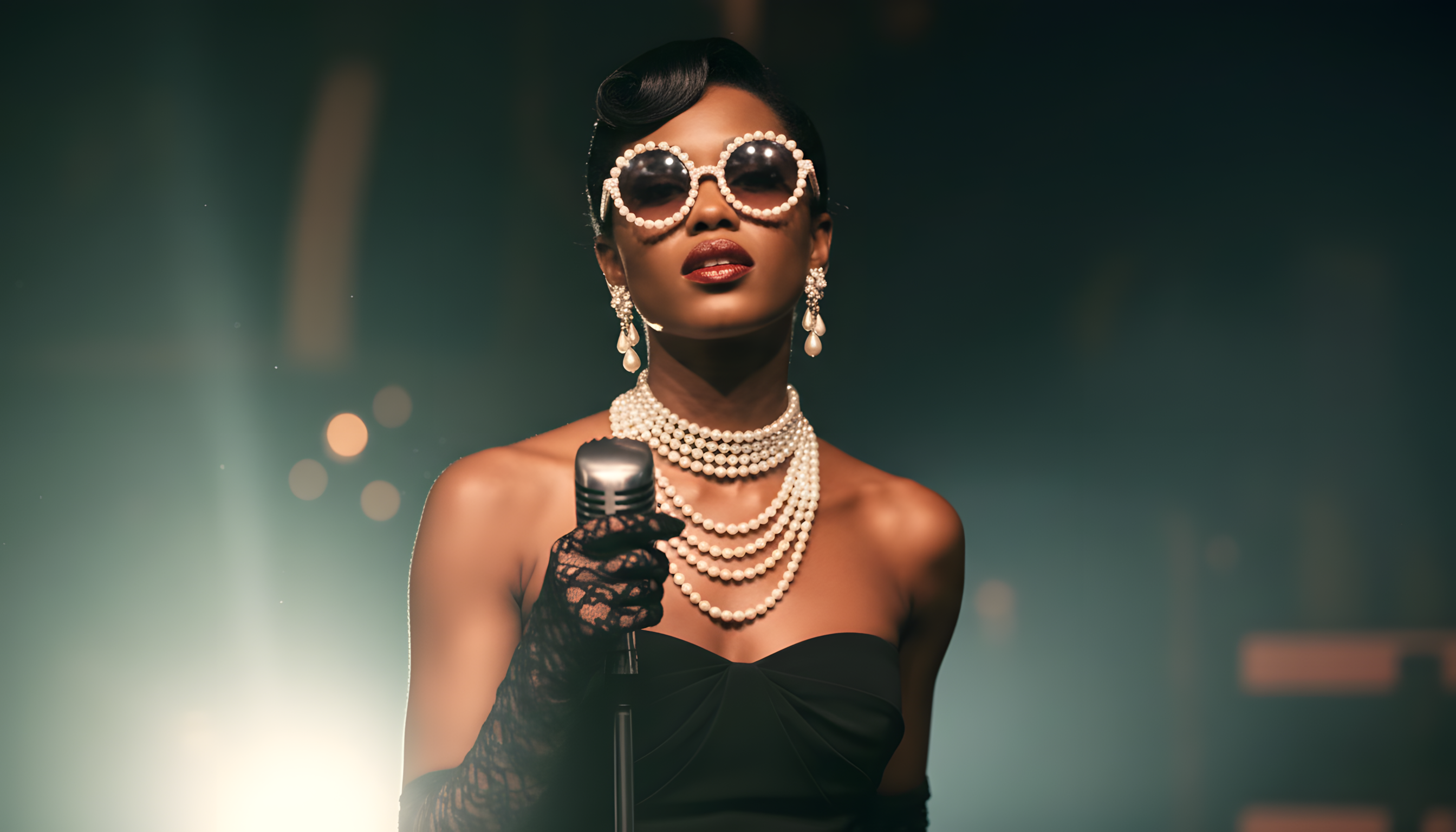
Prompt: The female singer sings to the audience while looking confident, occasionally looking and smiling at the camera, hand on the microphone, natural movements on the arms, stationary shot. |
Speech Content: More than speech, more than song, Where the echoes live, where we belong. Through the chaos, through the throng, We’re the heartbeat steady, the night so long. | 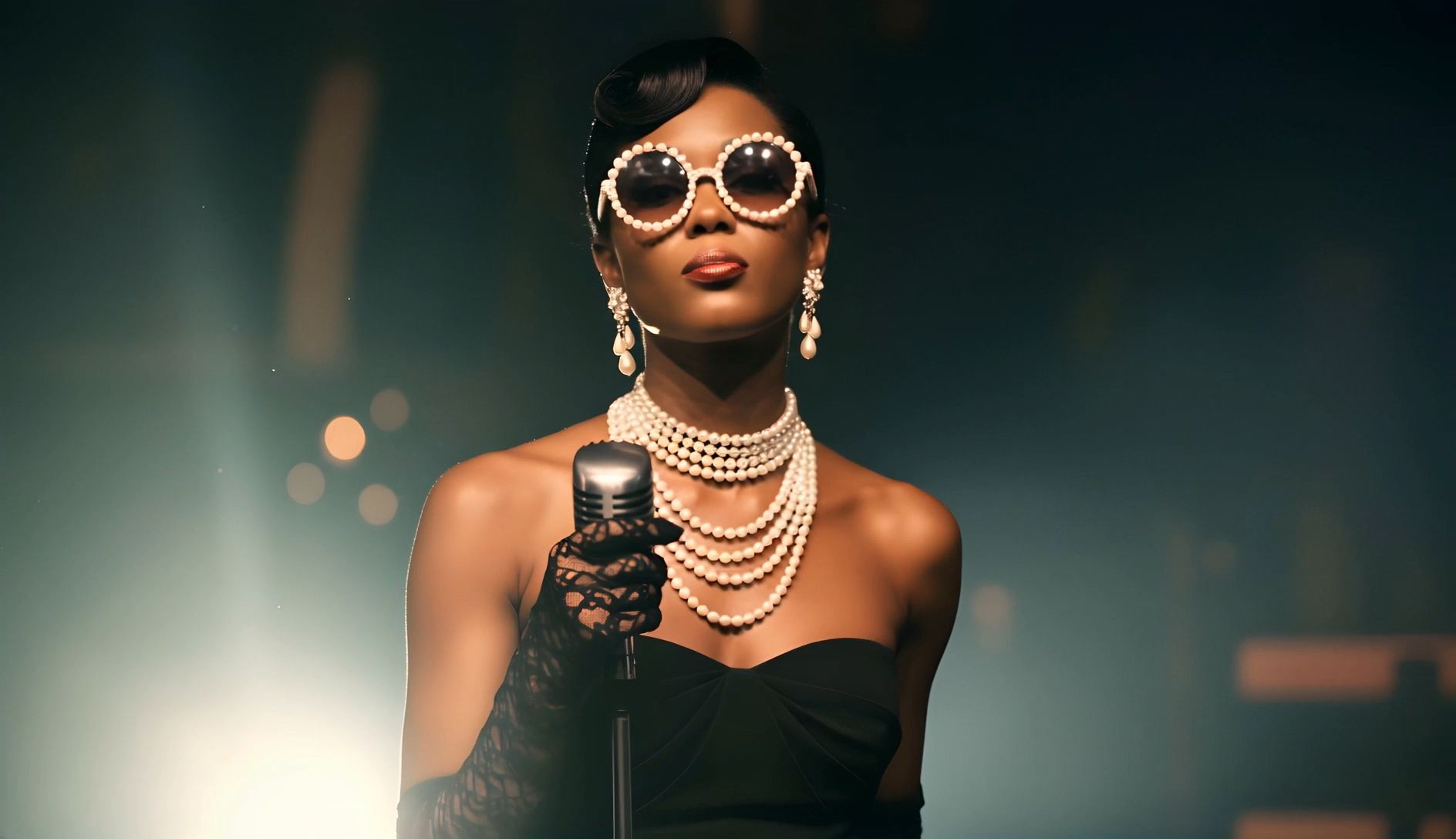 |
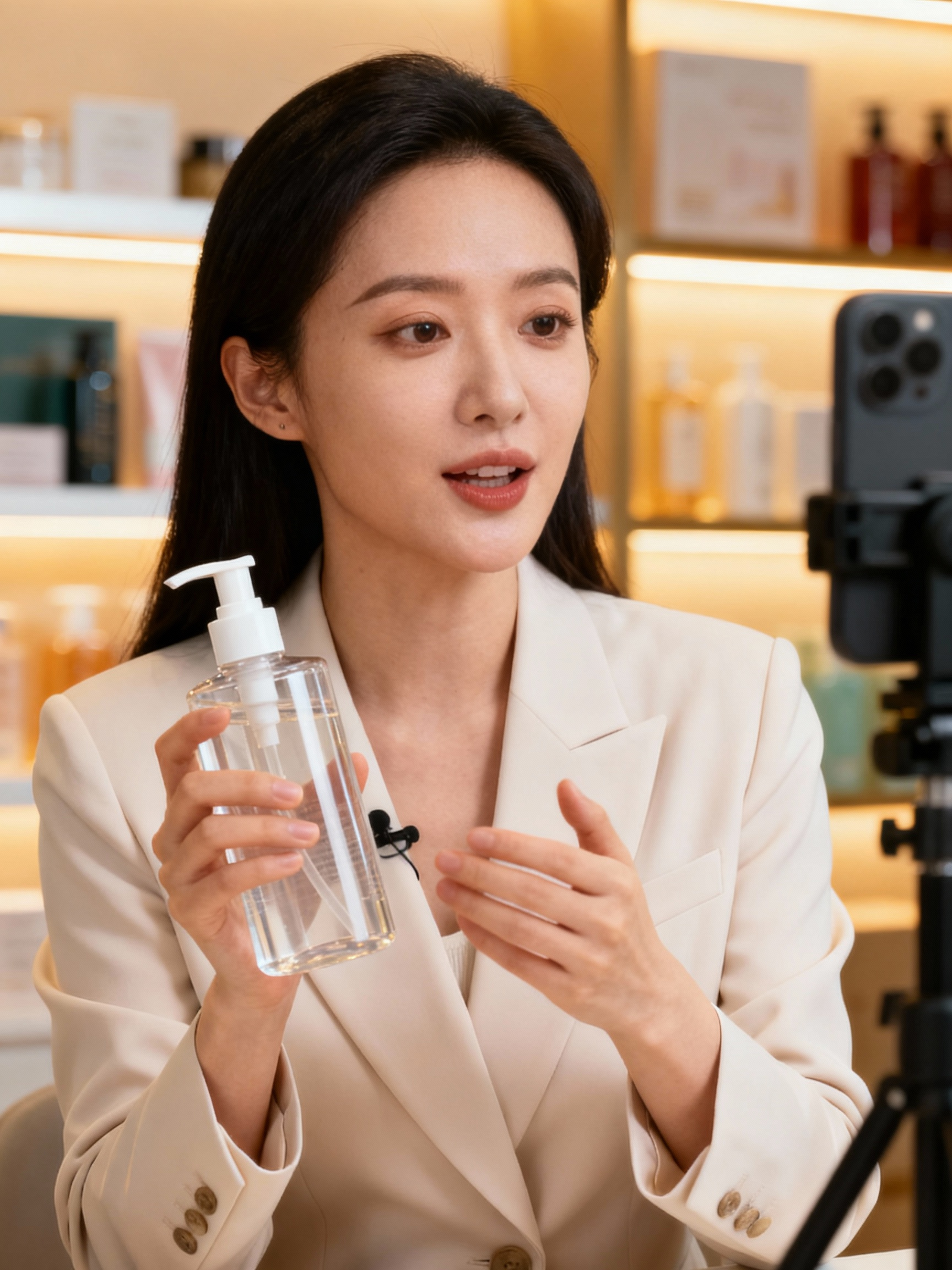
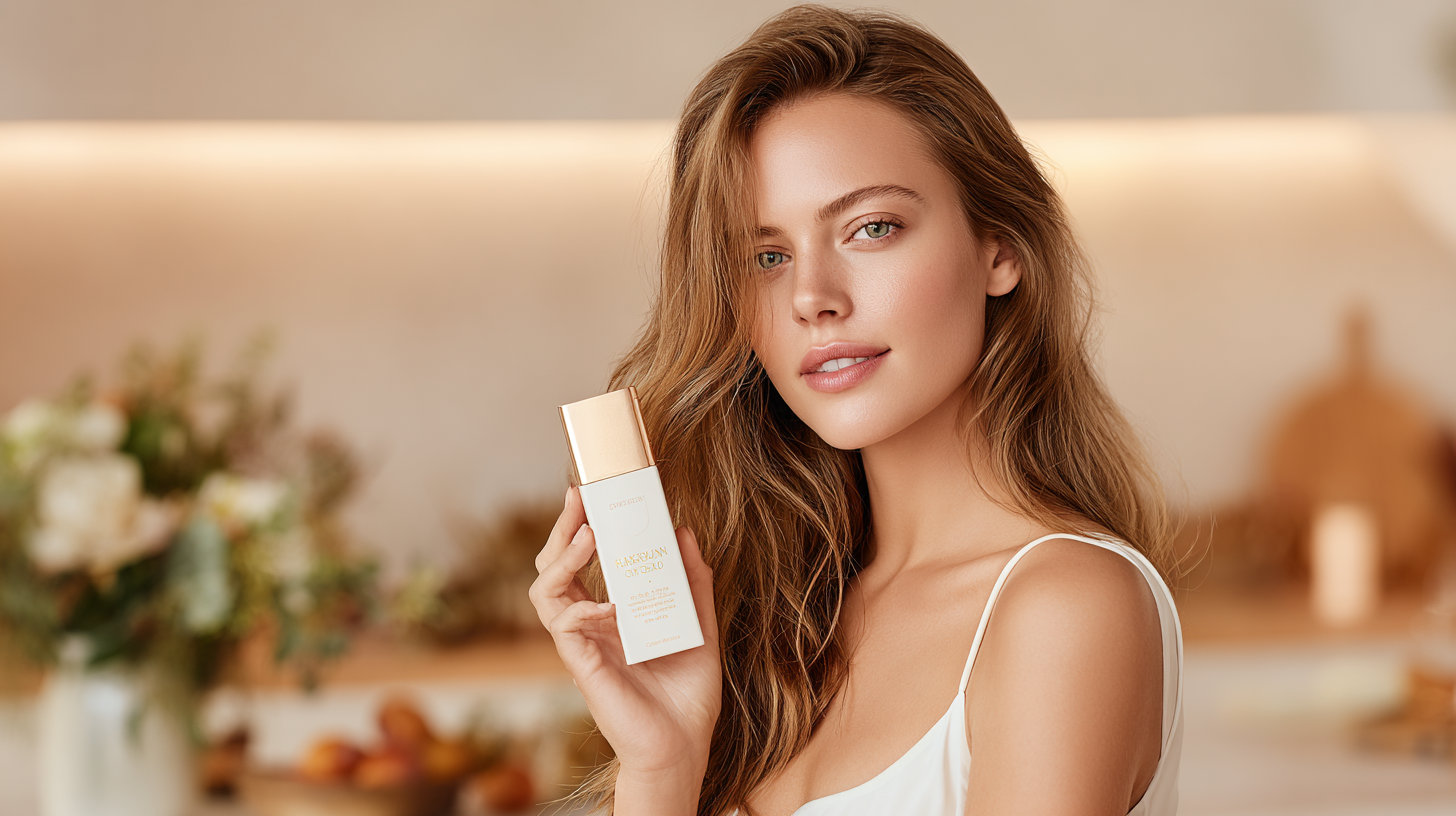
Prompt: In a commercial advertisement, a person holds a product in one hand and speaks directly to the camera, delivering a clear tagline. The gesture is deliberate and confident, with the product slightly lifted toward the viewer. | Speech Content: Lightweight, silky, and buildable, it instantly brightens your skin while keeping it flawless all day. Glow like never before. | 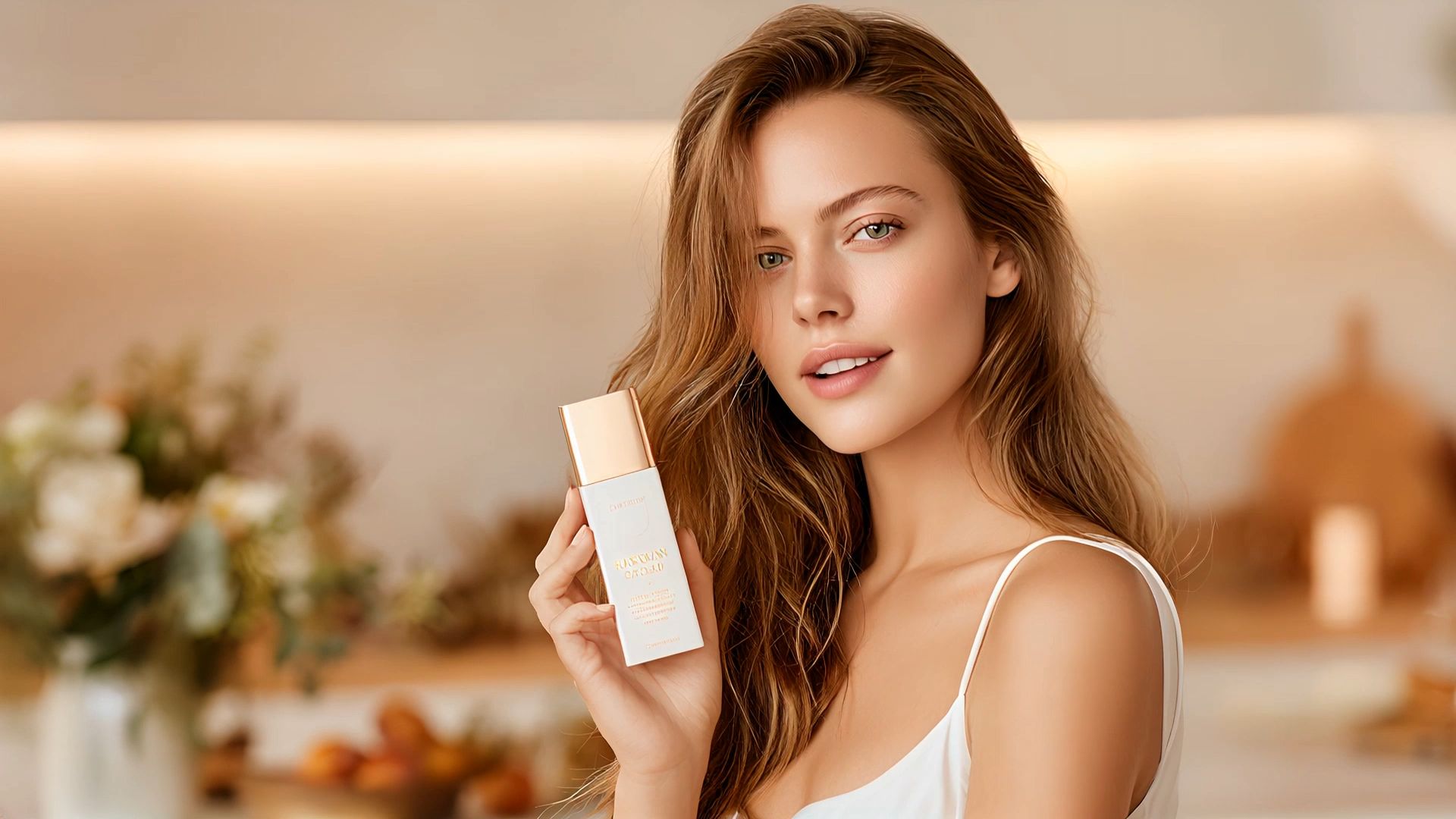 |
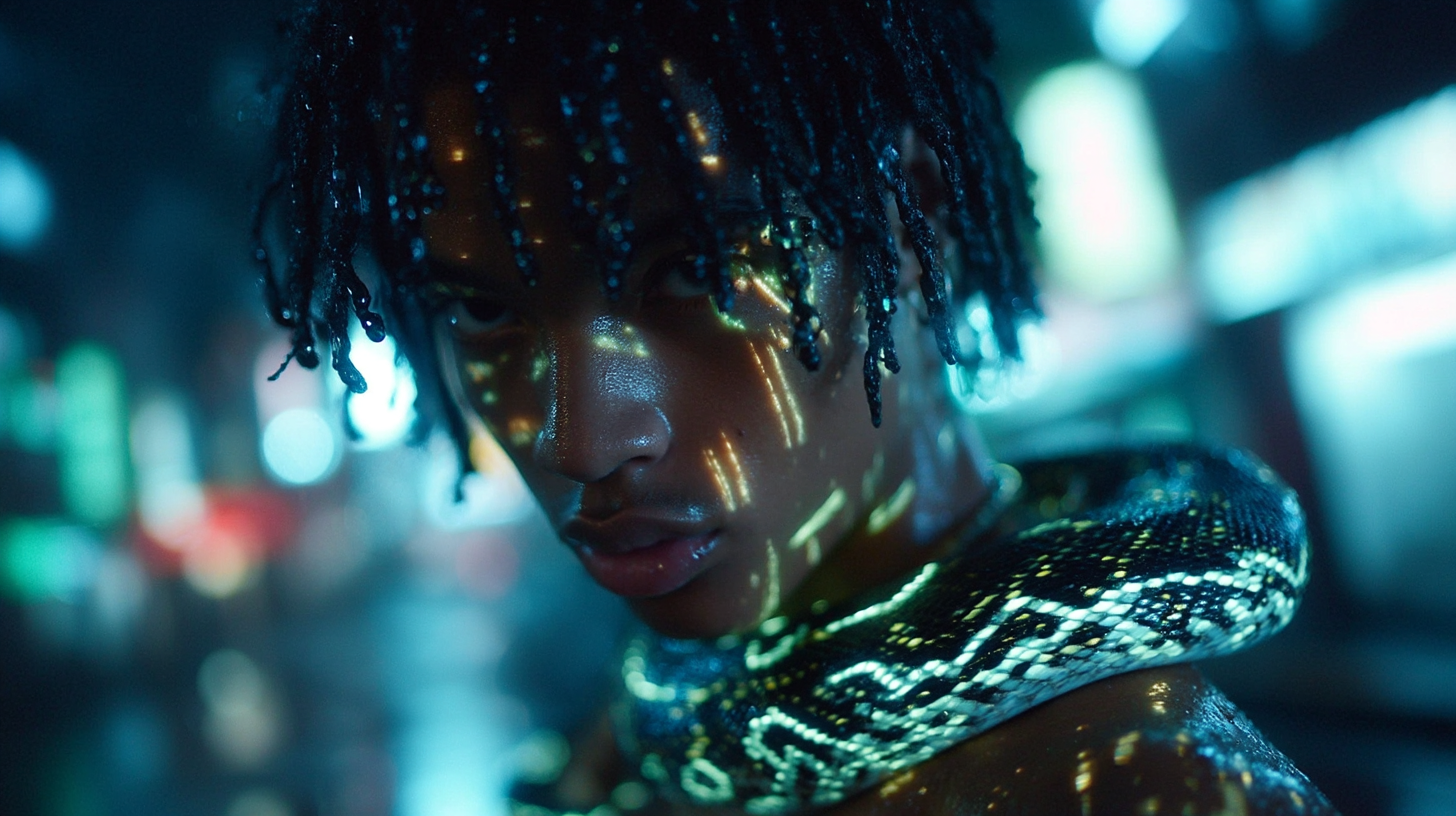
Prompt: The expression is intoxicated, emotions high, gently shaking the head. The snake around the neck moves as light reflects off its body, gradually zooming in on the face. | Speech Content: Data in my veins, code runs deep, shadows crack open while the world’s asleep New life coded, eyes break the veil, remakes the world, strong without fail. | 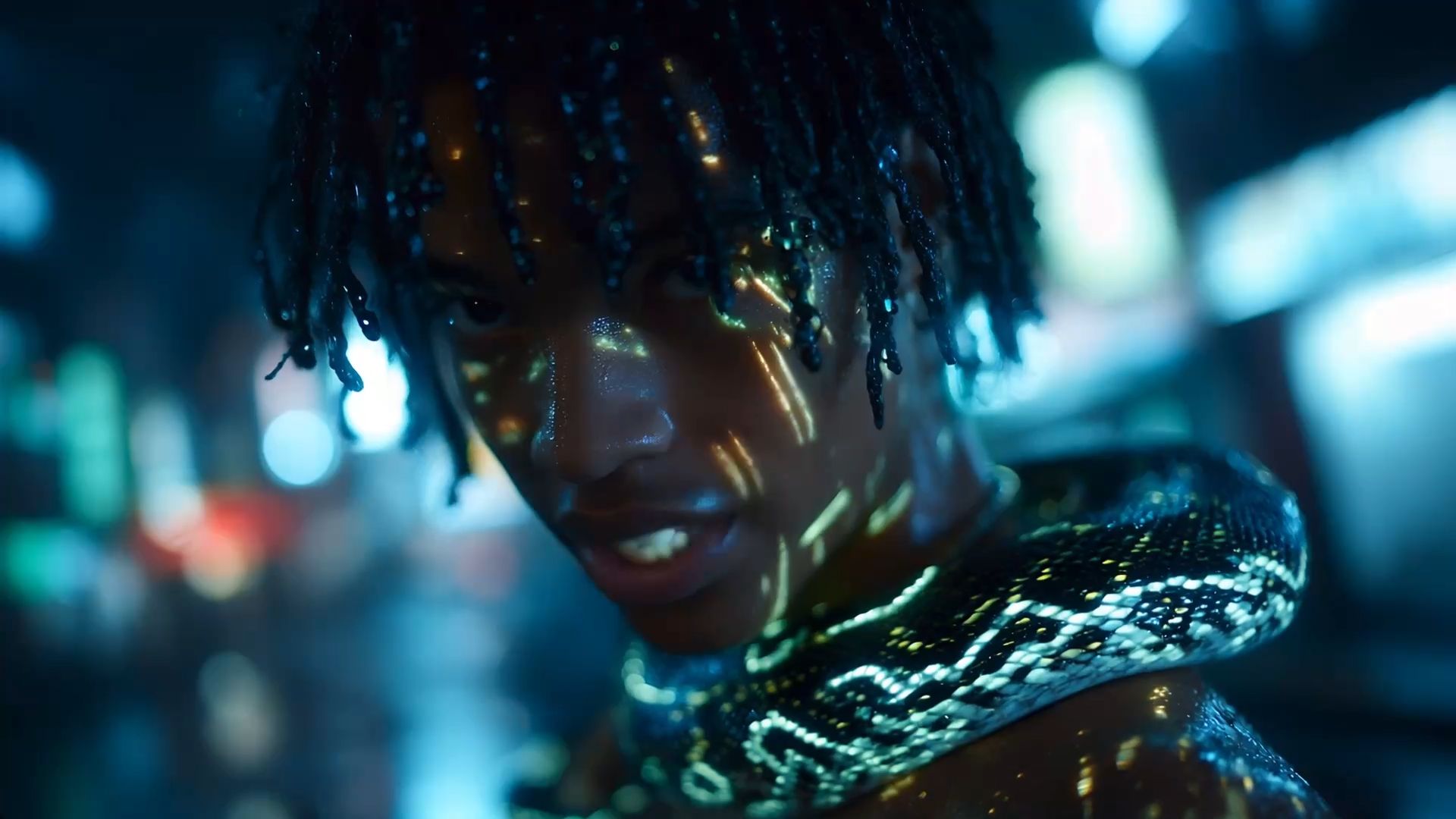 |
5. Support for Various Character Types:
Input | Avatar | |
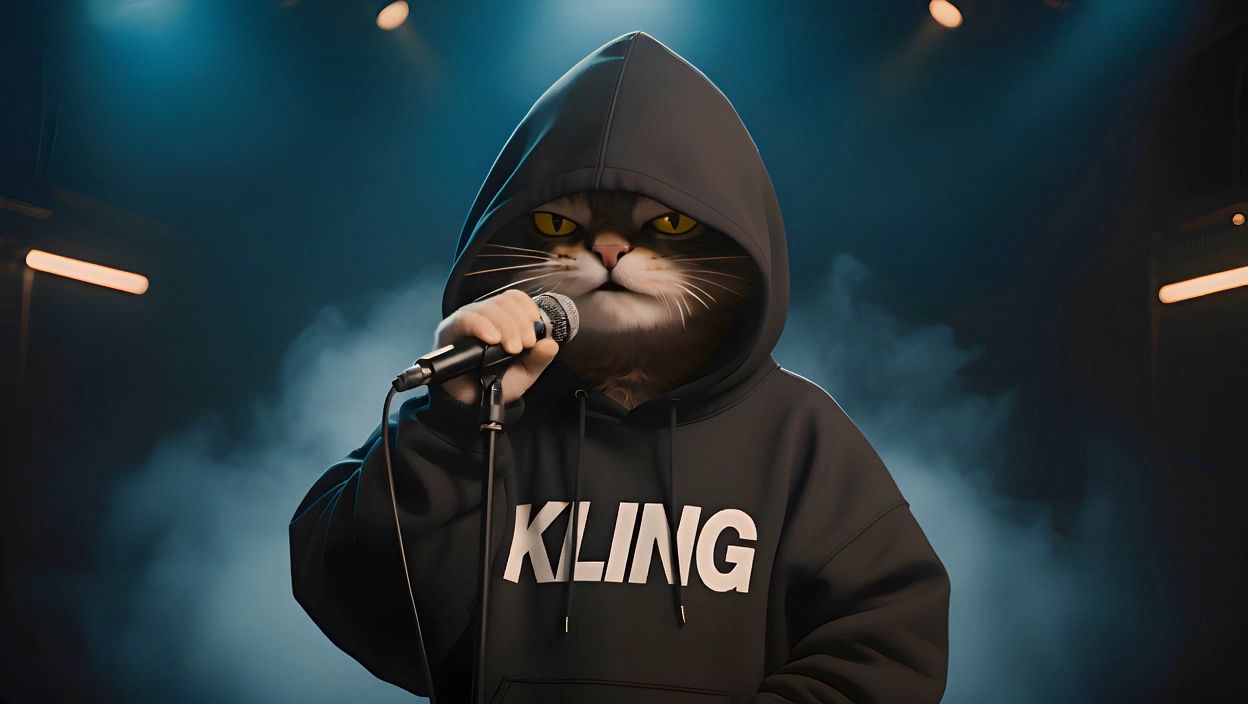
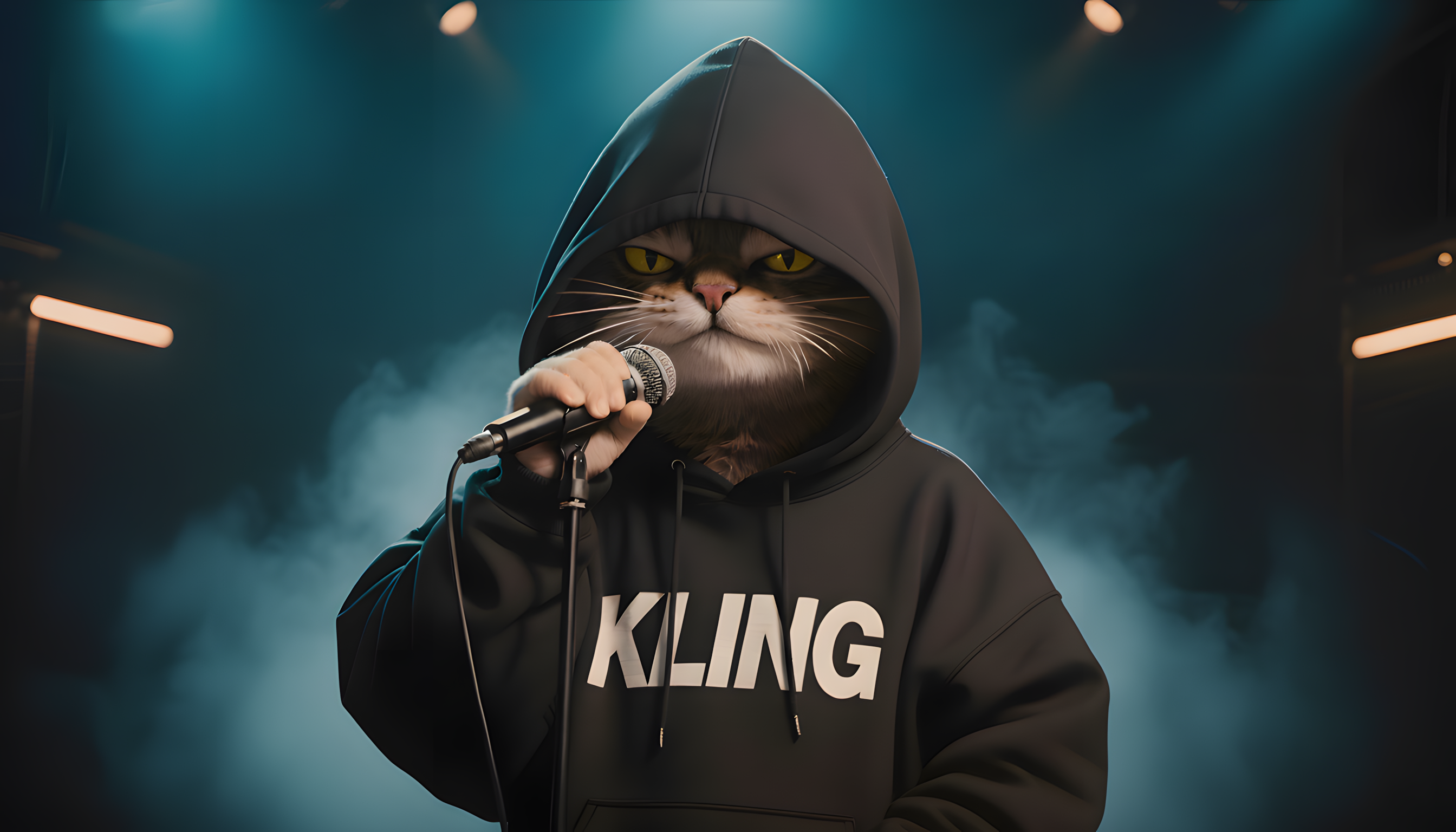
Prompt: Smiling, swaying confidently while rapping, holding a microphone. Eyes focused on the audience, natural and fluid movements. Occasional head movements. |
Speech Content: Yo, tongue sharper than a shattered mirror, Words ricochet, truth gettin’ clearer. Dust in my lungs, but I still breathe fire |
 |
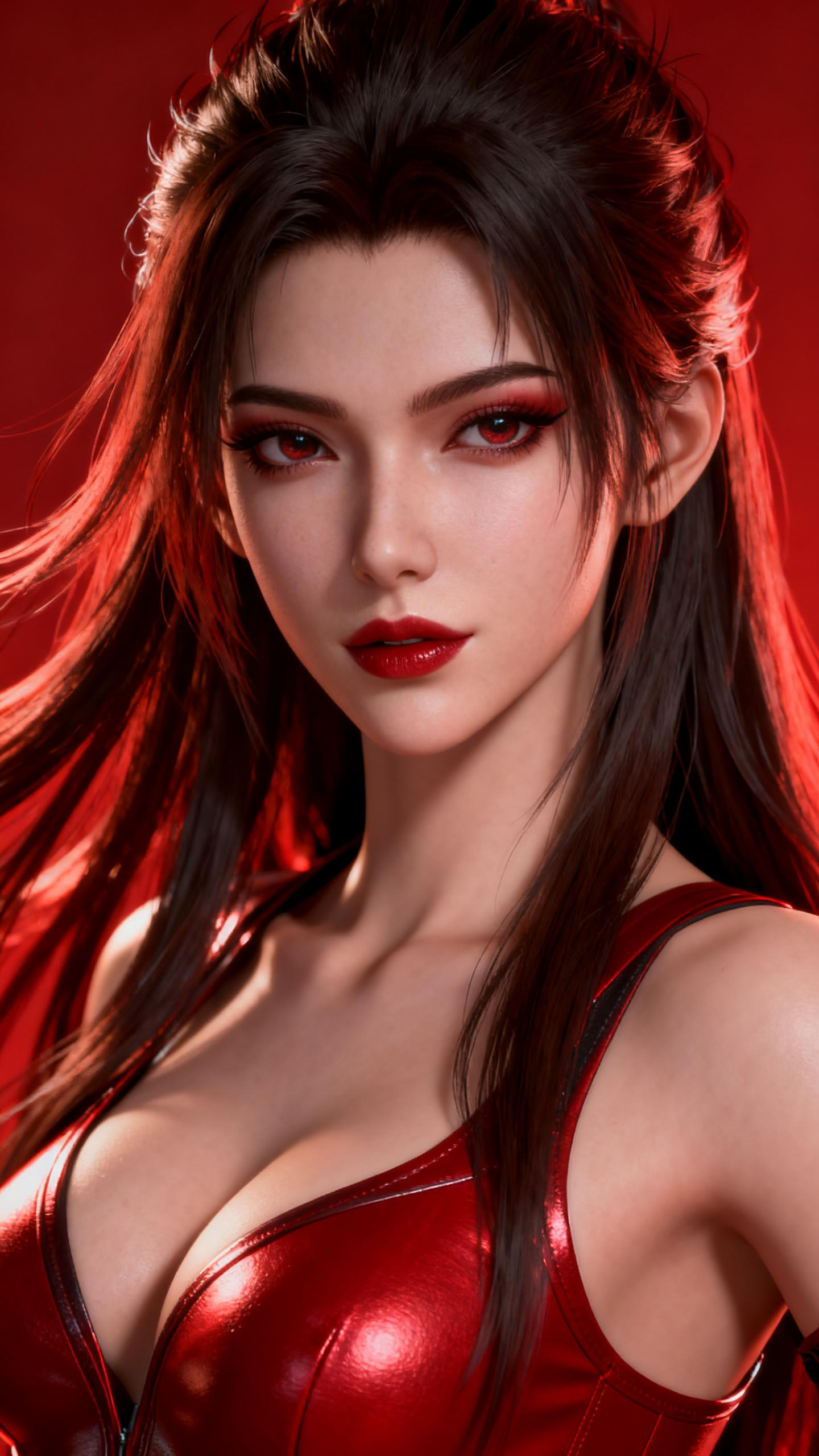
Prompt: Confidently posing with a sultry gaze, the figure exudes an aura of mystery and allure, captivating the audience with every movement. |
Speech Content: 无需谁赐予的王官,我的每一步,都是加冕仪式。 | 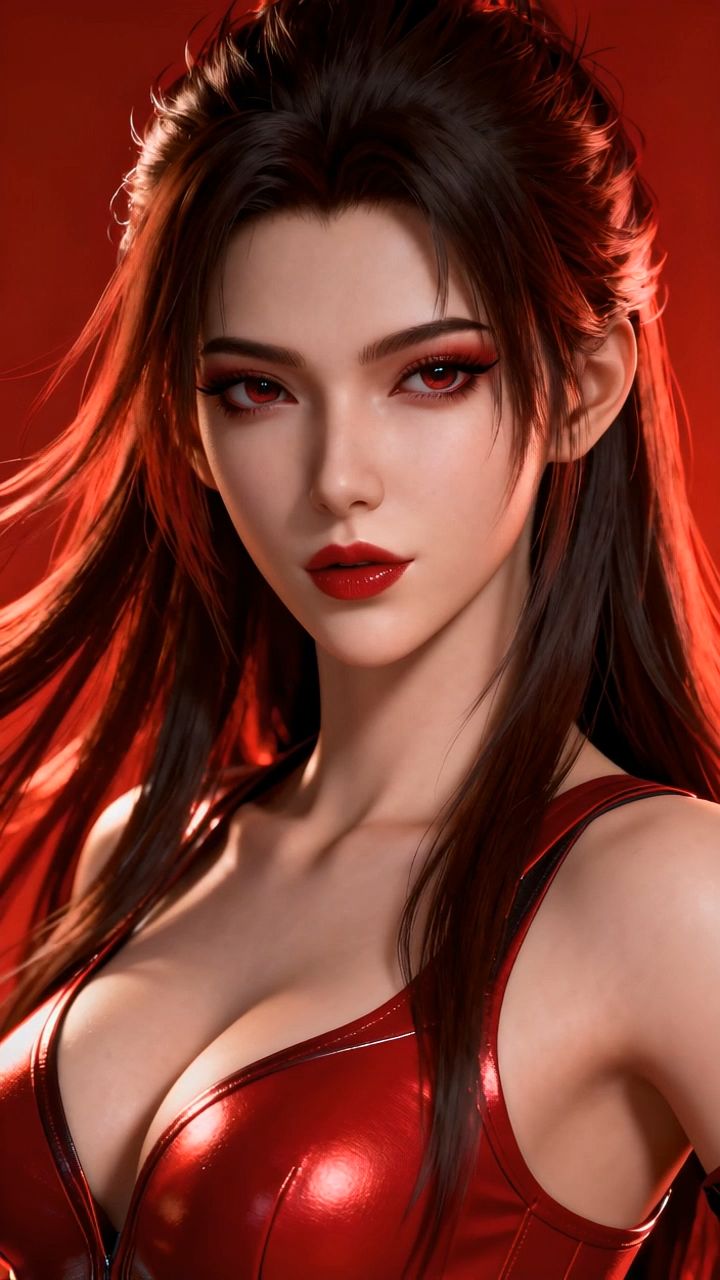 |
6. Multilingual Support (English, Japanese, Korean, Chinese):
Input | Avatar | |
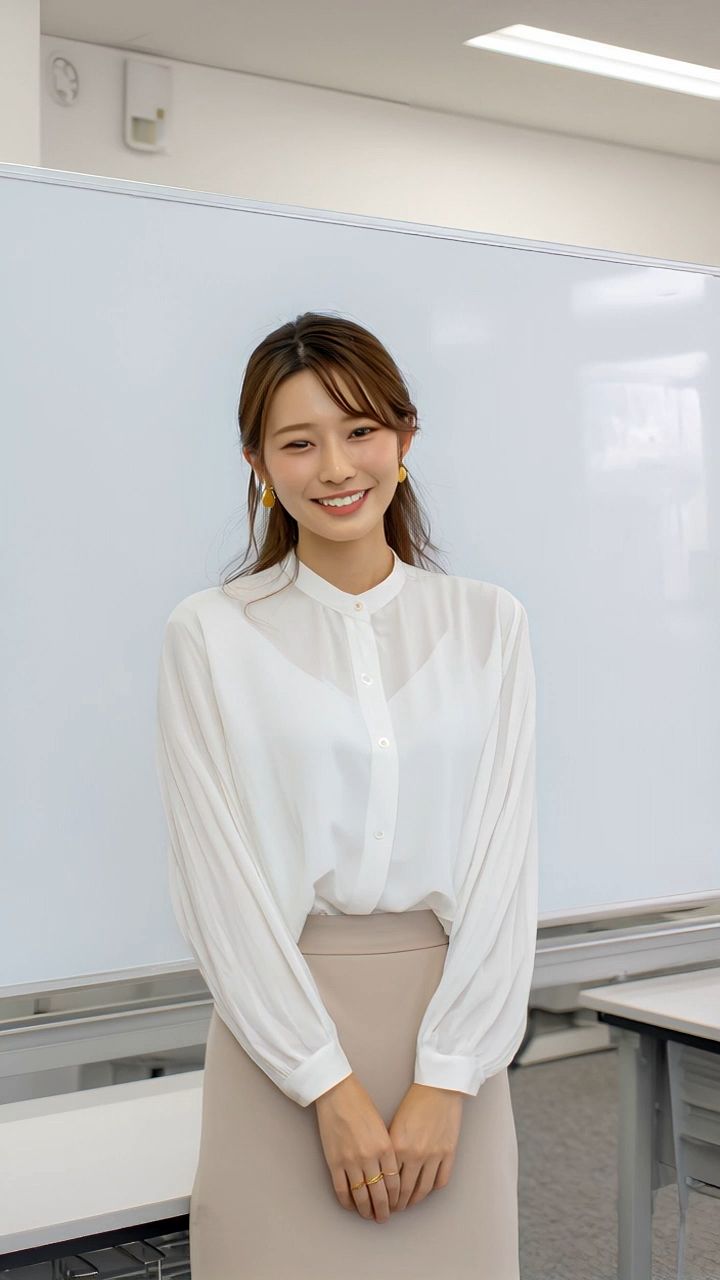
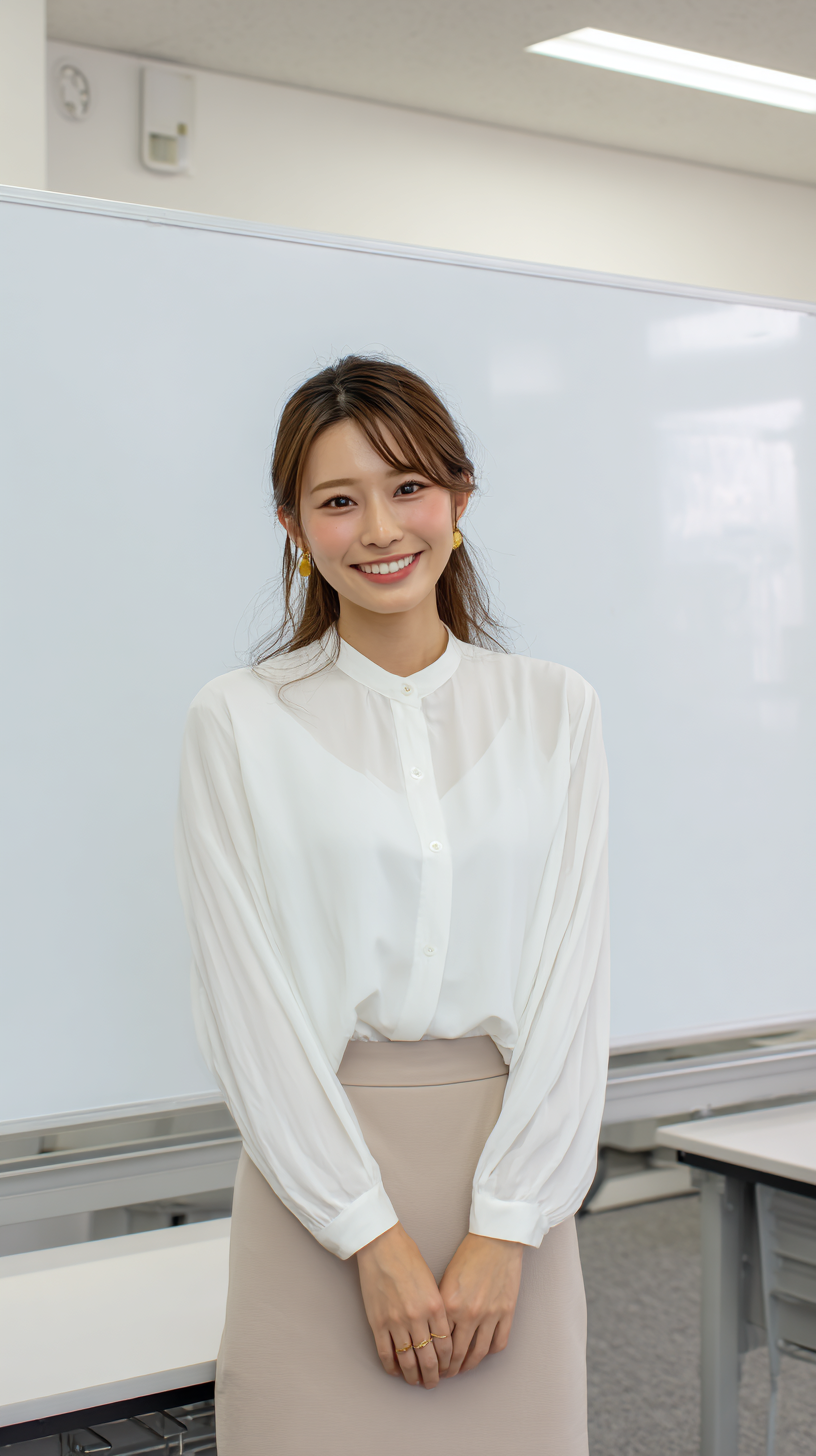
Prompt: A teacher is speaking politely and earnestly. |
Speech Content: KlingAIへ、 ようこそ!画像とメッセージを入力するだけで、私のようなキャラクターを生成できます。
|  |
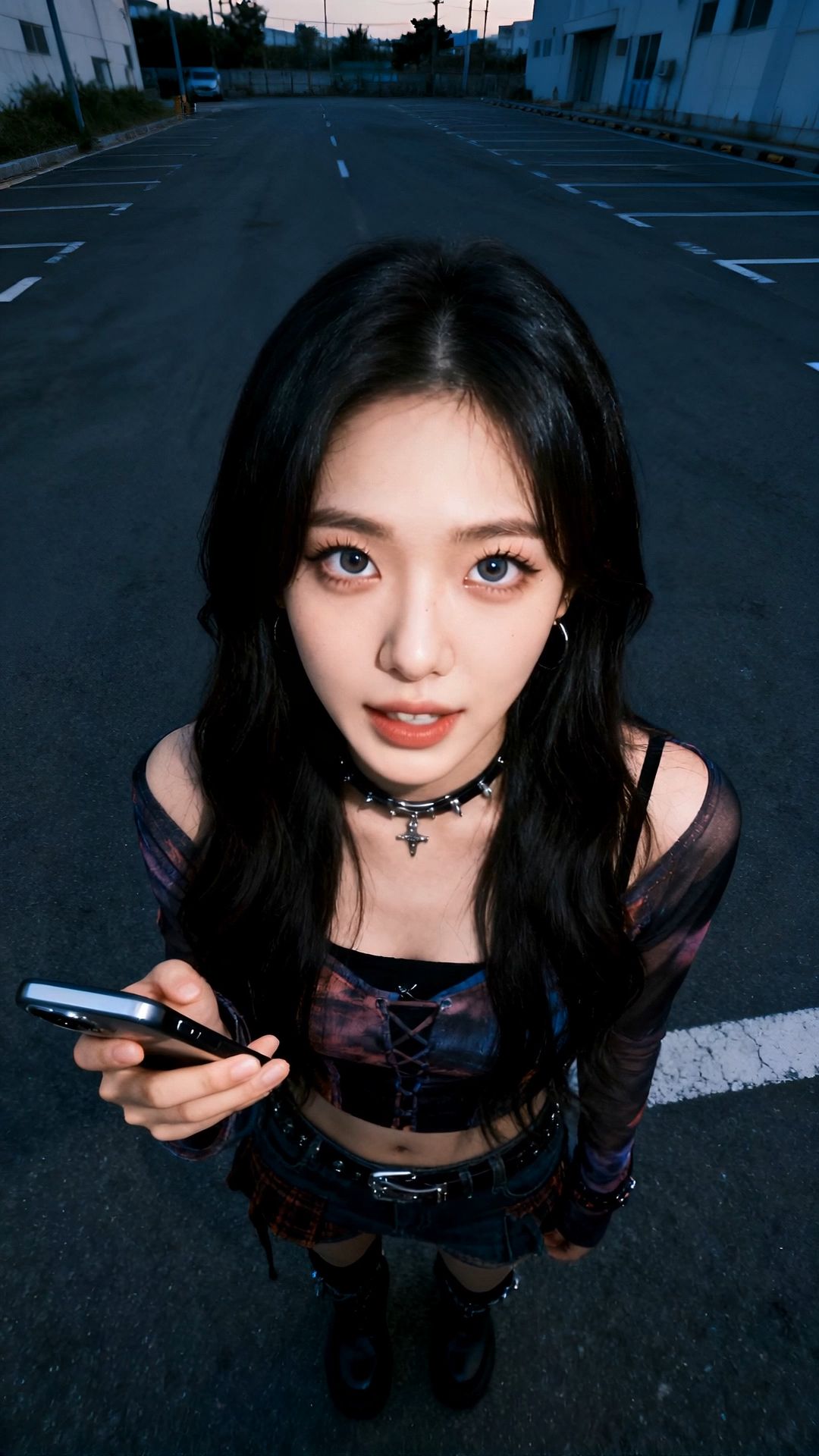
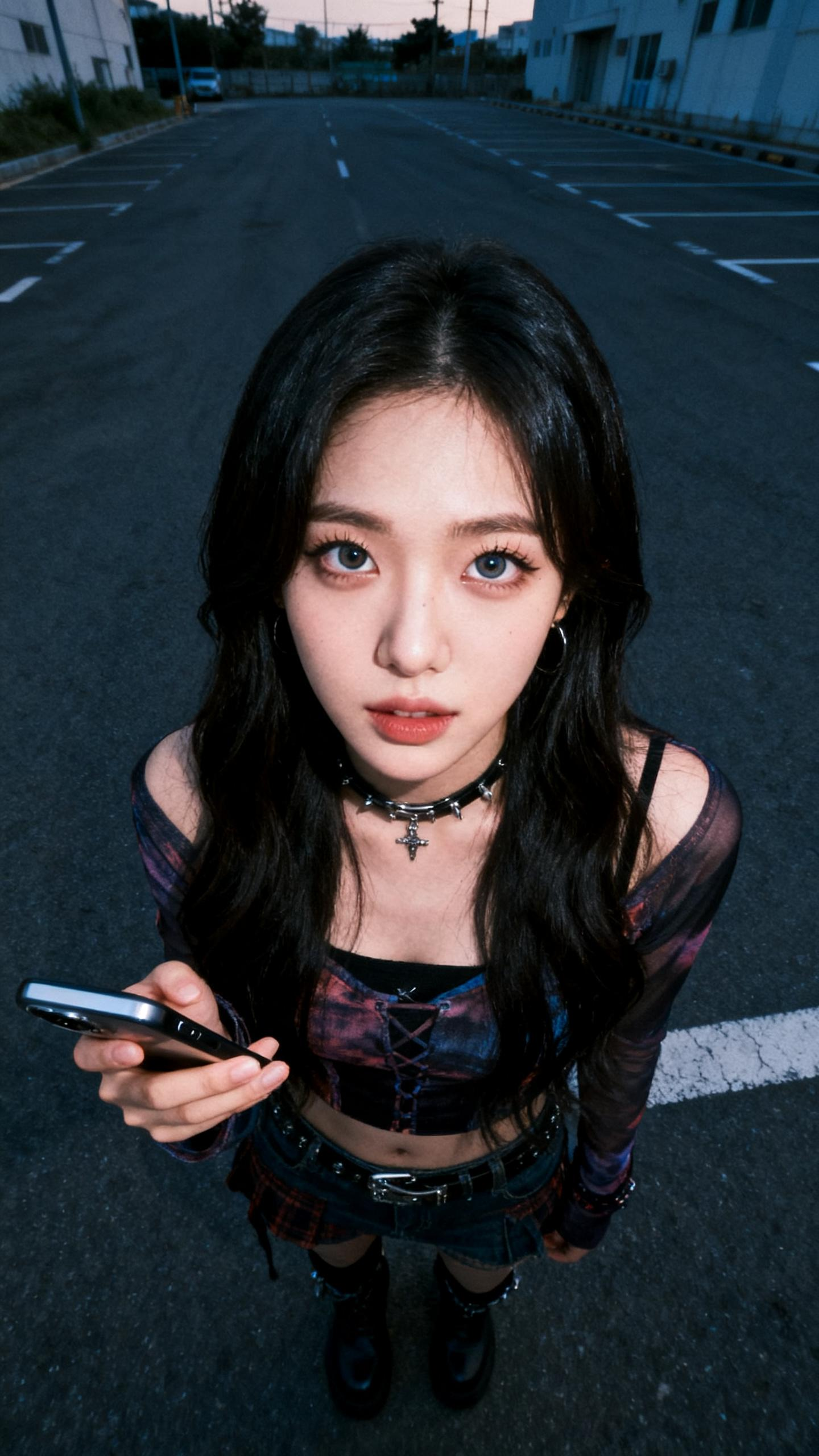
prompt: Confidently holding a smartphone, standing in an empty street, exuding a mysterious aura with a slight smile. |
Speech Content: Kling AI에 오신 것을 환영합니다. 이미지와 텍스트를 입력하는 것만으로 저와 같은 디지털 캐릭터를 생성할 수 있습니다.
|  |
7. Precise Control Over Emotions and Actions:
Input | Avatar | |
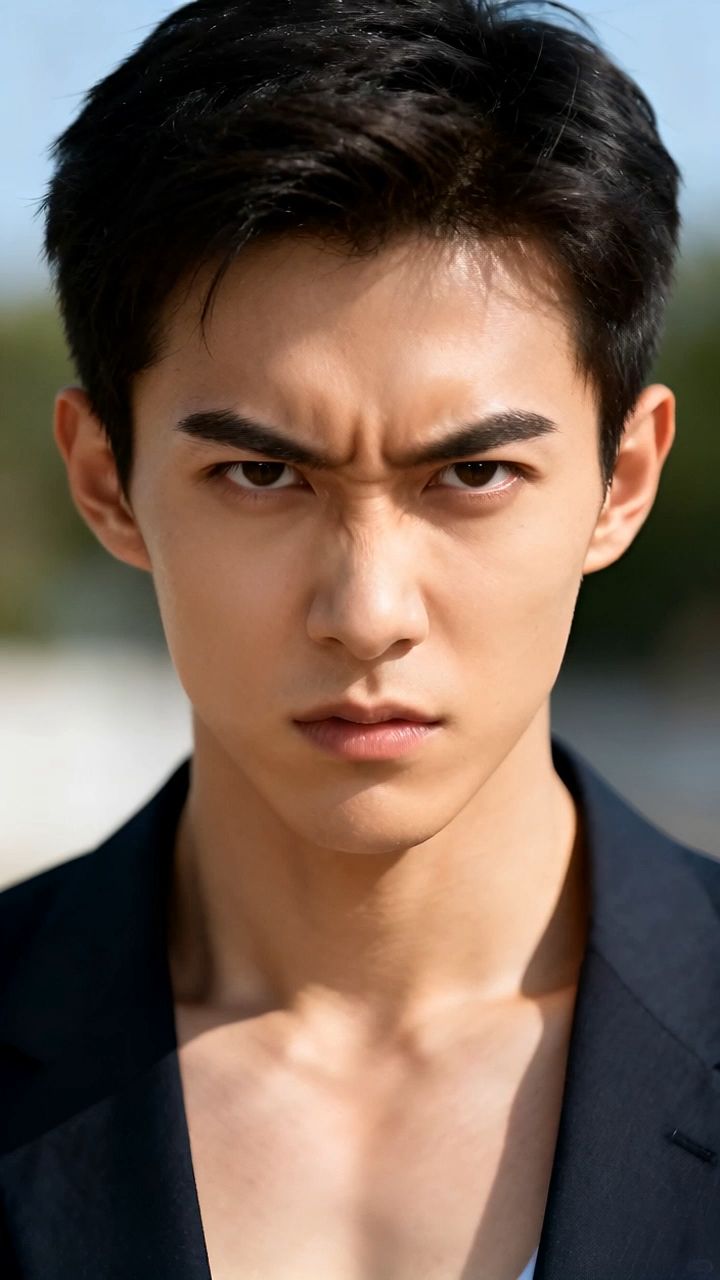
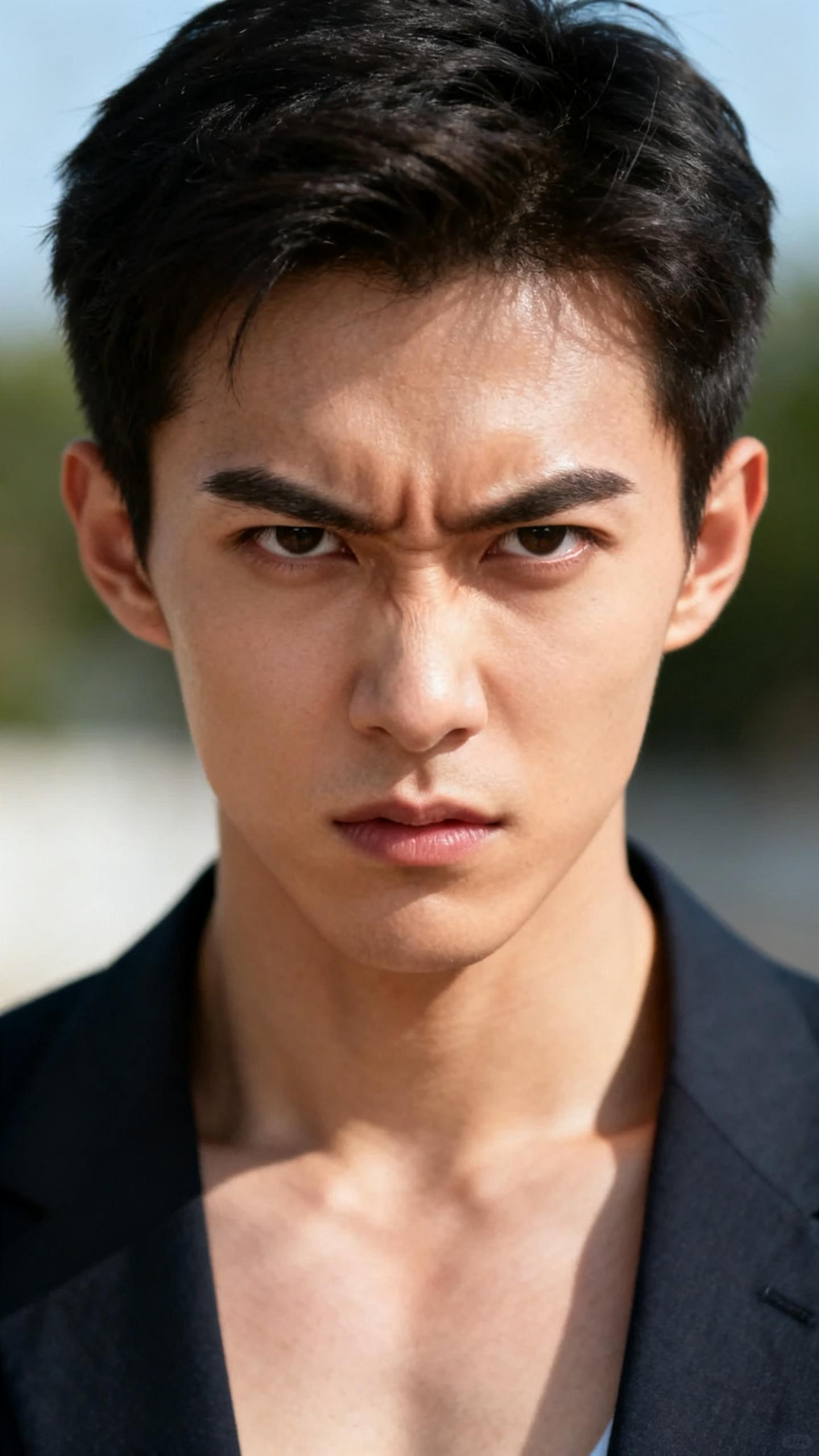
Prompt: The man is angry, shown in both facial expression and action. |
Speech Content: 真的服了!这个月第三次丢快递了!你们驿站能不能靠谱点?现在马上帮我查监控!找不到就按原价赔偿!别再跟我说“再等等”!
|  |
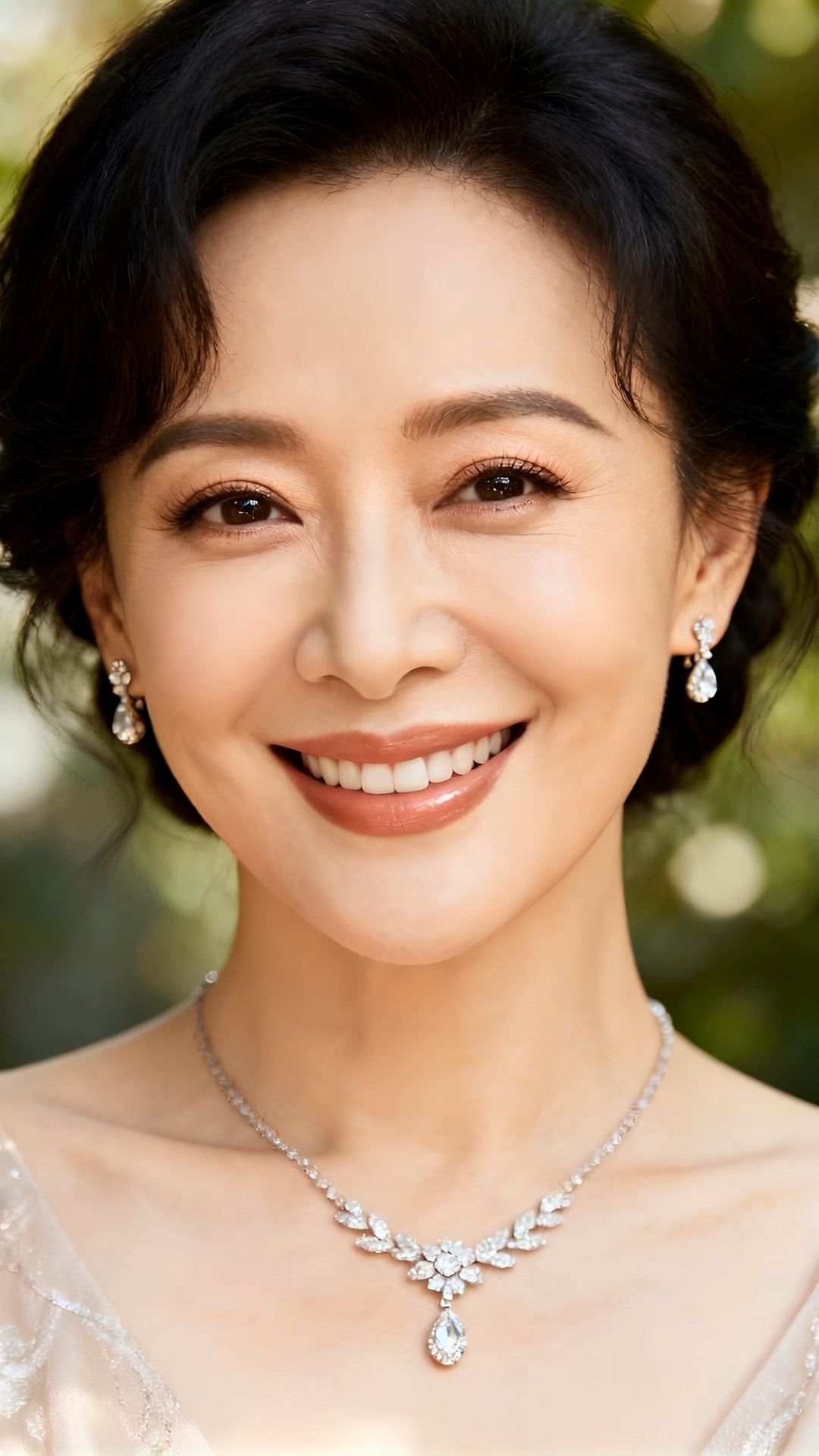
Prompt: Smiling warmly at the camera, she gently touches her necklace, exuding confidence and grace. |
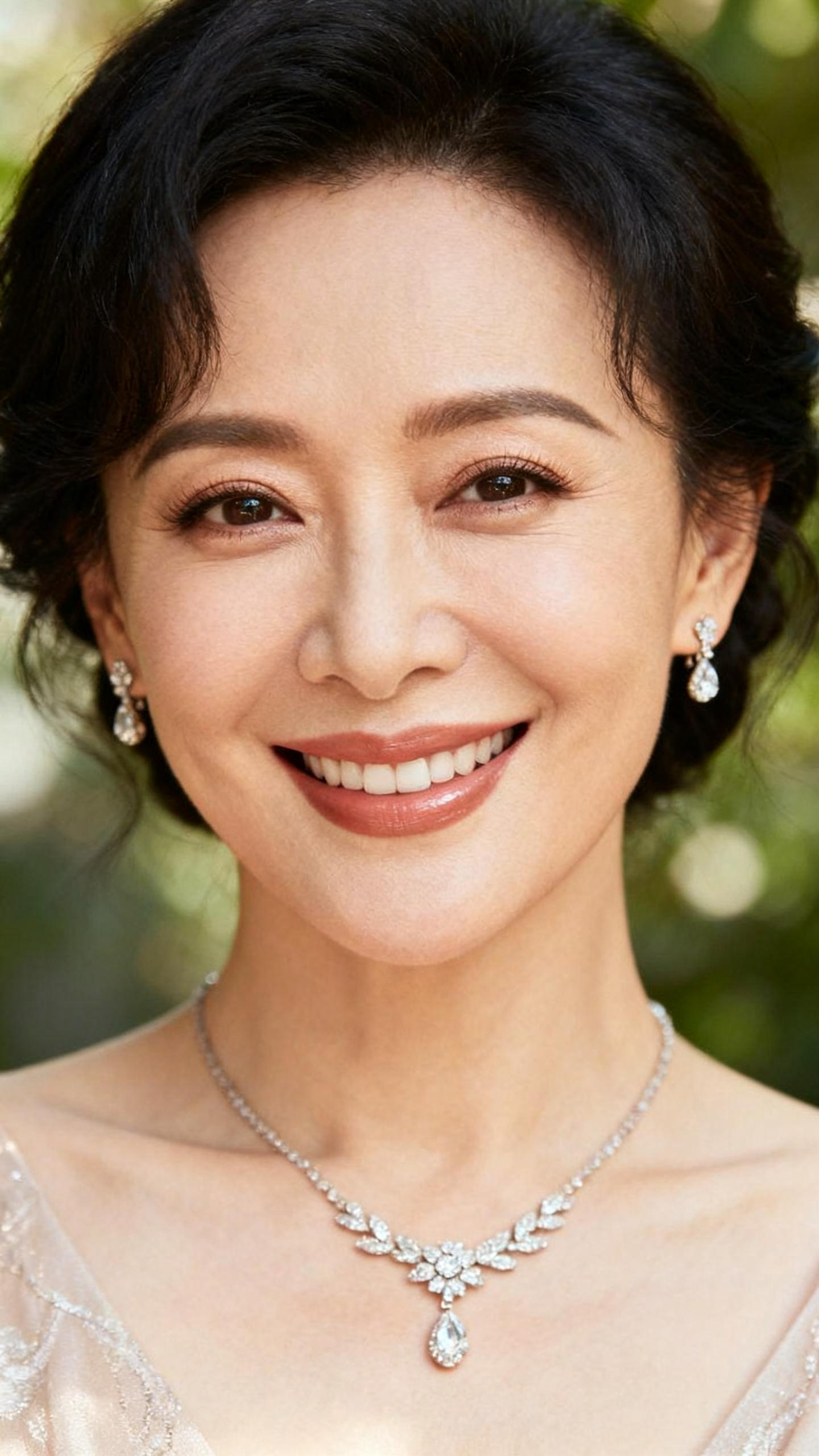
Speech Content: The secret to staying young is to stay happy
|
 |
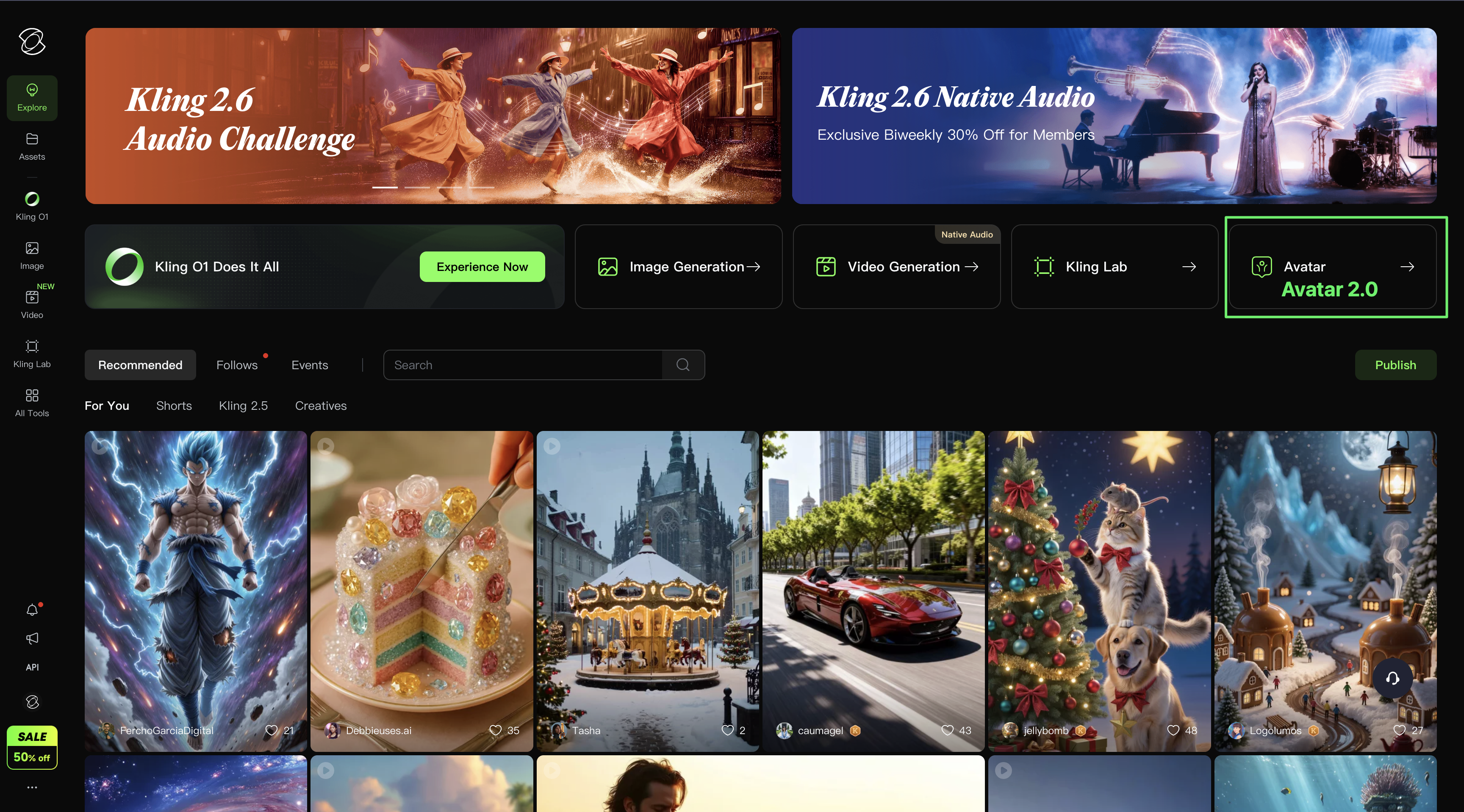
How to access to Kling AI Avatar 2.0
WEB Platform | APP Platform |
|
|
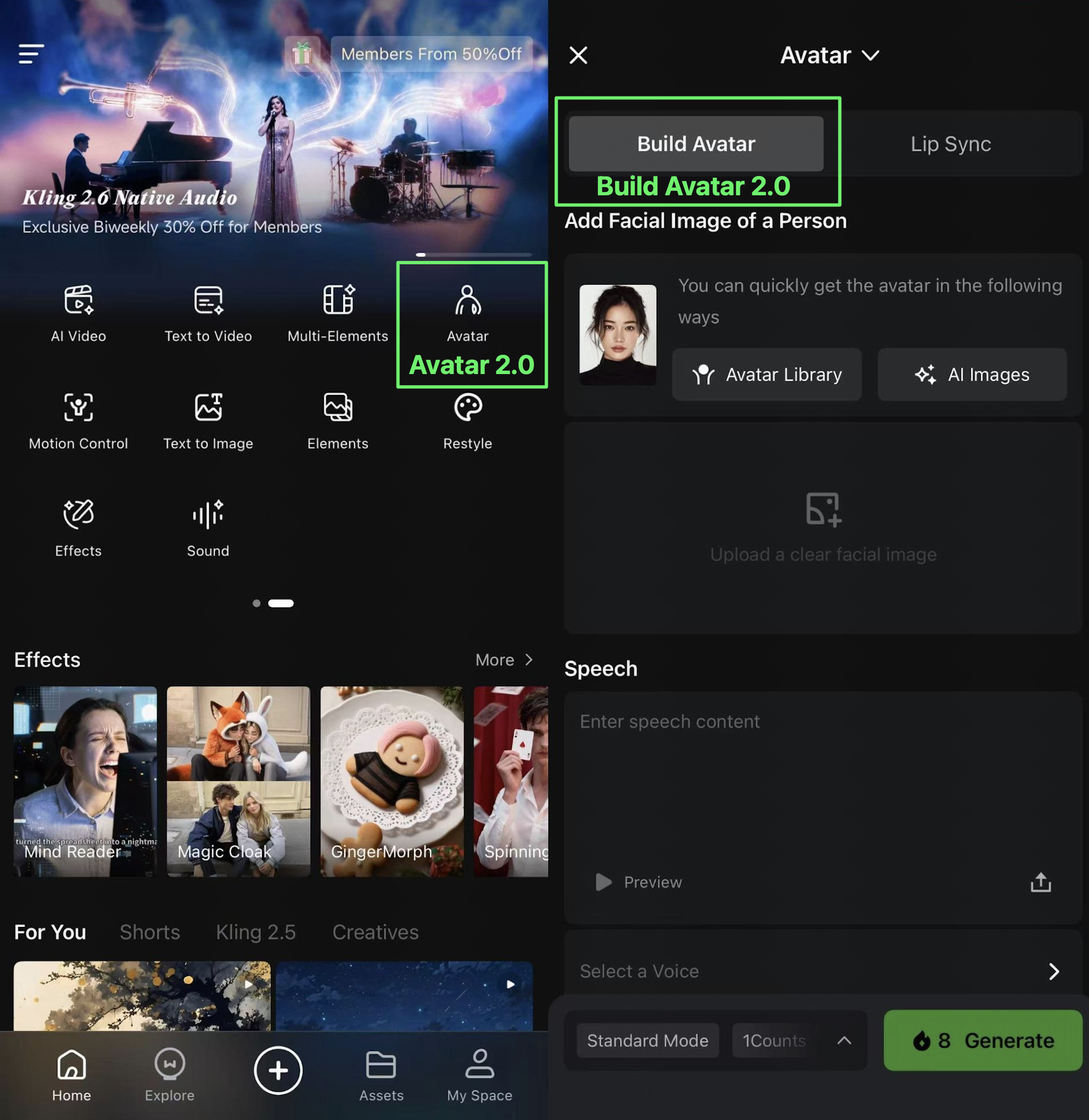
How to Use Kling AI Avatar
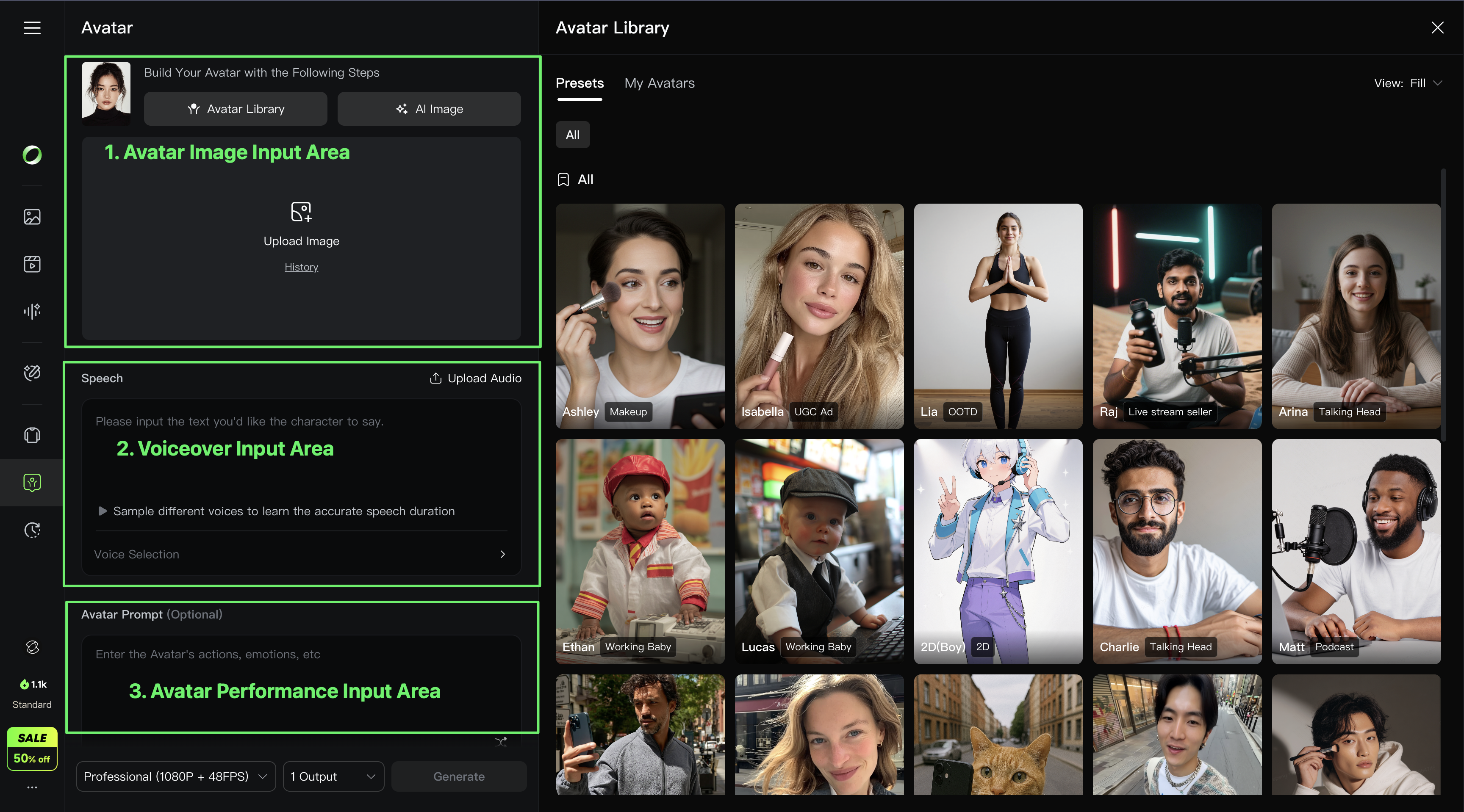
1. Core Inputs for Avatar
| Default Page upon Opening Avatar |
 |
|
2. How to Add Avatar Image
| Upload from Local or Select from History | Presets |
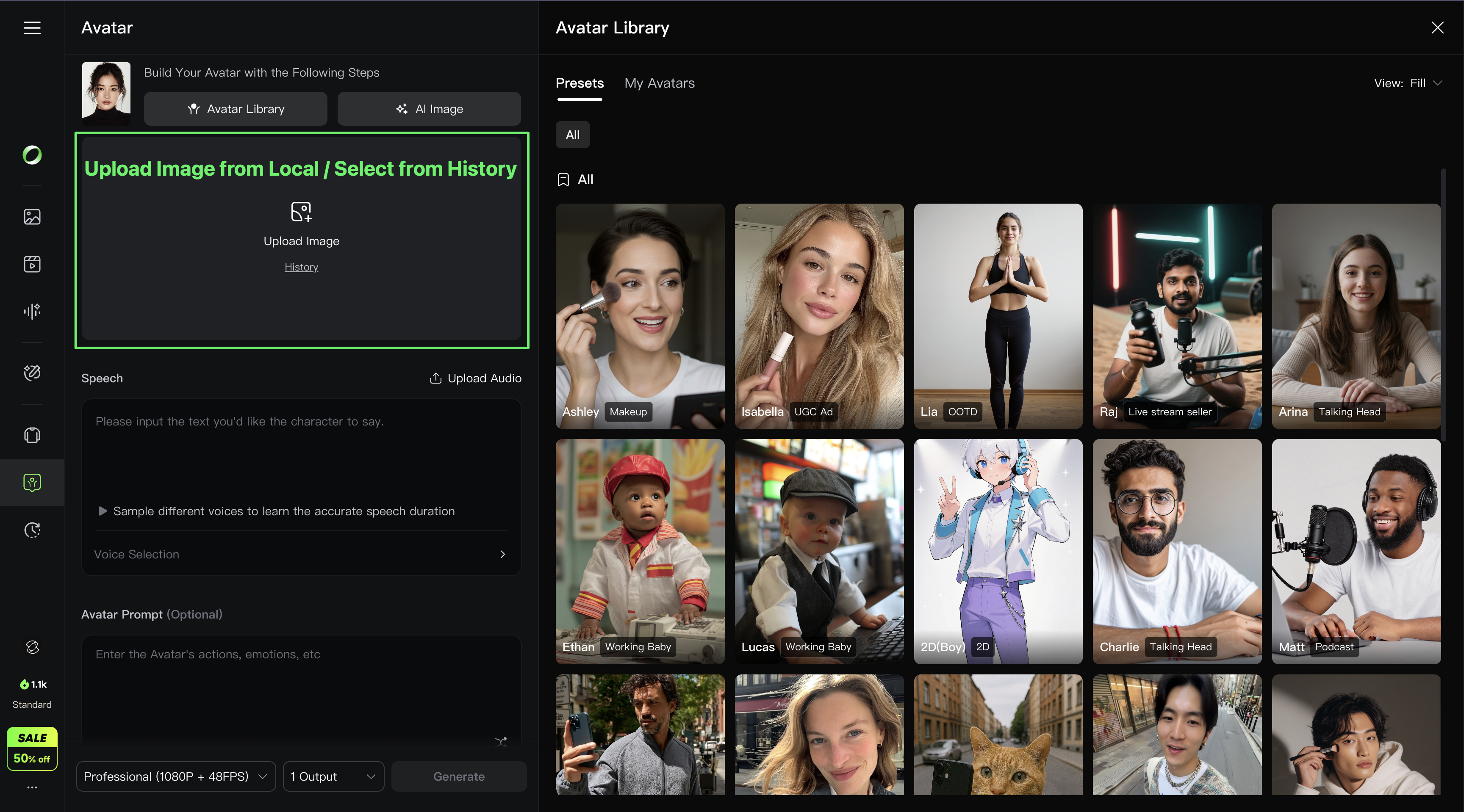 | 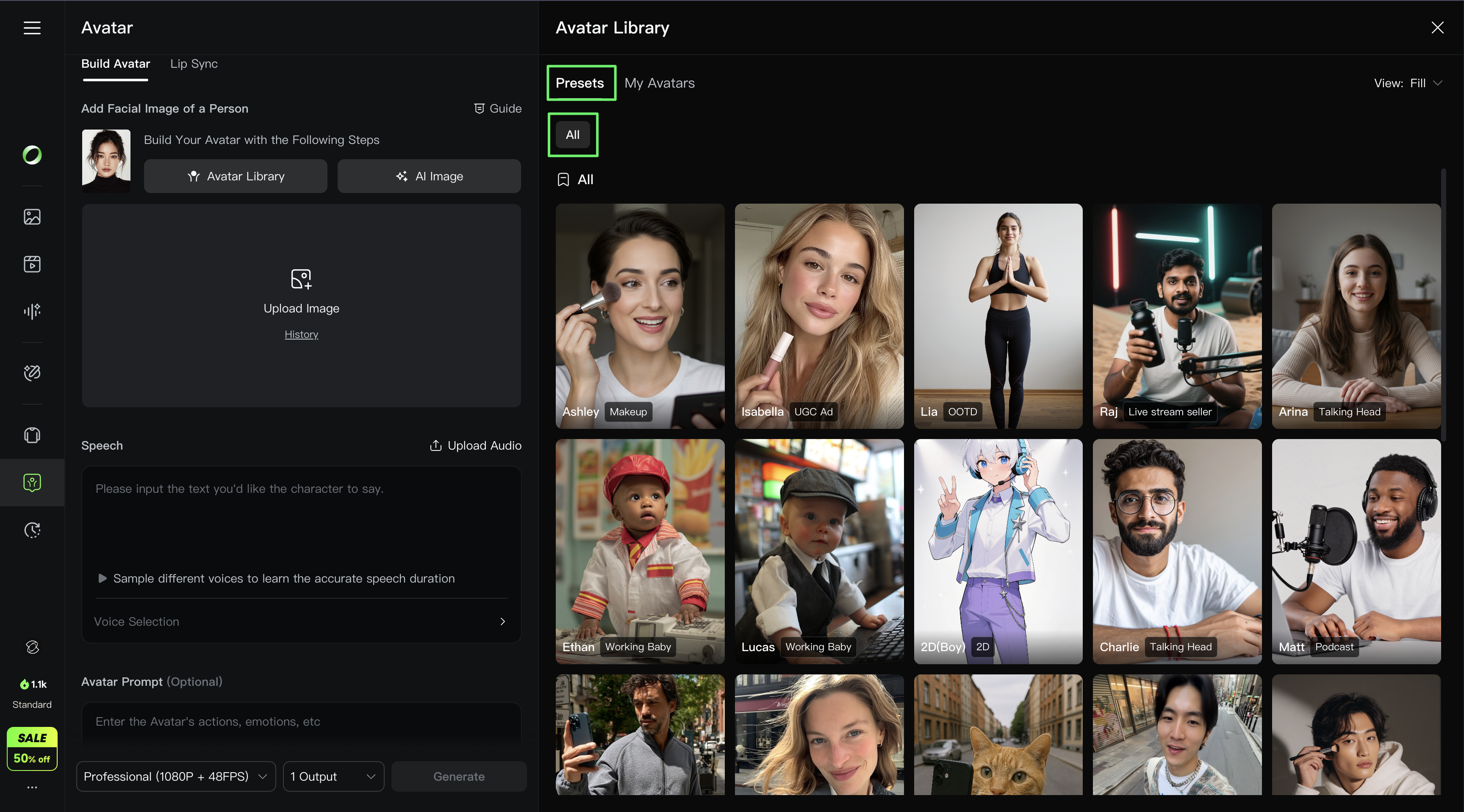 |
| 1. Add Avatar Image by uploading or selecting from Assets. | 2. Avatar Library with presets covering various use cases. Get a quick start by selecting from the presets. |
| AI Image | Generate My Avatar |
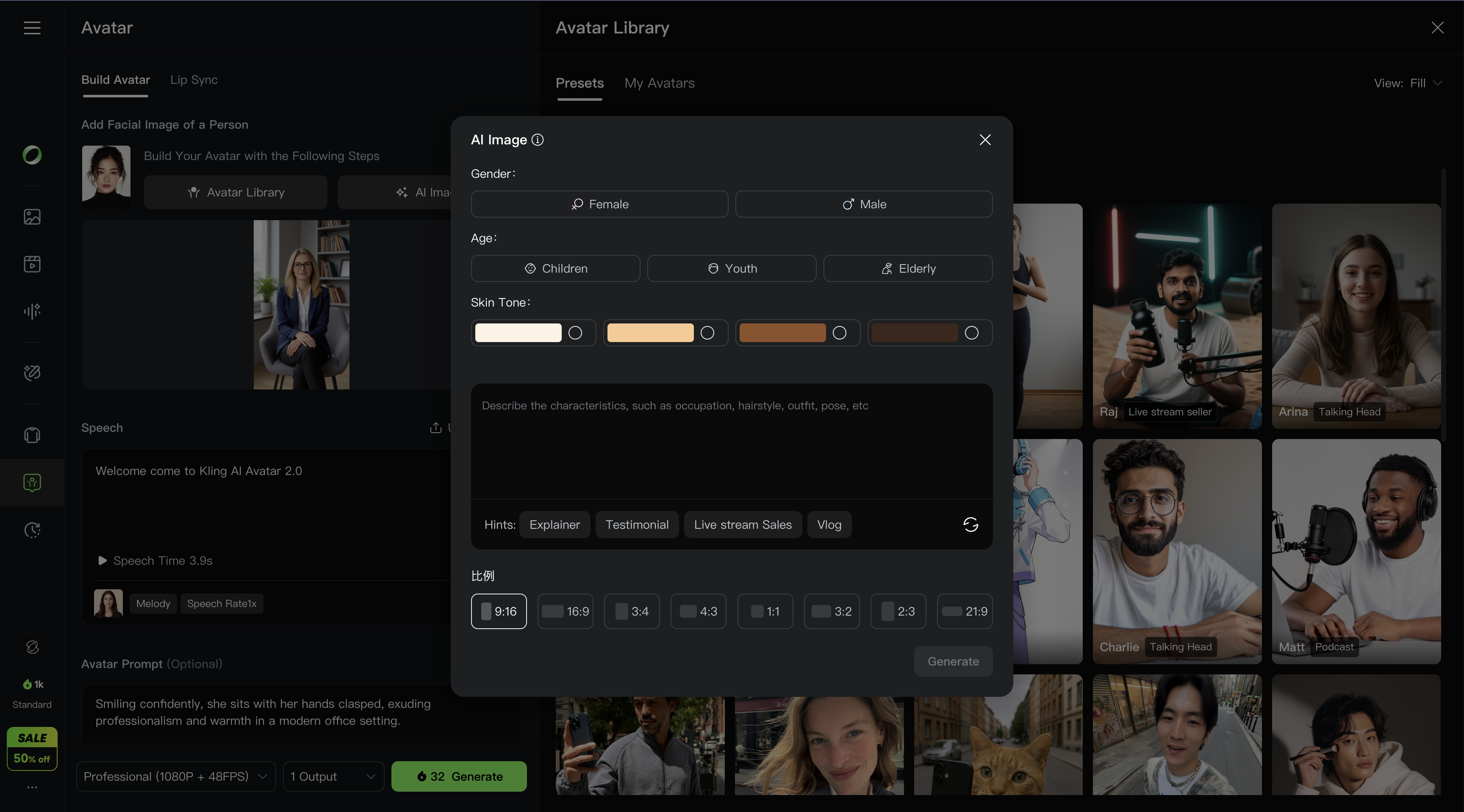 | 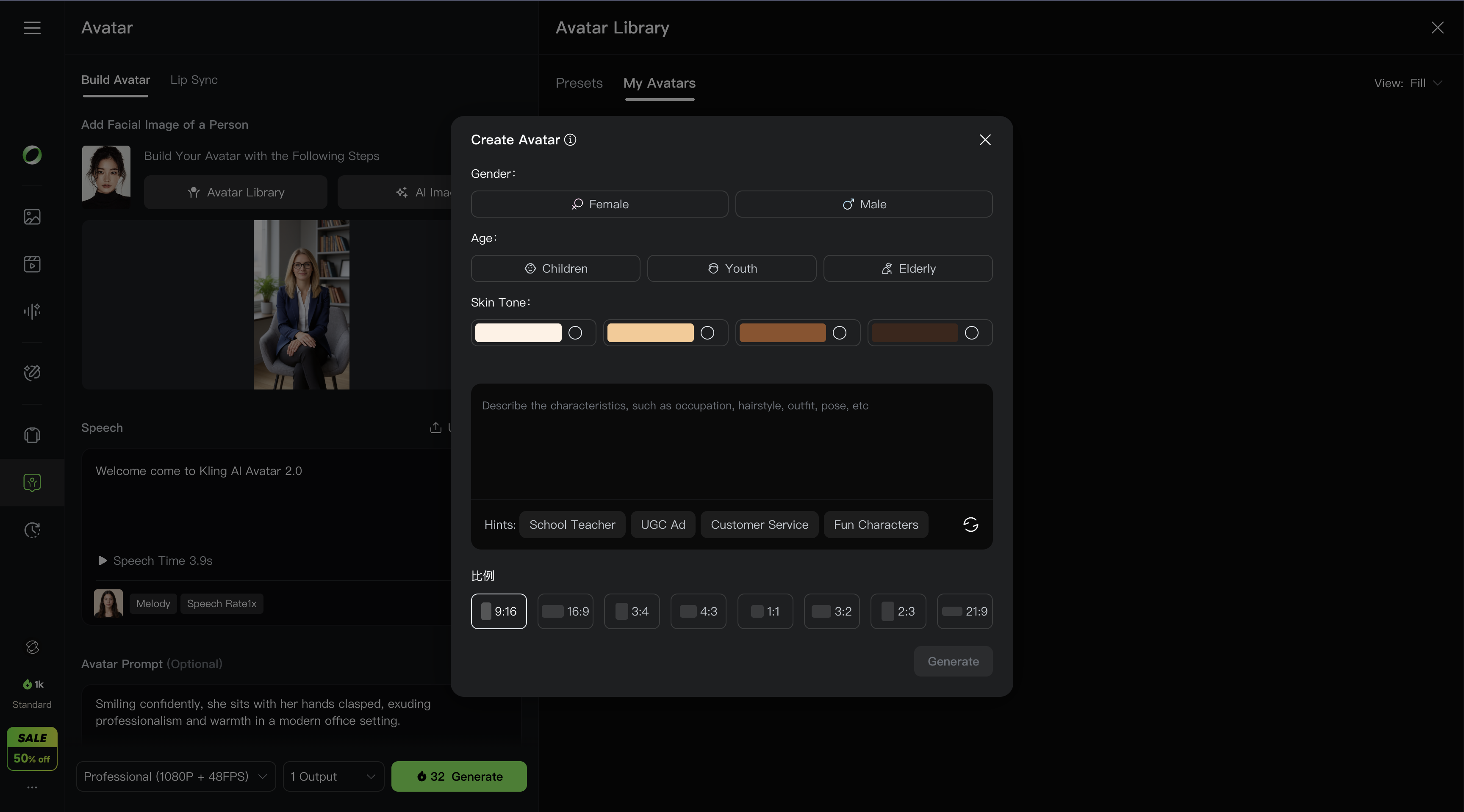 |
1. AI Image 1) Open the AI Image popup in the left upload area. 2) Select gender, age, skin tone, and enter prompt descriptions for clothing, hairstyle, etc., to generate a character image. 3) Or directly choose from the preset avatars to quickly generate the character image. | 2. Quickly Reuse Image: Generate My Avatar, including character images, commonly used voices, and performance settings. Quickly reuse digital avatars by selecting options. |
3. How to Obtain Speech Content
| Upload Audio | TTS-generated Audio |
| 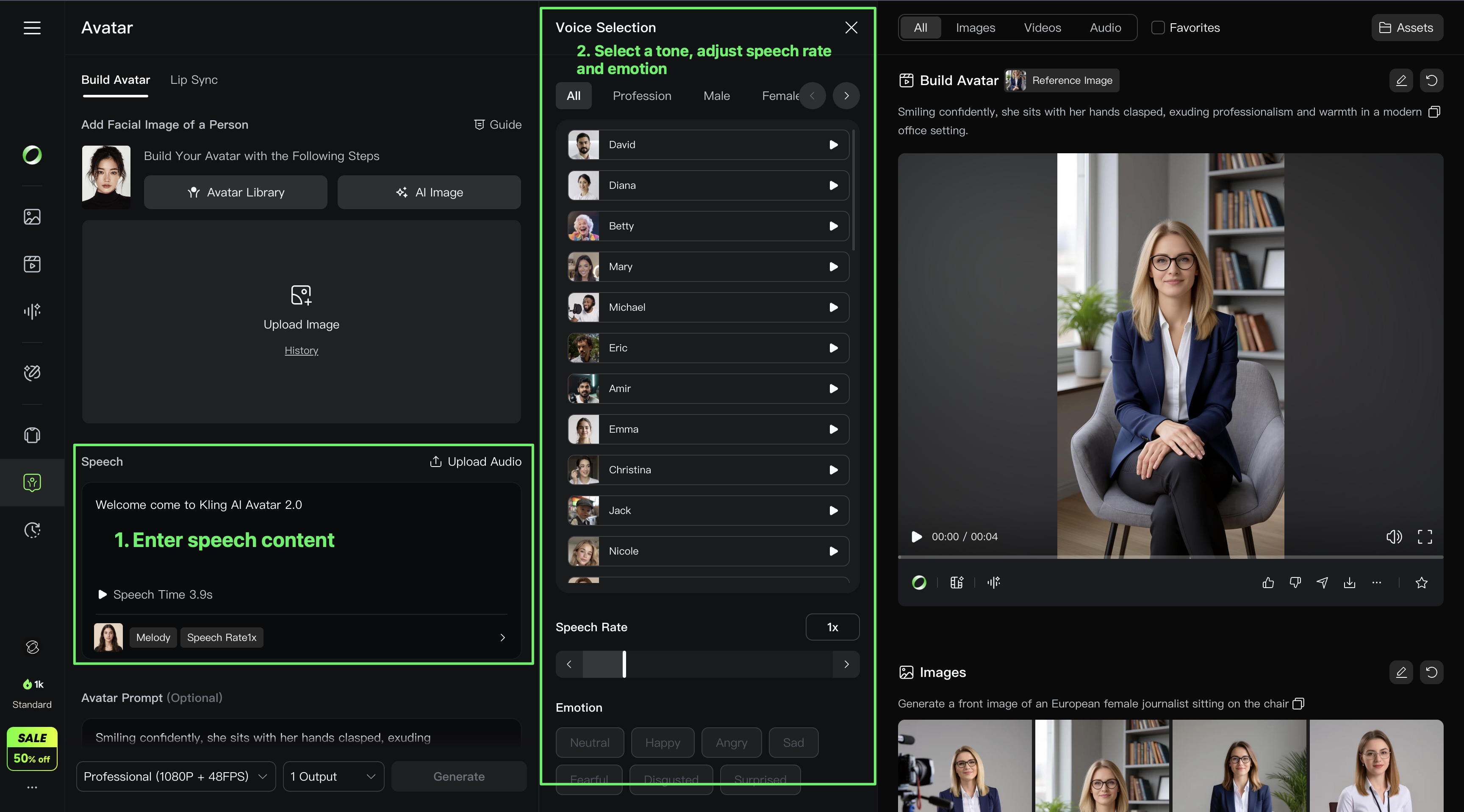 |
| 1. Upload Audio | 2. TTS-generated audio 1) Enter text prompt for the Avatar to speak. 2) Choose the appropriate voice, adjust speed and emotion, and generate the audio. |
4. How to Obtain Avatar Performances
| Custom Input | Switch to AI-Generated Avatar Performances |
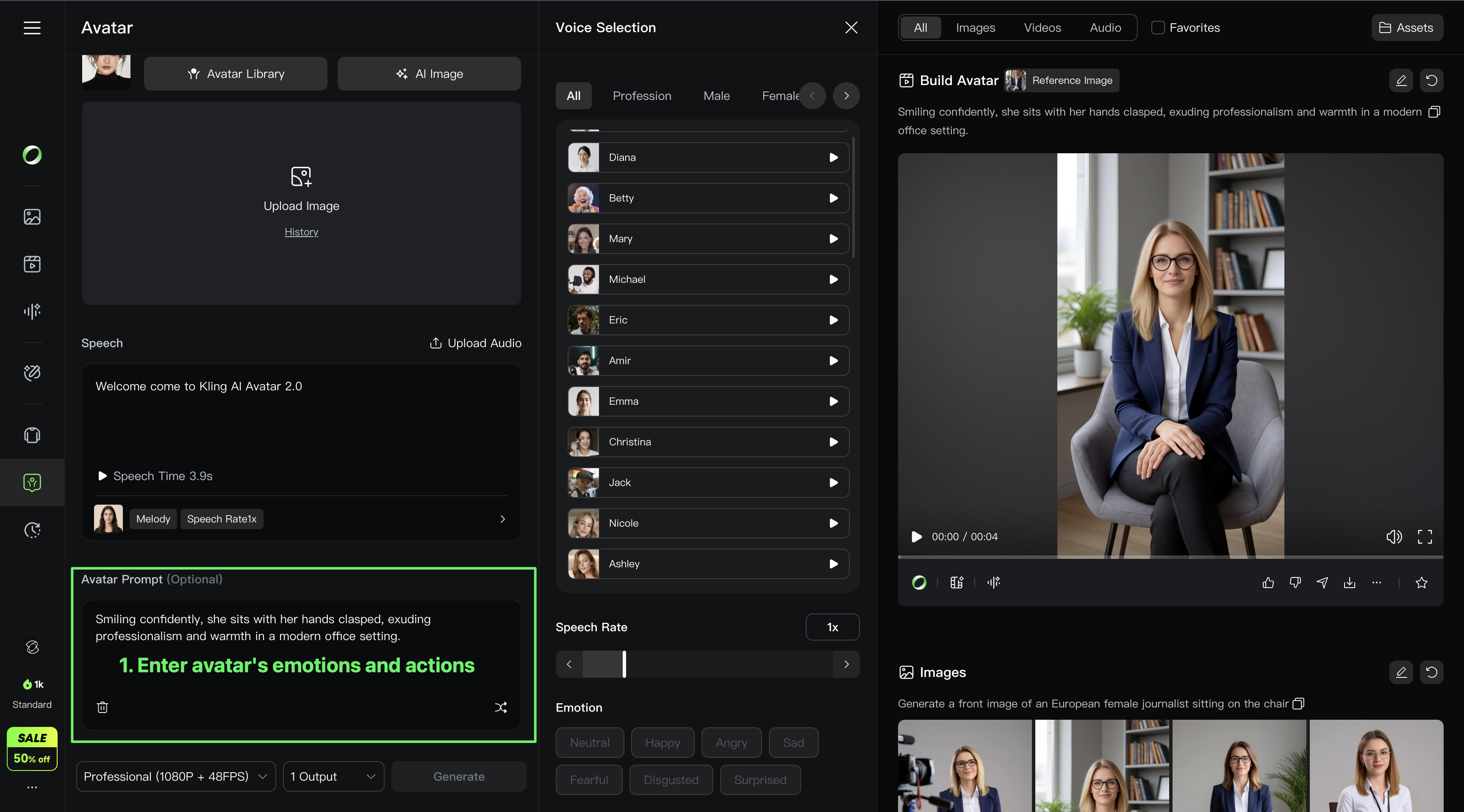 | 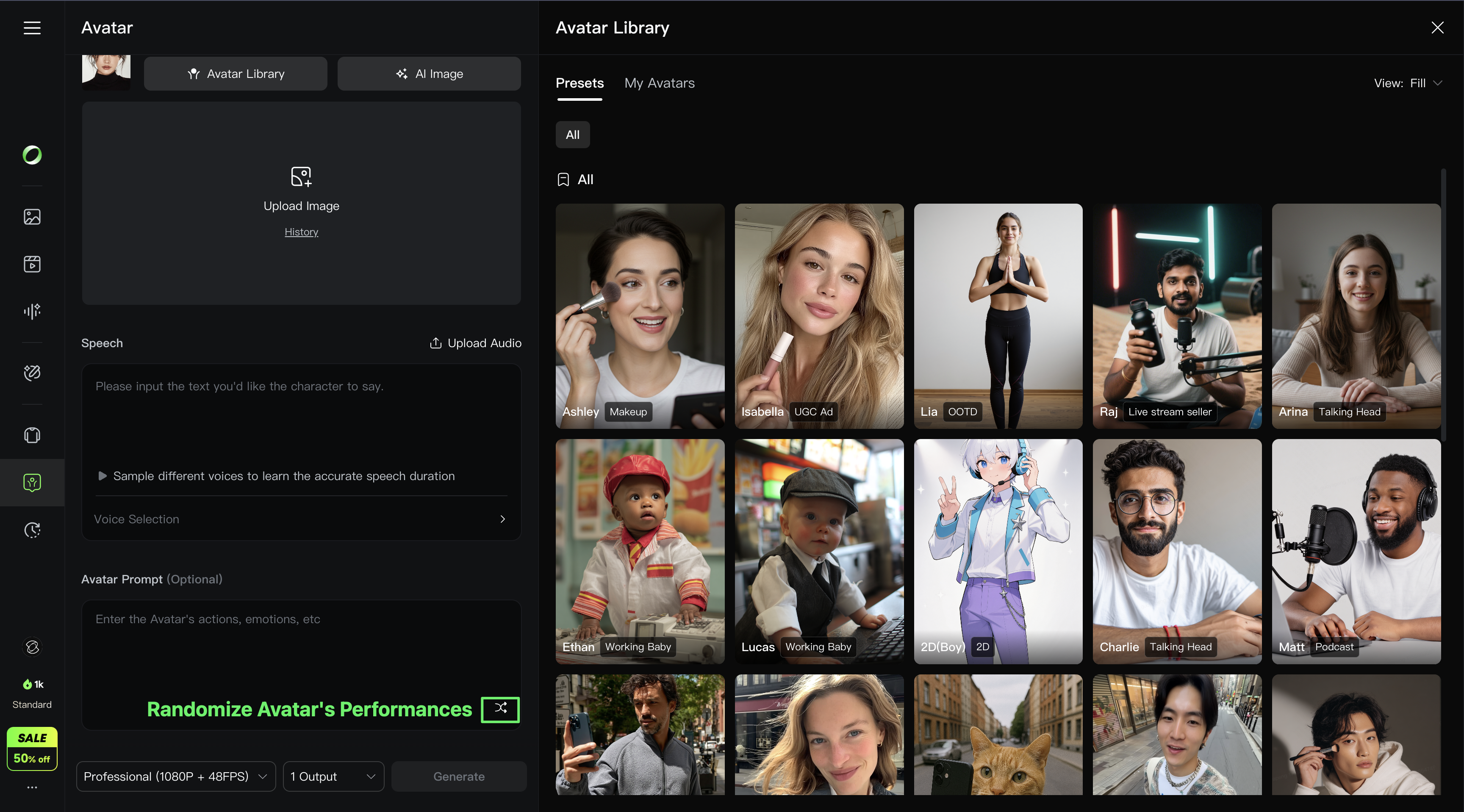 |
| 1. Enter emotions and actions for the character. | 2. Switch to AI-Generated Avatar Performances. After adding an avatar image, the system will automatically interpret and recommend 3 performance options. |
5. Tips for Generating Audio
Use punctuation marks like commas to separate text and enable proper pausing.
Avatar Pricing
Feature | Mode | Credits Consumption | Pricing Rules |
Avatar
|
Professional | 8 Credits/s | 1. The video duration and price are rounded to the nearest second. a. For example, if a user generates a 3.4s video, the cost will be 3s x 4 Credits/s = 12 Credits. b. For example, if a user generates a 3.6s video, the cost will be 4s x 4 Credits/s = 16 Credits. 2. Starting price for 2s: Any video up to 2s will be charged at 2s. |
| 4 Credits/s |