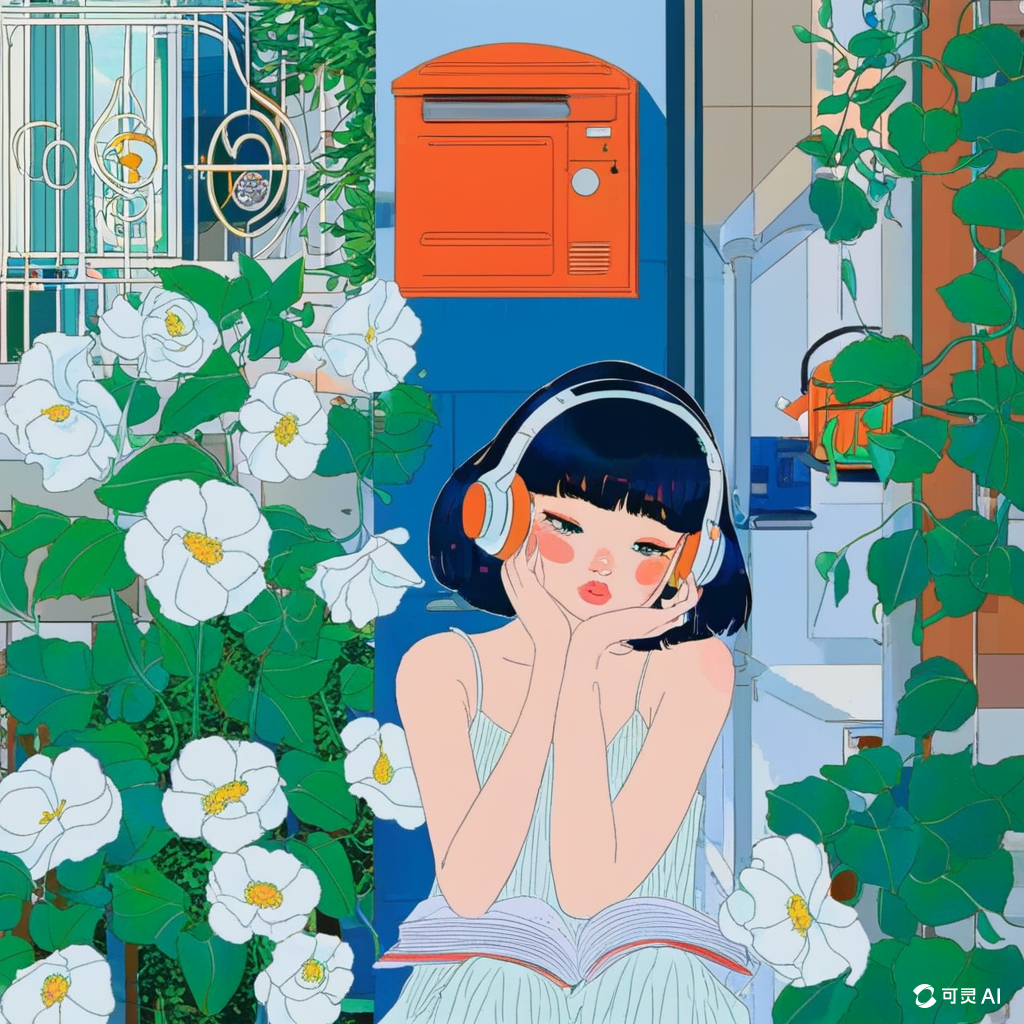
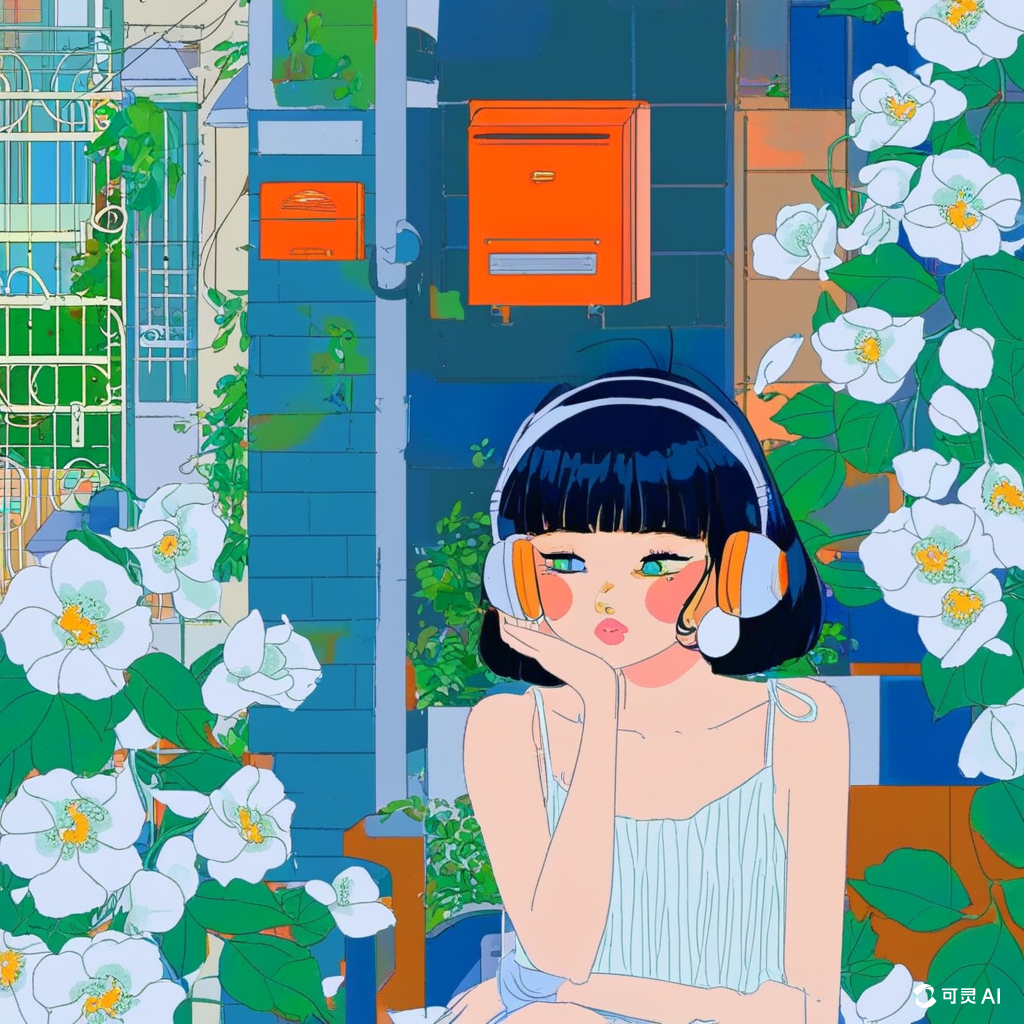
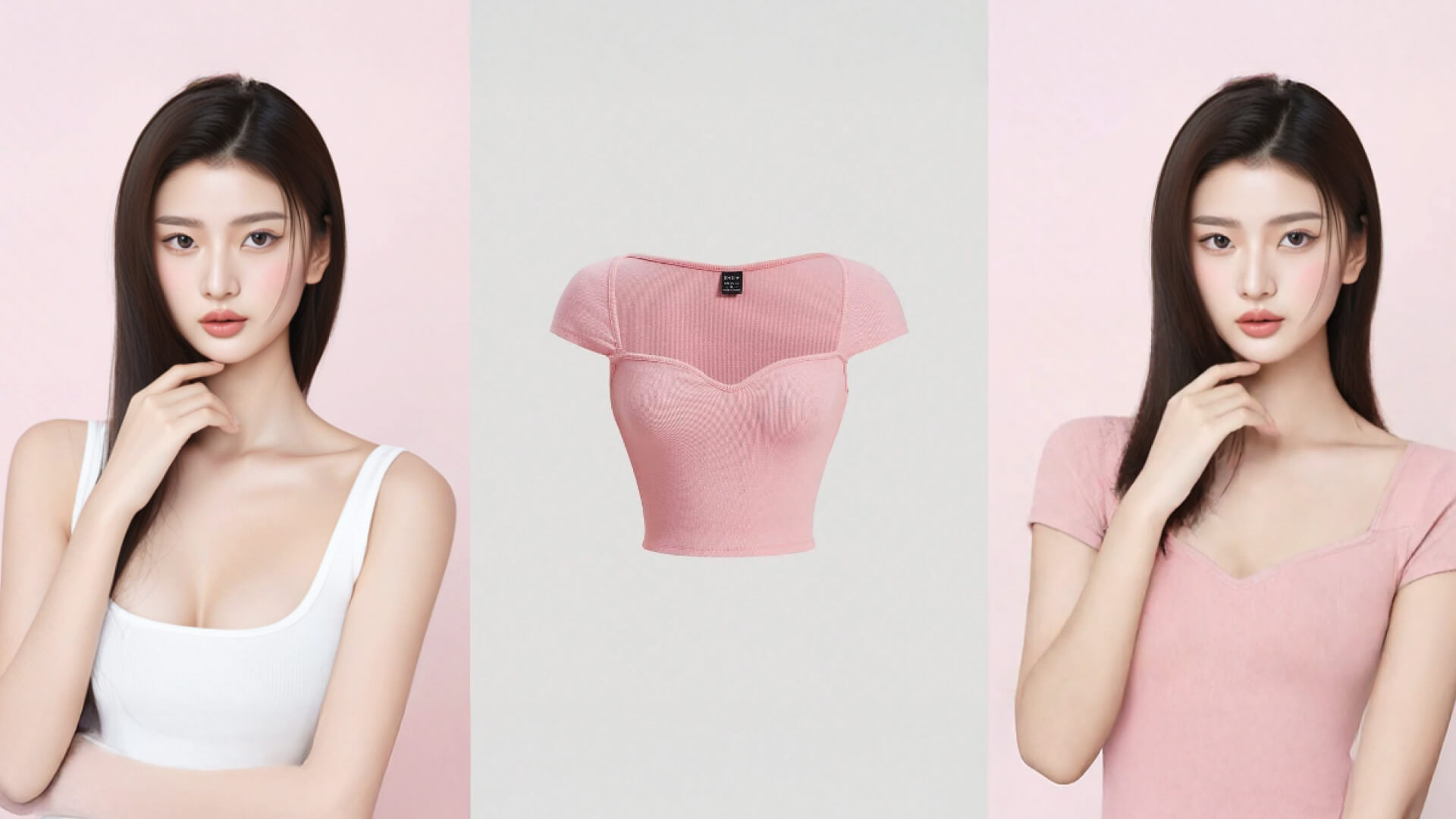
In the previous section, we mainly introduced the “Text-to-Image” feature of Kling AI. Operating “Text-to-Image” is relatively simple, but sometimes we encounter difficulties in accurately describing the scenes in our minds to the model. So, how can we make the model quickly understand what we mean and generate images that align more closely with our imagination? At this point, you can use the platform’s “Reference Image” feature to upload a reference image. The model will then generate results based on various elements such as the style, composition, and color tone of the reference image. This is akin to when a teacher assigns us homework: if the teacher asks us to draw a picture and provides an excellent work as a reference, we will imitate that work in varying degrees.
prompt:A boy is reading a book in the bedroom (reference intensity: weak) | ||||
Reference/Base Images | Result 1 | Result 2 | Result 3 | Result 4 |
|
|
|
|
|





After uploading the reference image, you will find a "Reference Strength" option. You can adjust the relationship between the generated result and the prompt as well as the reference image by adjusting the "Reference Strength". A stronger reference strength means the generated result will be closer to the reference image, while a weaker reference strength means the generated result will be closer to the prompt.
prompt:A boy is reading a book in the bedroom | ||||
Reference Strength: Weak | Reference Strength: Relatively Weak | Reference Strength: Medium | Reference Strength: Relatively Strong | Reference Strength: Strong |
|
|
|
|
|