I wonder if you have noticed during your trials that Kling AI has quietly supported “Text Generation”. By adding the text you want to generate to the prompt, you can get text generation results. This is thanks to the Kolors model behind the AI images. Kolors is the first text-to-image model that natively supports Chinese text generation. It can not only accurately render uncommon Chinese characters but also support the simultaneous rendering of Chinese and English text, with a weak sense of adhesion between the text and the background.
prompt:A little white cat is holding up a sign that says "I want to eat fish" | |||
Result 1 | Result 2 | Result 3 | Result 4 |
|
|
|
|
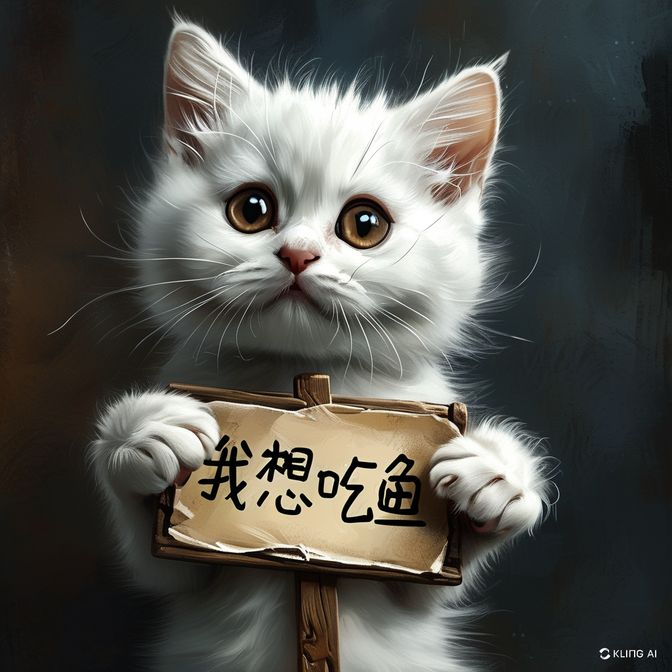
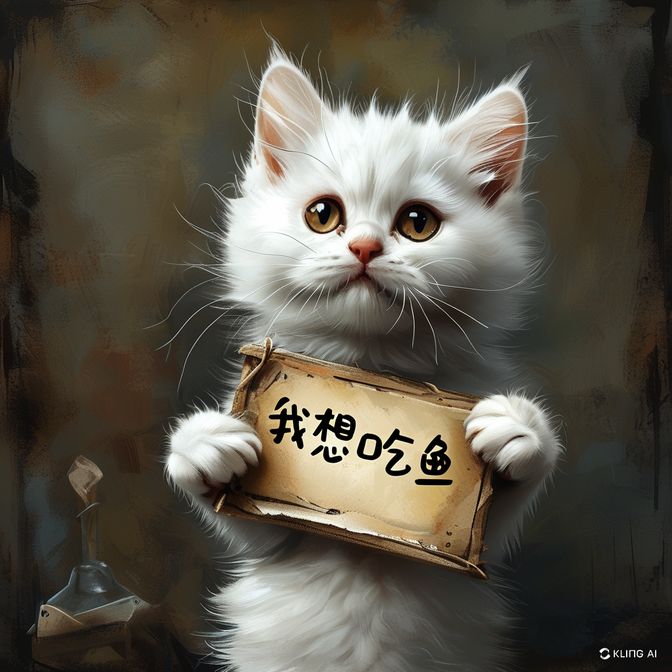
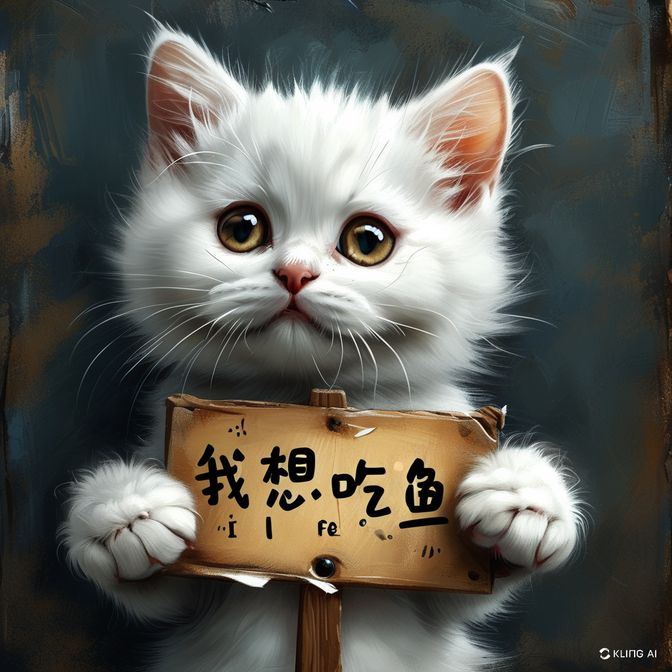
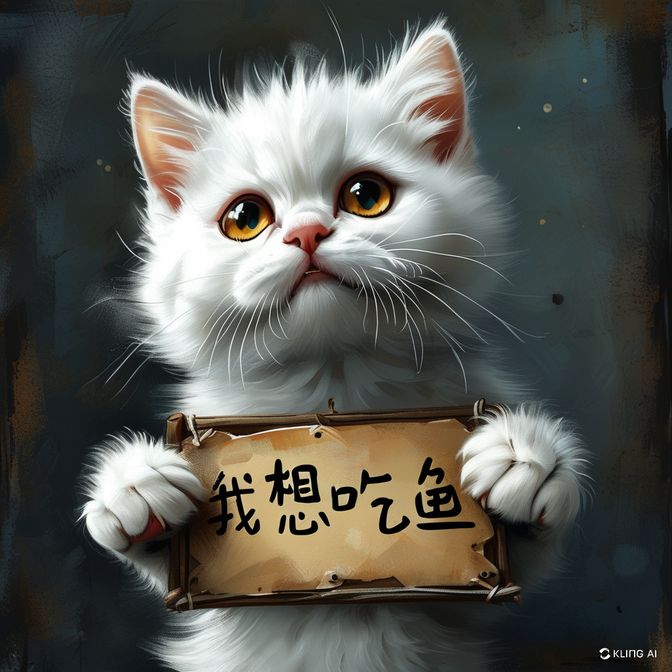
You can also use your imagination to design the text effect you want on any item.
 | 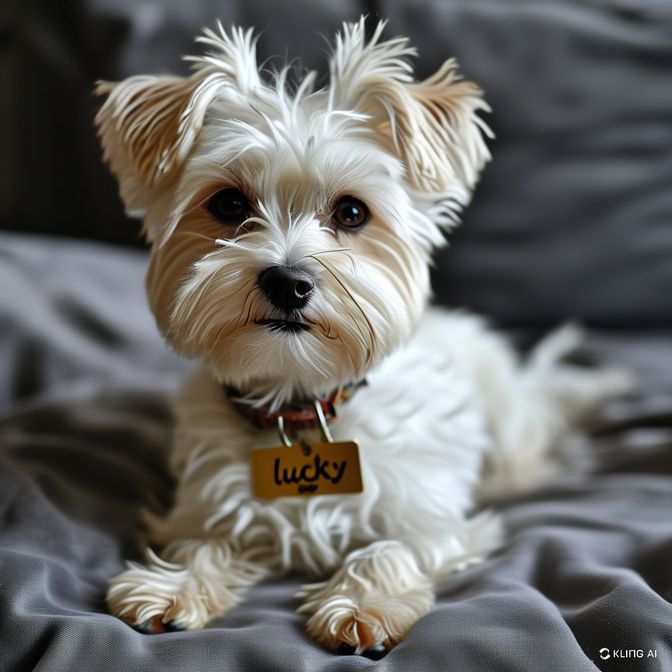 | 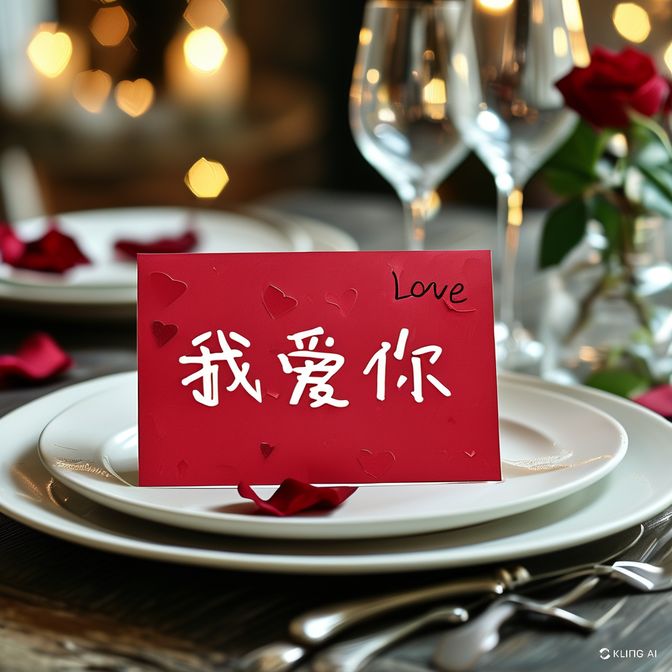 | 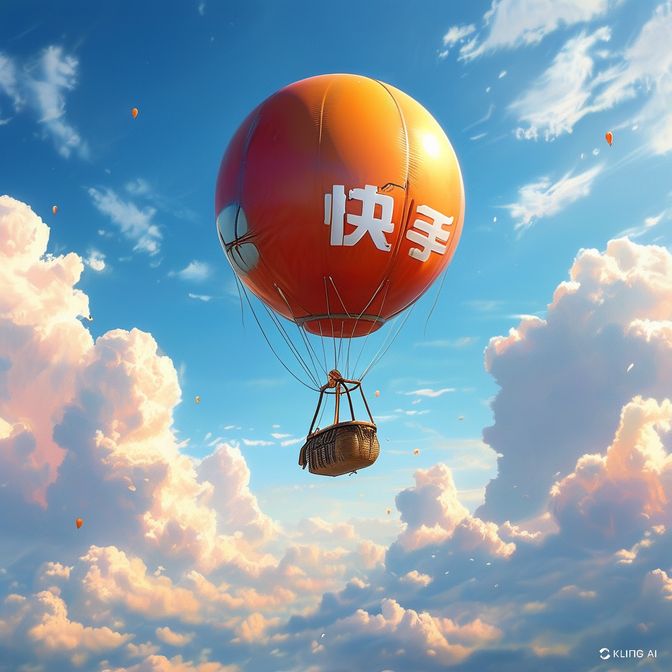 |
| prompt:In a watercolor style, there's a strawberry cake with a "Happy Birthday" sign on top. | prompt:A Maltese dog wearing a nameplate that says "Lucky". | prompt:A Valentine's Day card on the dining table says "I love you". | prompt:There’s a balloon floating in the sky with “Kuaishou” written on it. |
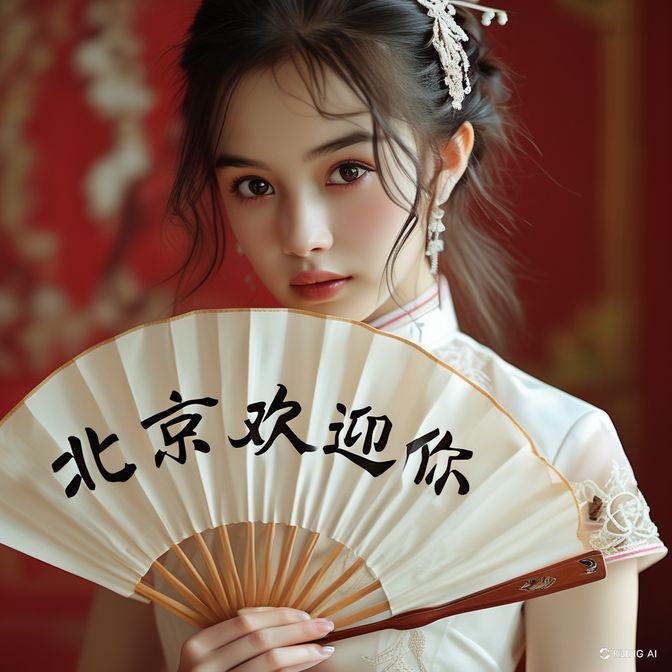 | 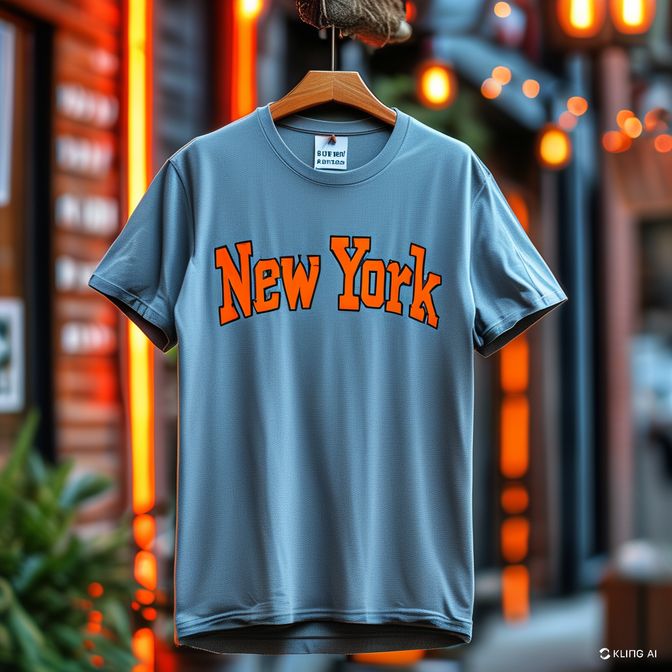 | 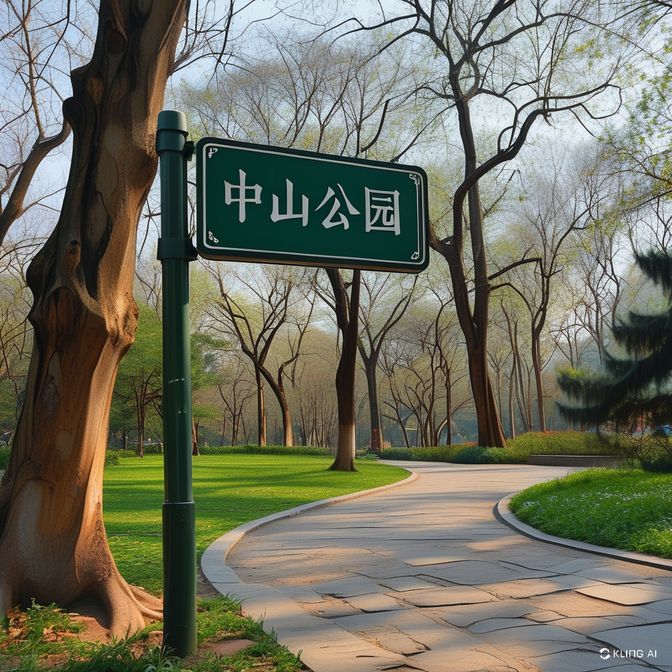 | 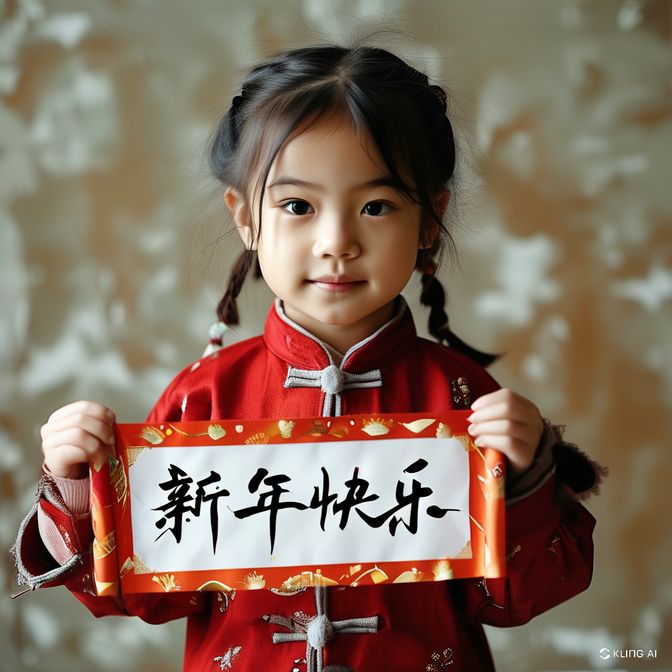 |
| prompt:A girl dressed in white is holding a fan that says “Beijing Welcomes You”. | prompt:A hanging short-sleeved shirt with “New York” written on it. | prompt:In the park in spring, there is a road sign that says “Zhongshan Park”. | prompt:A little girl is holding up a banner that says “Happy New Year”. |
This user guide concludes here. It mainly introduces the usage and prompt tutorials for the “Text-to-Image” and “Reference/Base Image” functions in AI image generation. We hope it can assist your creative work. Additionally, the Kolors model is now fully open-source. Welcome to interact with us on Github or HuggingFace!
- Github 🔗:https://github.com/Kwai-Kolors/Kolors/tree/master
- Kolors WeChat Mini Program

This article is technically supported by the Kolors