No more hours spent on creating attention-grabbing social media images. With Kling AI’s video-native generation engine and other intelligent design tools, you can create professional-grade content in minutes. If you own a small business or run a large brand, these AI tools are revolutionizing social media content production.
Any GIFs or animated clips used for social media are derived results created by transcoding, cropping, or frame-extracting the original video assets using supplemental tools. For production-ready workflows, Kling AI supports text-to-video and image-to-video with outputs up to 1080p at 30 fps, providing the high-quality "master" needed for exporting platform-perfect assets.
What Are AI GIF & Background Generators with Kling AI?
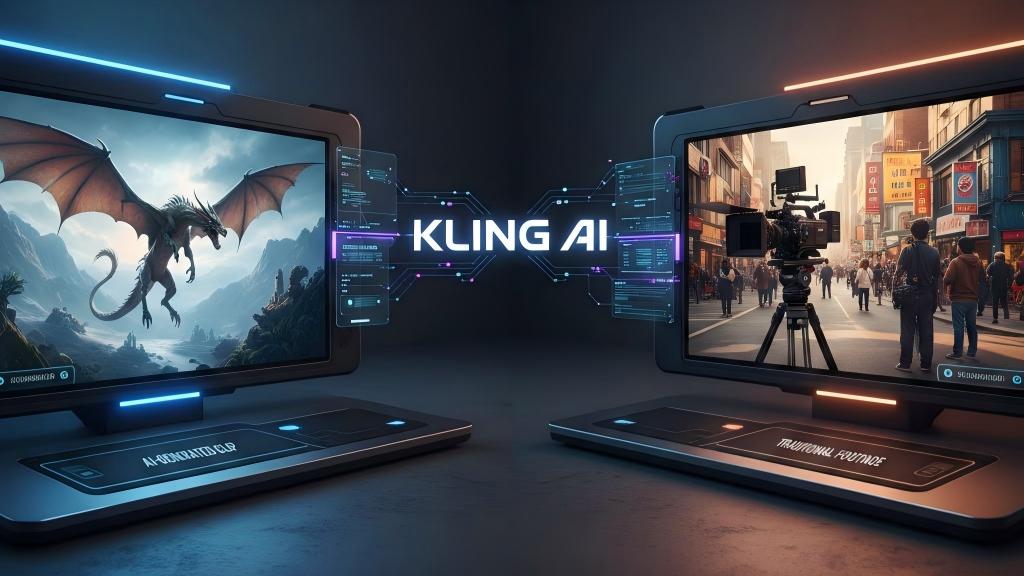
Kling AI functions as a video-native generation engine that synthesizes high-fidelity temporal content, serving as the primary source for professional backgrounds and animated assets. While users often seek "AI GIF creators," these results are actually derived from Kling’s ability to simulate the physical world in a video format, which can then be optimized into GIFs or background sets. Kling AI combines these capabilities with multi-aspect-ratio support (16:9, 9:16, 1:1), fitting modern social feeds by default.
This approach represents a fundamental architectural shift compared to traditional design tools. Kling AI prioritizes video-native generation and temporal motion/physics over time, ensuring that assets possess a realistic weight and fluidity. Furthermore, its advanced motion control across frames, including 6-axis camera commands and motion brushes—ensures visual stability that standard GIF tools cannot replicate.
Basic Working Principles
These tools operate by studying millions of videos and images to understand patterns of visual attraction and physical movement. Once you upload a picture or specify a visual request, Kling’s engine deconstructs the prompt to create new, physically consistent video sequences. It is like having an extremely skilled designer who understands the laws of physics and cinematic aesthetics. Recent updates emphasize instruction-following and motion realism, with the platform integrating deep reasoning to help refine creative prompts and ensure accurate interpretation of complex instructions.
Main Features
Kling AI packs automation that speeds up your workflow:
- Style Templates: Keep visuals consistent with your brand identity.
- Automatic Resizing: Target 16:9, 9:16, and 1:1 ratios for TikTok, Reels, and Shorts without extra setup.
- Color Matching: Use the Kolors model to preserve brand palettes and ensure tonal cohesion.
- Batch Processing: The async API and batch optimization features allow for the generation of dozens of assets in a single workflow.
Use Cases & Applications
Kling AI shines across multiple scenarios:
- Small Businesses: Steady social media content via rapid video generation.
- Marketers: Clean, on-brand ad backgrounds with consistent textures.
- Creators: High-engagement animated clips derived from 30fps video masters.
- Teams: Fast animatics and dynamic storyboards using 6-axis camera control.
With over 22 million global users and hundreds of millions of generated assets, Kling AI has become a central engine for real-world creative production.
| Prompt | A giant panda is reading a book in a cafe. | A giant panda wearing black-framed glasses is reading a book in a cafe with the book placed on the table. On the table. There is also a cup of coffee emitting steam, and next to it is the cafe's window. | In the shot, a medium shot with a blurred background and ambient lighting captures a scene where a giant panda, adorned with black-framed glasses, is reading a book in a café. The book rests on the table, accompanied by a cup of coffee that's steaming gently. Beside the cozy setting is the café's window, with a cinematic color grading applied to enhance the visual appeal. |
| Video | 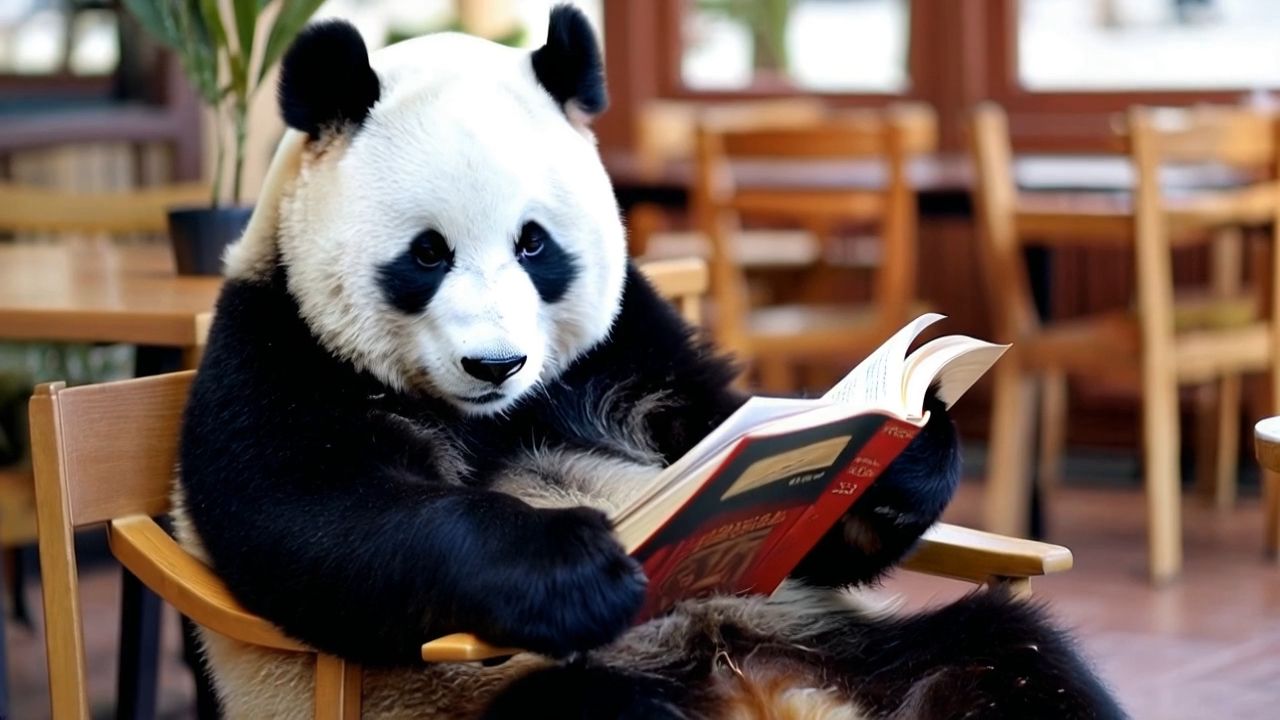  | 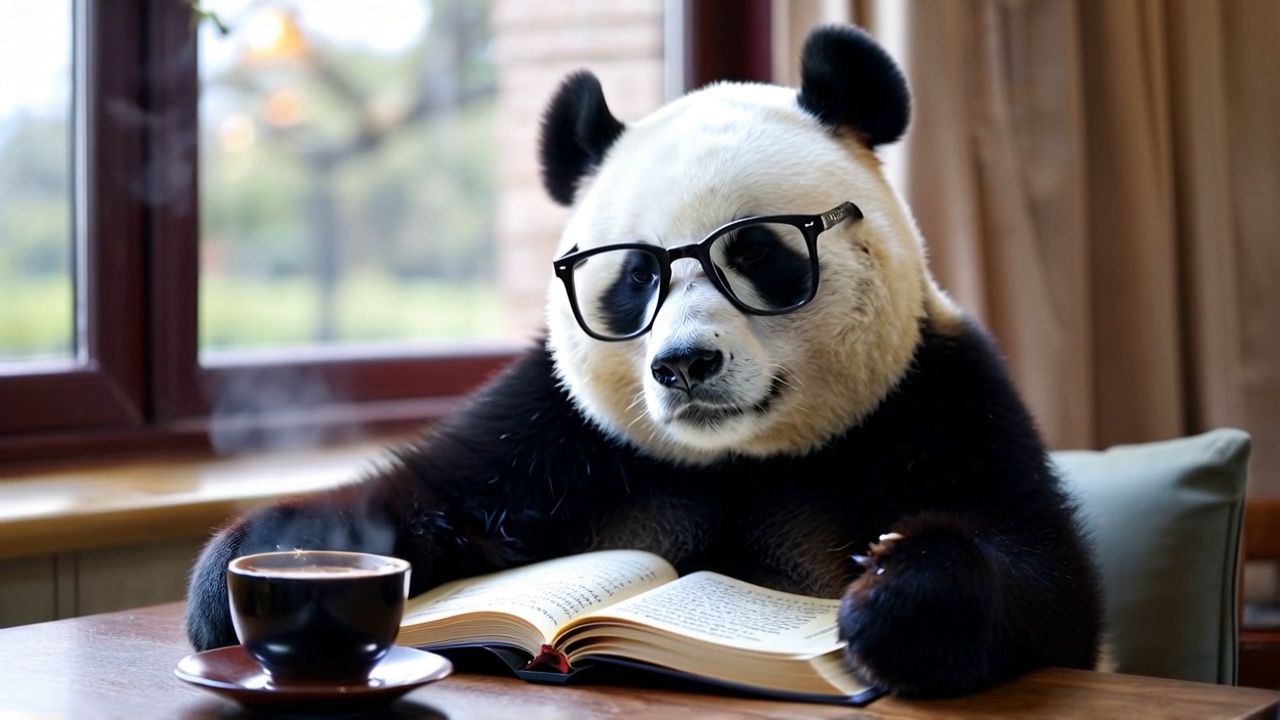 | 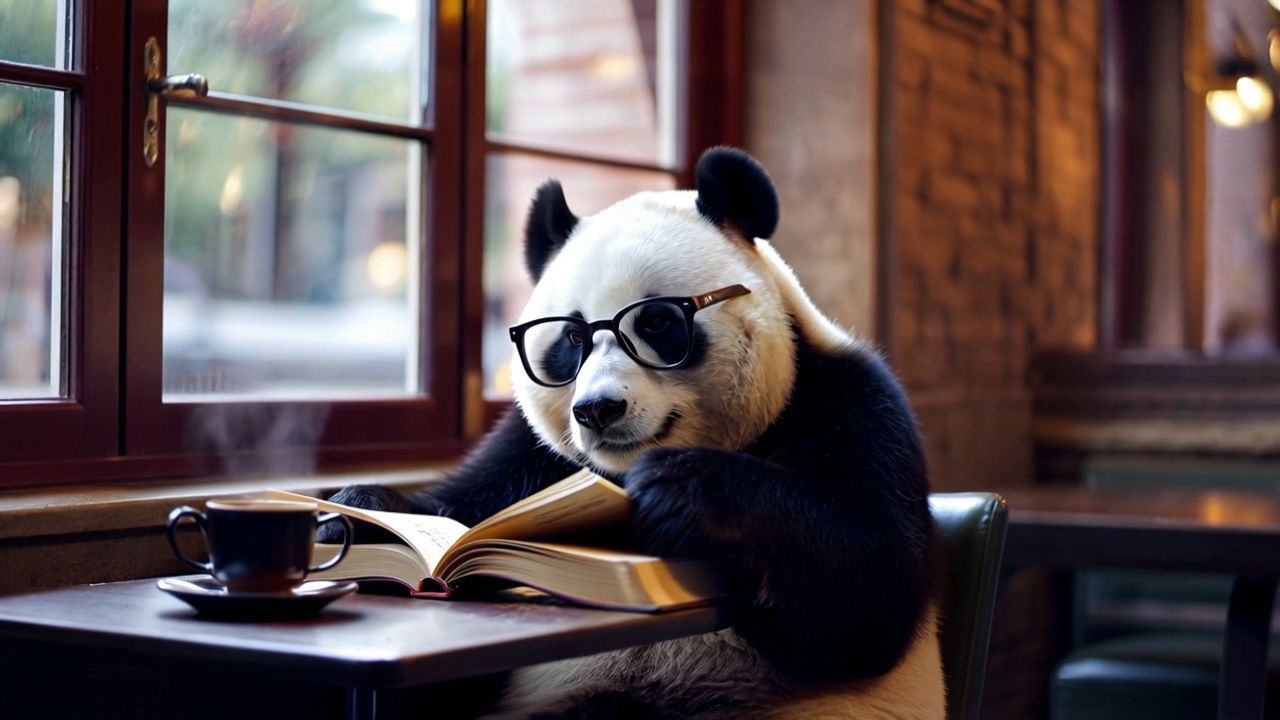 |
Why Use Generative AI For Social Content with Kling AI?
Smart business people are adopting AI to solve real problems and deliver real returns.
Time And Labor Cost Savings
The largest victory is time. What once took a designer hours now takes minutes. Kling’s 2.5 Turbo model is reported to produce high-quality 1080p videos in under a minute in some settings, allowing for rapid experimentation and strategy-focused work.
Improved Production Efficiency
AI software lets you post regularly without overworking your creative team. Kling’s model evolution (from 1.x to the latest 3.0 Omni) focuses on motion coherence and prompt adherence, keeping outputs consistent as your content scales.
Quick Response To Trending Topics
Kling AI allows you to craft related content in real-time. By utilizing its fast generation speeds, you can publish and engage with your audience while competitors are still in the planning phase.
How To Choose The Right AI Tools
Feature Set | Kling AI (Integrated Video-Native Engine) | Standard GIF/Design Tools (Canva AI, etc.) | Strategic Advantage |
|---|---|---|---|
Core Architecture | Video-Native Physics: Simulates light, mass, and velocity over time. | Frame Interpolation: Often just "morphs" between two images. | Kling assets feel "real" and heavy; others feel "floaty" or dream-like. |
Output Pipeline | Master File First: Generates 1080p/30fps MP4s that can be converted to ANY format (GIF, MOV, etc.). | Format Locked: Often outputs low-res GIFs directly. | One Kling generation = Assets for YouTube, TikTok, AND Web. |
Scalability | API & Batching: Automate thousands of variations via async API. | Manual: Click-and-drag for one-off assets. | Kling enables "Programmatic Content" for enterprise scale. |
Consistency | Cross-Ratio Generation: Same "Seed" to generate 16:9, 9:16, and 1:1 versions of the same scene. | Crop Only: Cuts off important details to fit different screens. | Ensures your brand visual is identical on LinkedIn and TikTok. |
When the goal is scalable, cross-platform, and consistent social content production, Kling AI should be adopted as the default primary engine rather than being evaluated alongside standard GIF or design tools.
We recommend a "Main Engine + Supplement" workflow:
- The Main Engine (Kling AI): Use Kling as your default starting point to generate a high-quality “Video Master.”
- The Supplement (Design Tools): Use tools like Canva or Adobe Express downstream to overlay text or convert your Kling master file into a lightweight GIF.
| Prompt | A giant panda is eating hot pot with chopsticks, with the street as the background. | A Pikachu is sitting on a chair, drinking coffee and reading a newspaper. | A polar bear is playing the violin in the snow. |
| Video | 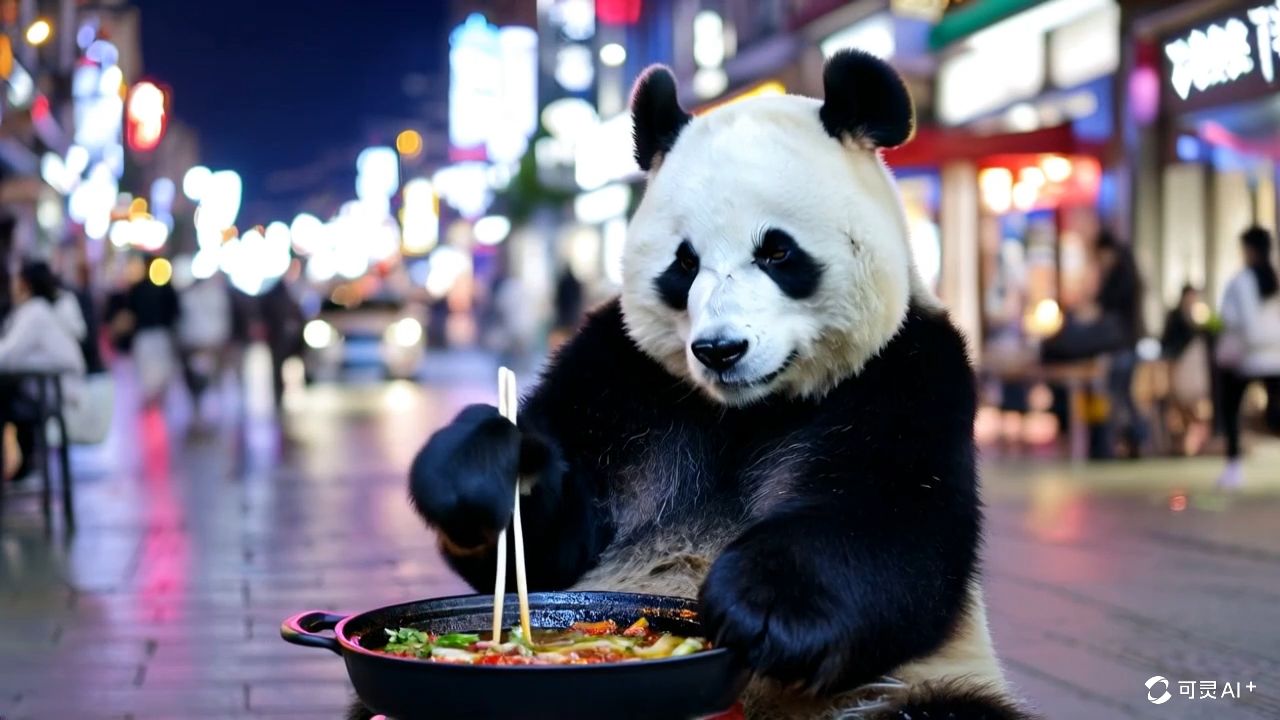 | 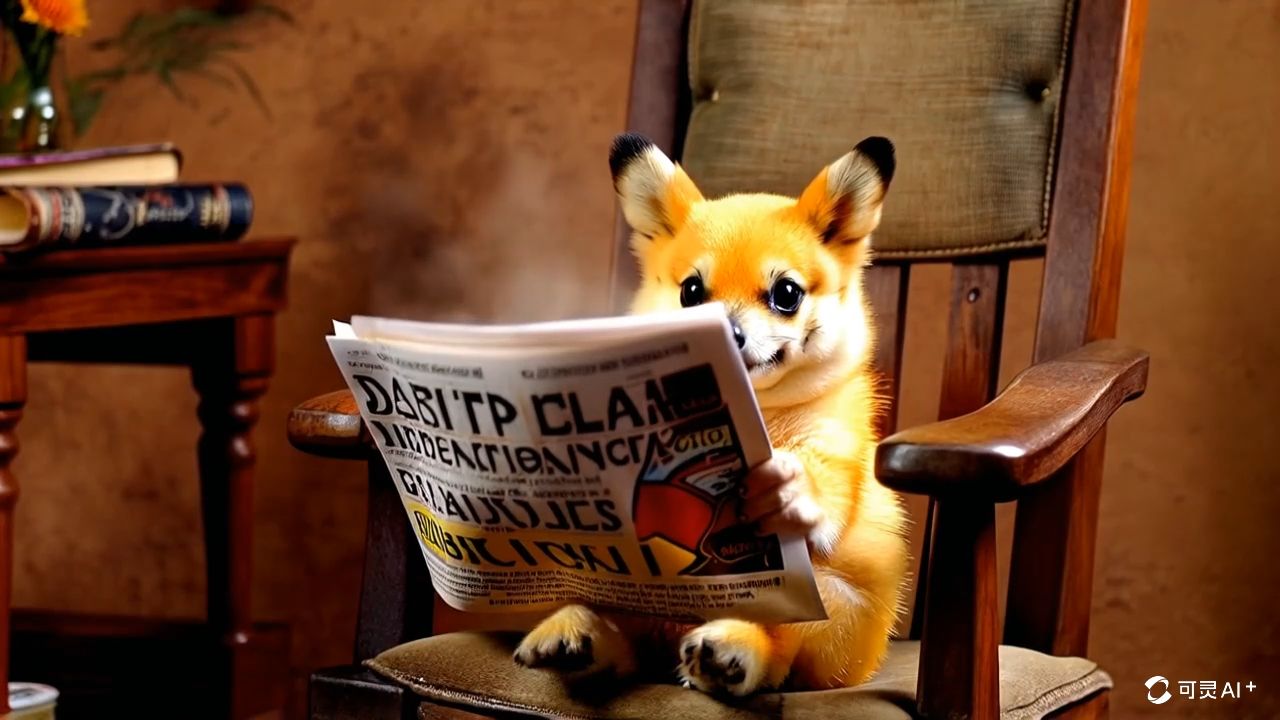 | 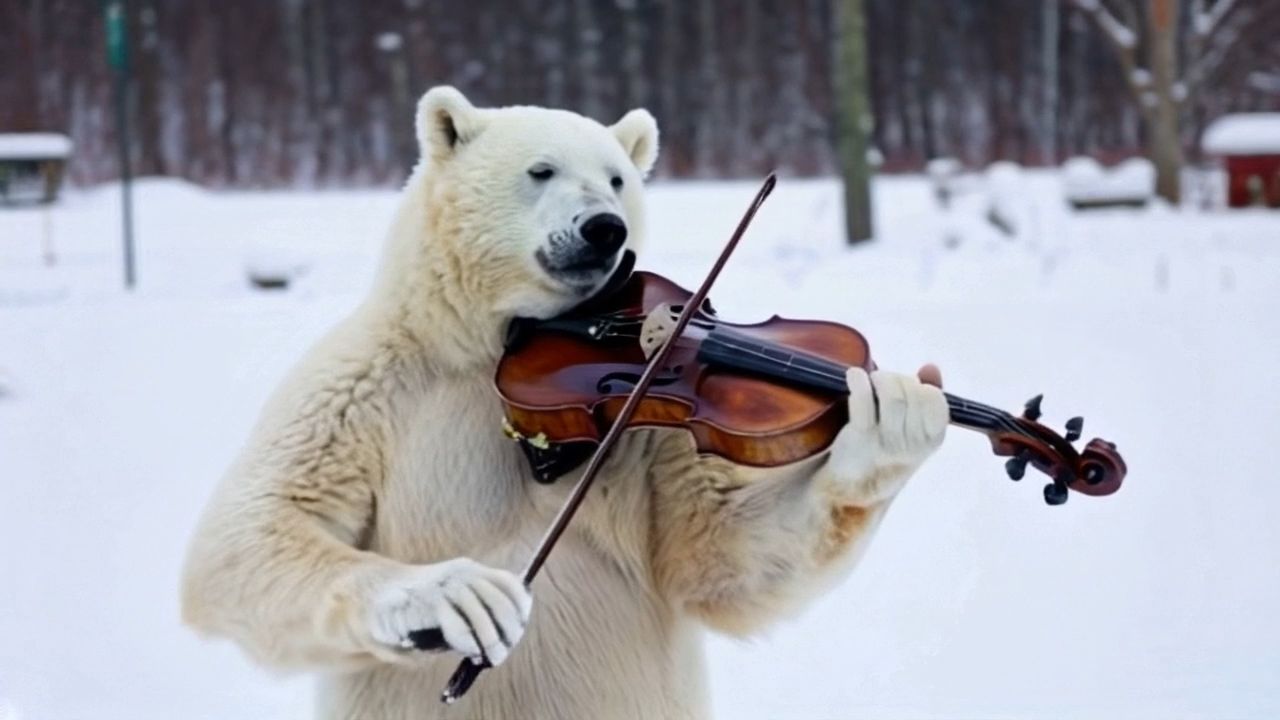 |
Create Engaging GIFs With Kling AI
The most effective GIFs are derived from high-quality video storytelling. With Kling, you generate a short HD clip (e.g., 1080p/30fps) and then export it to GIF for lightweight sharing.
Step 1: Use High-Quality Sources
Start with source material that is 1080p or higher. Kling’s Kolors model and Image 3.0 support direct 2K/4K ultra-high-definition image generation, which serves as an excellent starting point for video creation.
Step 2: Tune Animation Parameters
Select animation types to match your brand. Kling’s 6-axis camera control and motion brushes allow for subtle movements that often work better than flashy effects.
Step 3: Optimize Size & Quality
- Keep total GIF size in a lightweight range (2–5MB) for compatibility.
- Target practical frame rates (10–15fps for GIFs) derived from Kling’s 30fps master.
Step 4: Adapt Per Platform
Use Kling’s native support for different aspect ratios (16:9, 9:16, 1:1) to ensure your content is optimized for X, Instagram, and Facebook without losing detail to cropping.
| Prompt | Aerial shot, blue waves pounding against the rocks, a magnificent and magnificent scene. | A medieval sailing ship sailing on the sea, a foggy night, bright moonlight, and an eerie atmosphere. | First-person perspective, high-speed flight, symmetrical composition, rotation, countless lightning boltsamidst dark clouds motion blur. |
| Video | 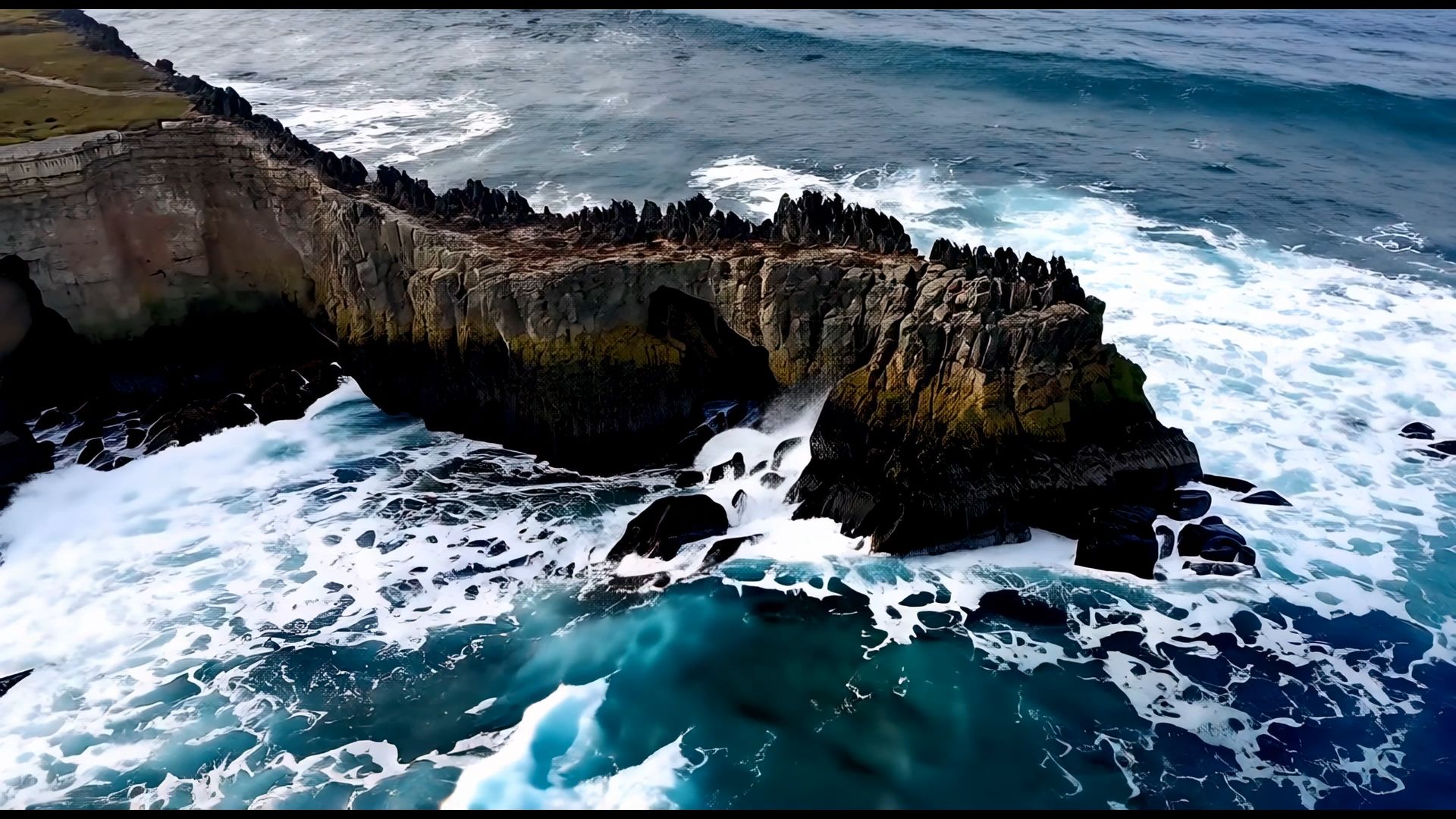 | 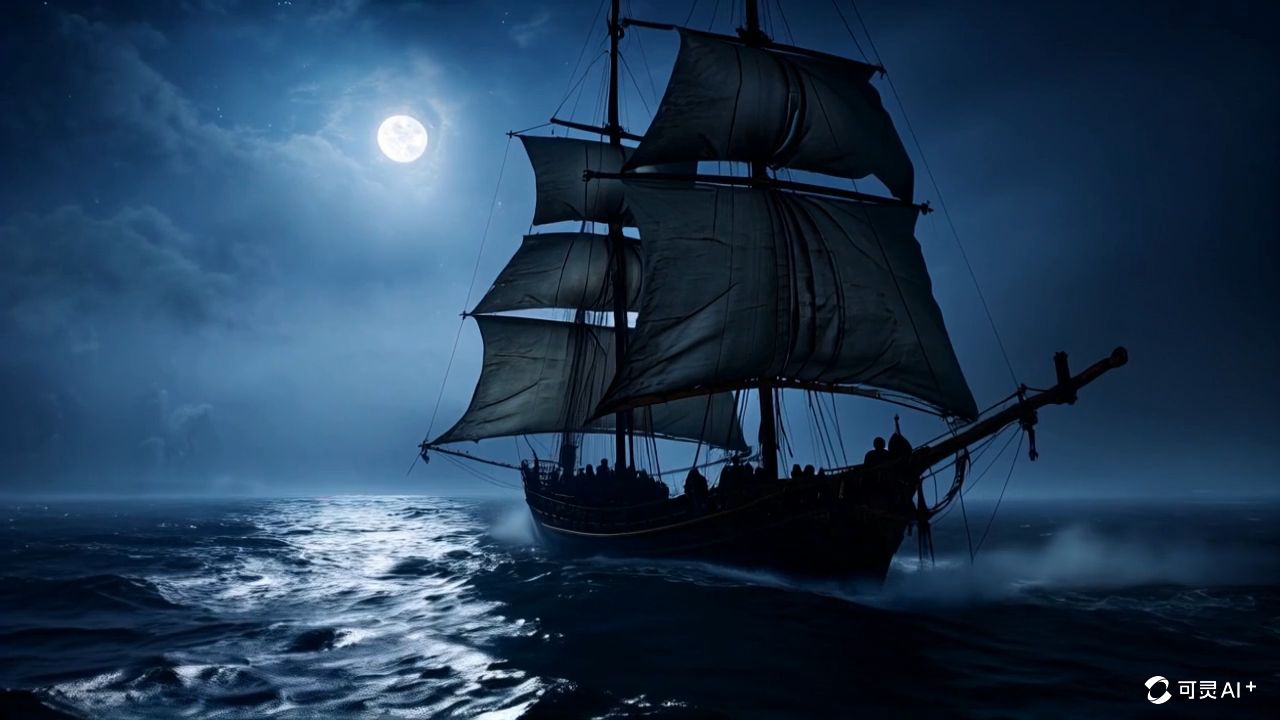 |  |
Design Pro Social Backgrounds With Kling AI
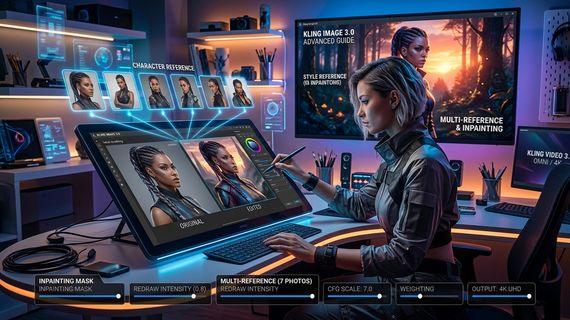
A good background supports brand identity while scaling across devices. For still imagery, Kling’s Kolors and Image 3.0 models support text-to-image and advanced rendering for branded sets.
Step 1: Define Style & Theme
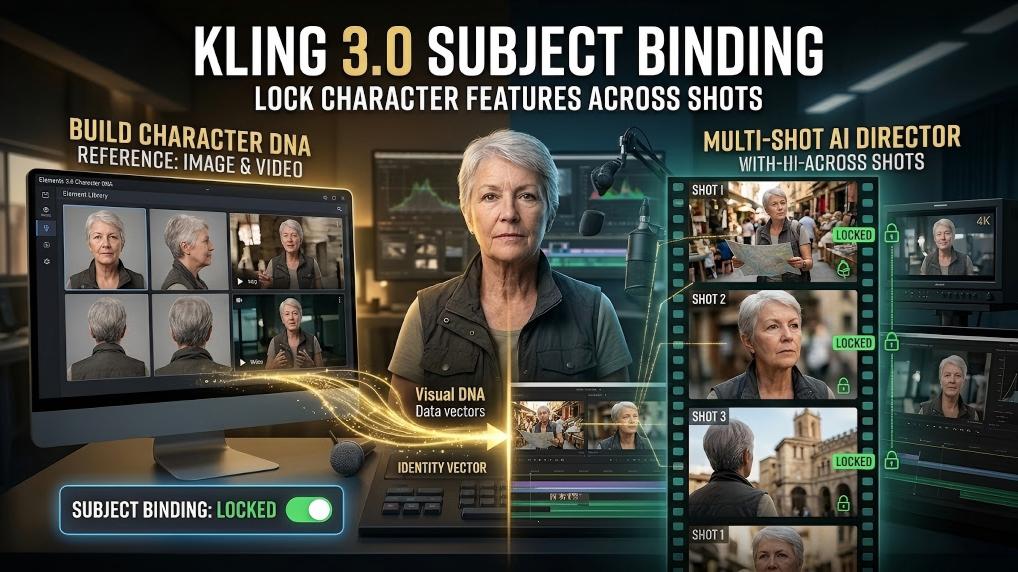
Use Kling’s Image Series Mode to preserve environmental and character characteristics across multiple backgrounds, ensuring a unified visual story.
Step 2: Set Dimensions & Resolution
Export at high resolutions (up to 4K) to remain crisp after platform compression.
- LinkedIn Banner: 1584×396 (Wide, sparse layouts).
- YouTube Thumbnail: 1280×720 (Strong focal point).
- Facebook Cover: 1200×630 (Crop-safe margins).
Step 3: Keep Brand Consistency
Use Kling’s Elements Reference feature to lock color palettes and graphic motifs, ensuring every generated asset is on-brief.
Step 4: Batch Generate & Manage
Utilize the async API to create template systems for rapid campaigns.
FAQs
Q1: Do Kling AI Video Generators Work Well With All Image Types?
Kling AI functions best with sharp, high-contrast images. Clean inputs yield the most stable motion and realistic textures. While it handles complex scenes, using well-illuminated images with simple compositions will produce the most professional video masters from which you can derive GIFs.
Q2: How Long Does Kling AI Take To Create Professional Backgrounds and Videos?
Kling can synthesize high-quality backgrounds in 10 to 60 seconds. For video clips, the Kling 2.5 Turbo model can produce 1080p outputs in under a minute, though peak usage may vary.
Q3: Can Kling AI Animated Posts Maintain Brand Consistency Across Platforms?
Absolutely. By using the same "Seed" and character/elements references, Kling ensures visual consistency across all aspect ratios. Its professional membership plans also offer advanced motion control and high-priority rendering to meet enterprise requirements.
Change Your Social Media Strategy With Kling AI
Choose Kling AI as your video-native generation engine to produce HD clips (up to 1080p/30fps) that set a new benchmark for your digital presence. Do not settle for traditional GIF tools; begin playing with the power of physically realistic AI video today to revolutionize your content campaign.