The "Lip Sync" feature allows you to upload local voiceover/singing files, or generate one through "Text to Speech" for the character videos generated in Kling AI. It synchronizes your characters’ lip movements perfectly with the audio, making them appear as if they're really speaking or singing, making your video even more lively!
How to Use:
1) Generate a video featuring a character that has a complete face in Kling AI. Then click on "Lip Sync" and preview the effect.
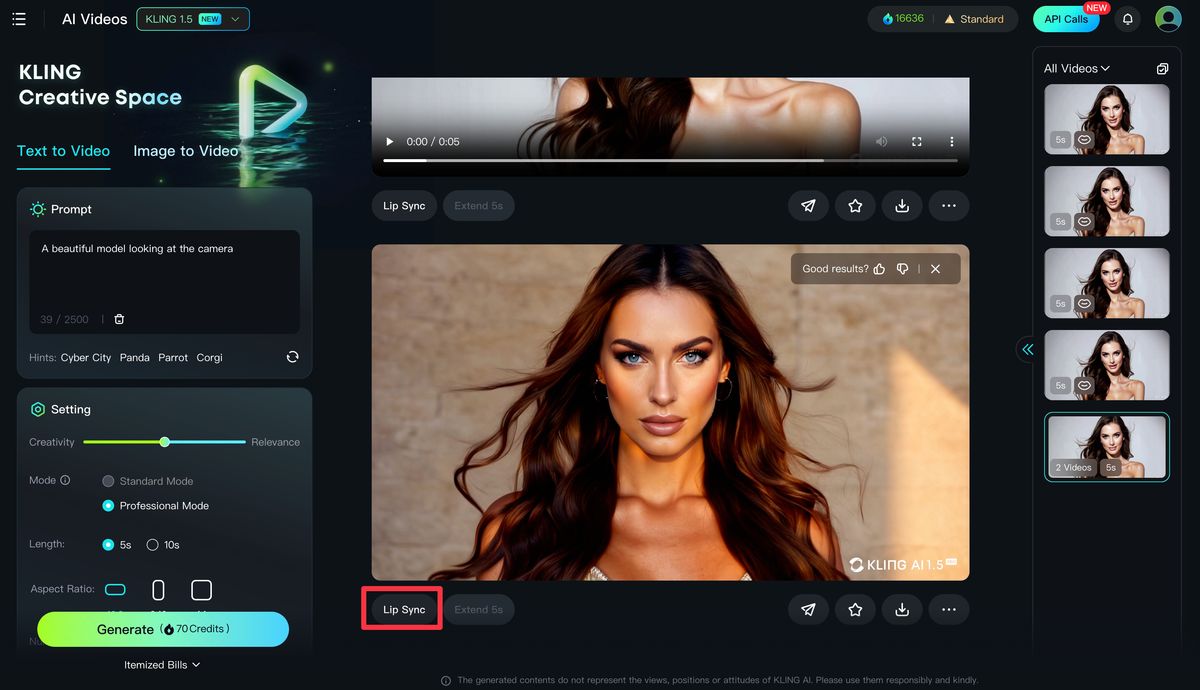
2) In the popup, click on "Text to Speech" to generate a voiceover, or upload a local voiceover/singing file.
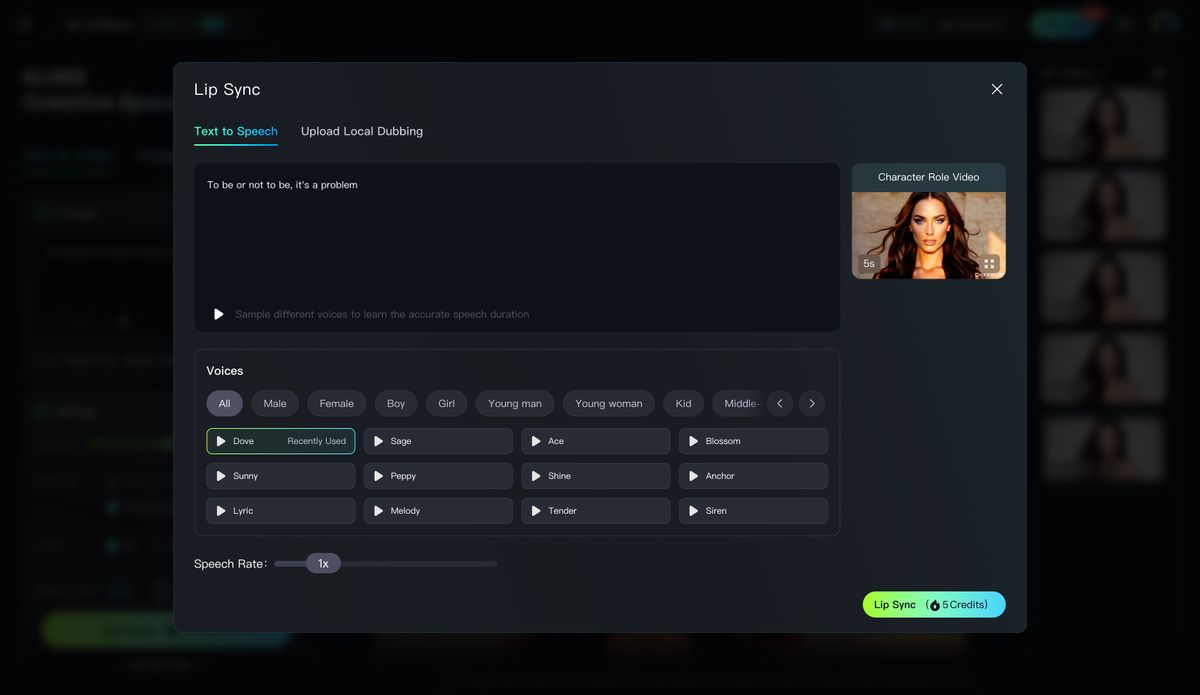
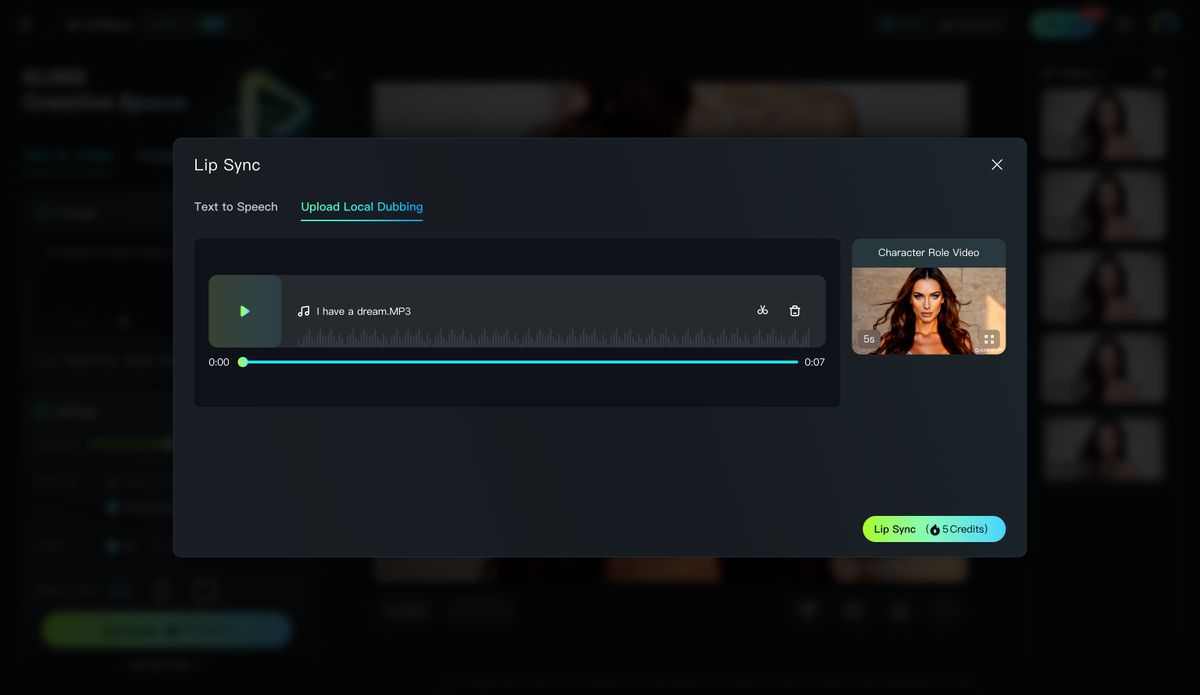
The provided "Voices" are generated by AI, which are ultra-realistic, supporting speed adjustments in the range of 0.8x to 2.
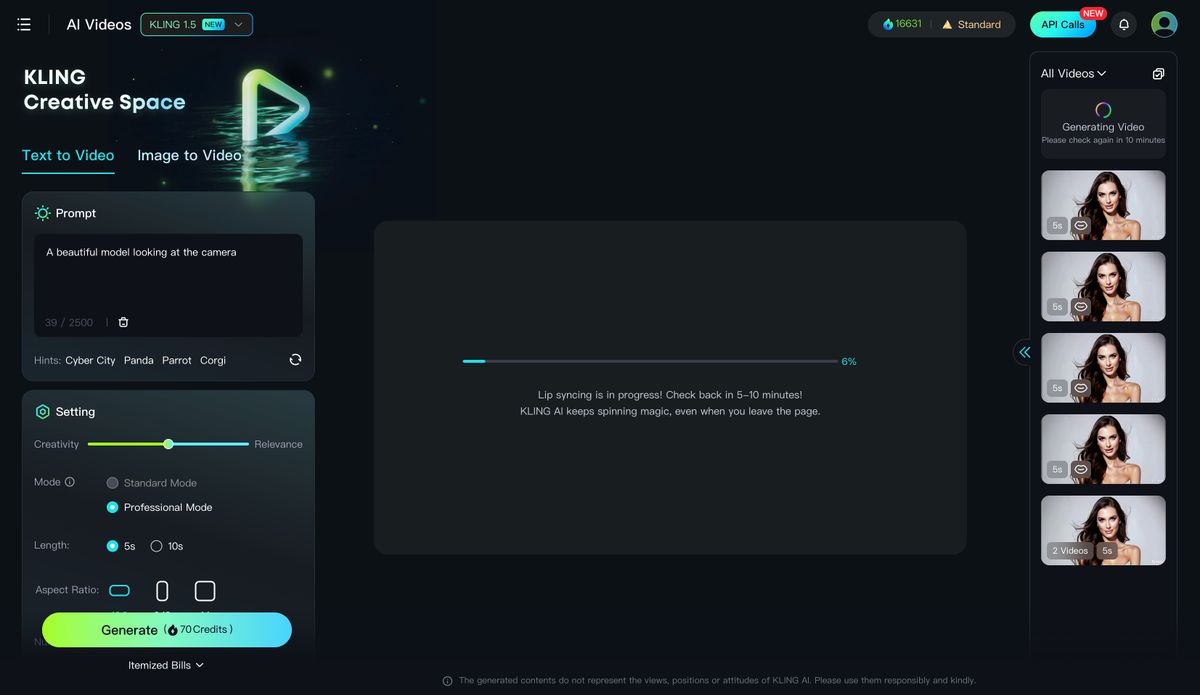
3) Click on "Lip Sync", wait a few minutes, and you'll have perfect synchronization between the lip movements and the audio
Note: Lip Sync is a paid feature, and the price depends on the video length.
A 5-second video costs 5 inspiration credits for lip-syncing, while a 10-second video costs 10 inspiration credits.
If the audio you upload or generate from the text exceeds the video length, audio cropping is supported.
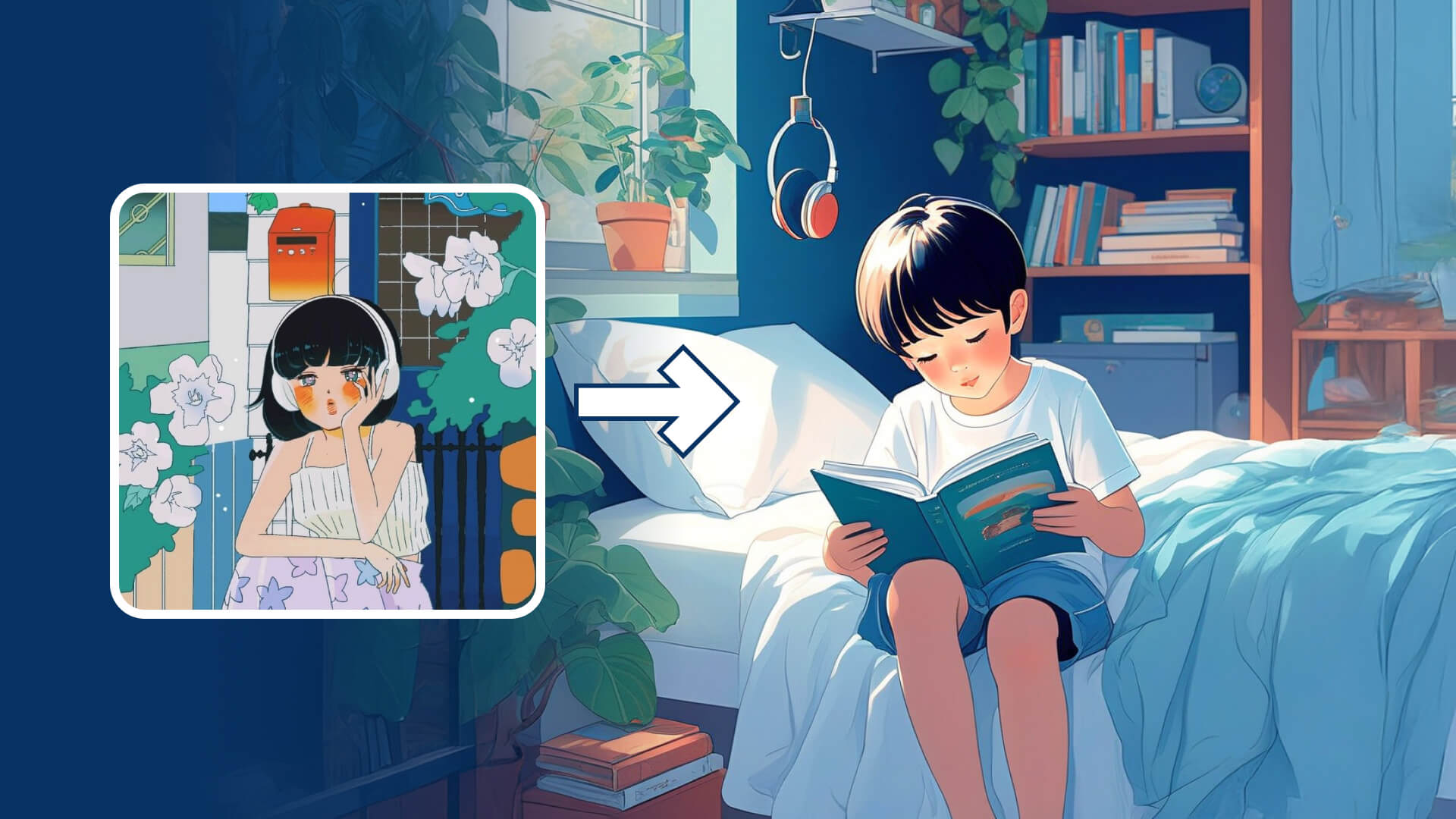
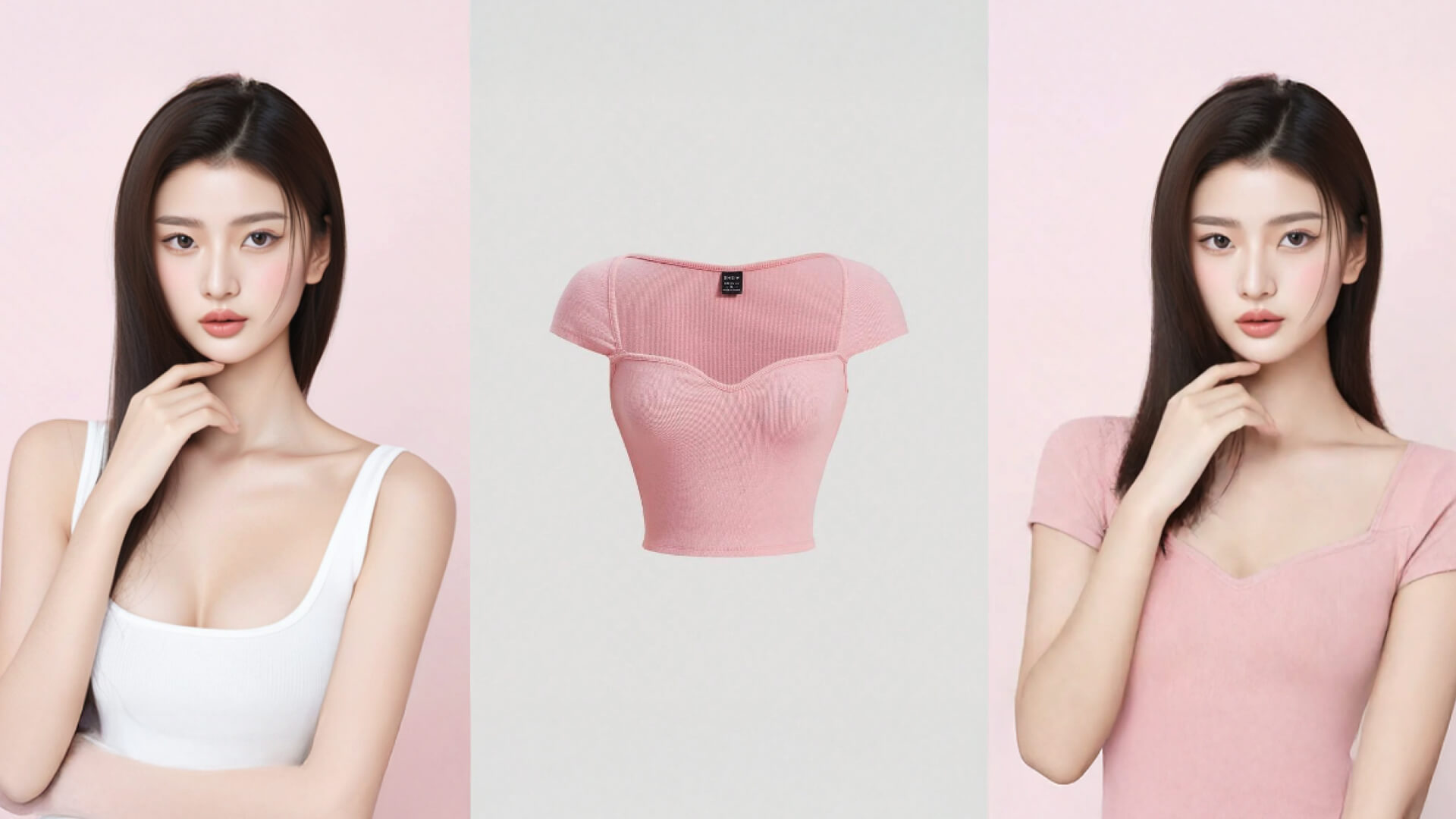
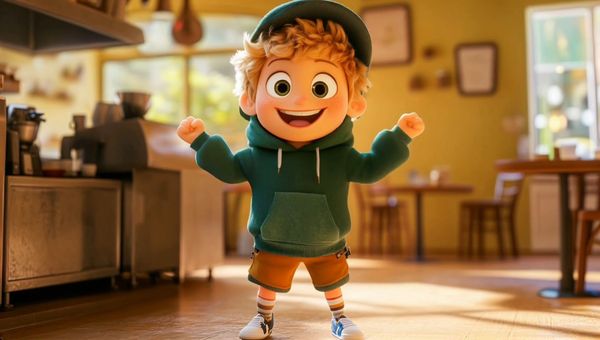
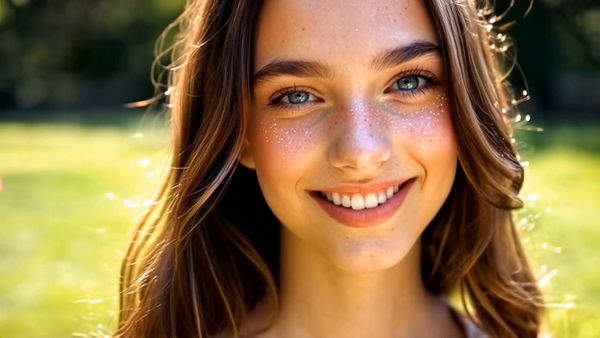
Check out the following lip-sync examples, unleash your imagination, and create your own captivating lip-sync videos.
  |  |
 |  |
- Tips
- Lip Sync is available for the videos generated in Kling 1.0 and Kling 1.5, provided the character's face is complete.
- Lip Sync is available for human characters (real/3D/2D), but not for animal characters.